How to Connect Your Child’s iOS Device for Monitoring
A step-by-step guide to setting up the Bark Desktop App so Bark can analyze texts, photos, and videos.


WHAT YOU’LL NEED
Your kid’s iOS device

1. Download the Bark Desktop App
To get started, download the Bark Desktop App onto your home computer.
This app lets Bark look for potential issues on your kid’s phone. It scans everything saved to the device (like texts and photos) at that moment so that Bark can analyze them for potential issues.
After this first-time set-up, Bark will scan your child’s device automatically over Wi-Fi whenever they’re home and connected to the network.

2. Install It

Mac
- Double-click the downloaded Bark Desktop App file.
- Double-click the Bark logo.
- Follow the on-screen instructions.

Windows
- Double-click the downloaded file to begin the installation.
- Follow the on-screen instructions.
- If your computer is running in S mode, it will need to be disabled before downloading the Bark Desktop App.
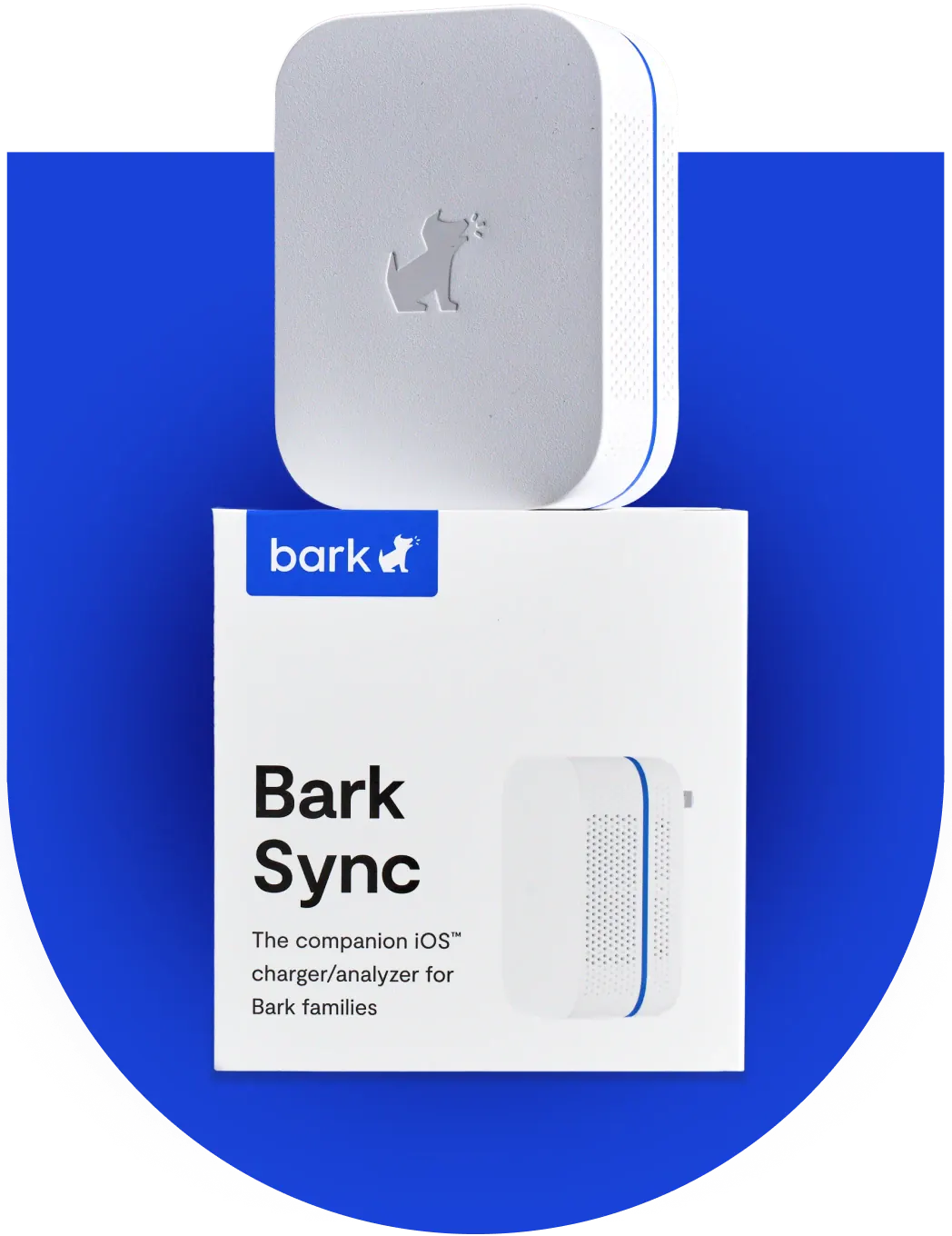
Don’t have a home computer? We’ve got you covered.
The Bark Sync scans your child’s iPhone or iPad for potential dangers like bullying, explicit content, predators, and more while keeping it charged.
3. Connect Your Child’s Device
- Plug in your child’s iPhone or iPad to your computer.
- On the Bark Desktop App click Setting up the first time.
- Follow the on-screen instructions. That’s it!
Why Is Monitoring iOS Devices Different?