
Bark: The go-to app for Chromebook parental controls
Help protect your child online and in real life with the best parental controls on Chromebook.
Featured On:















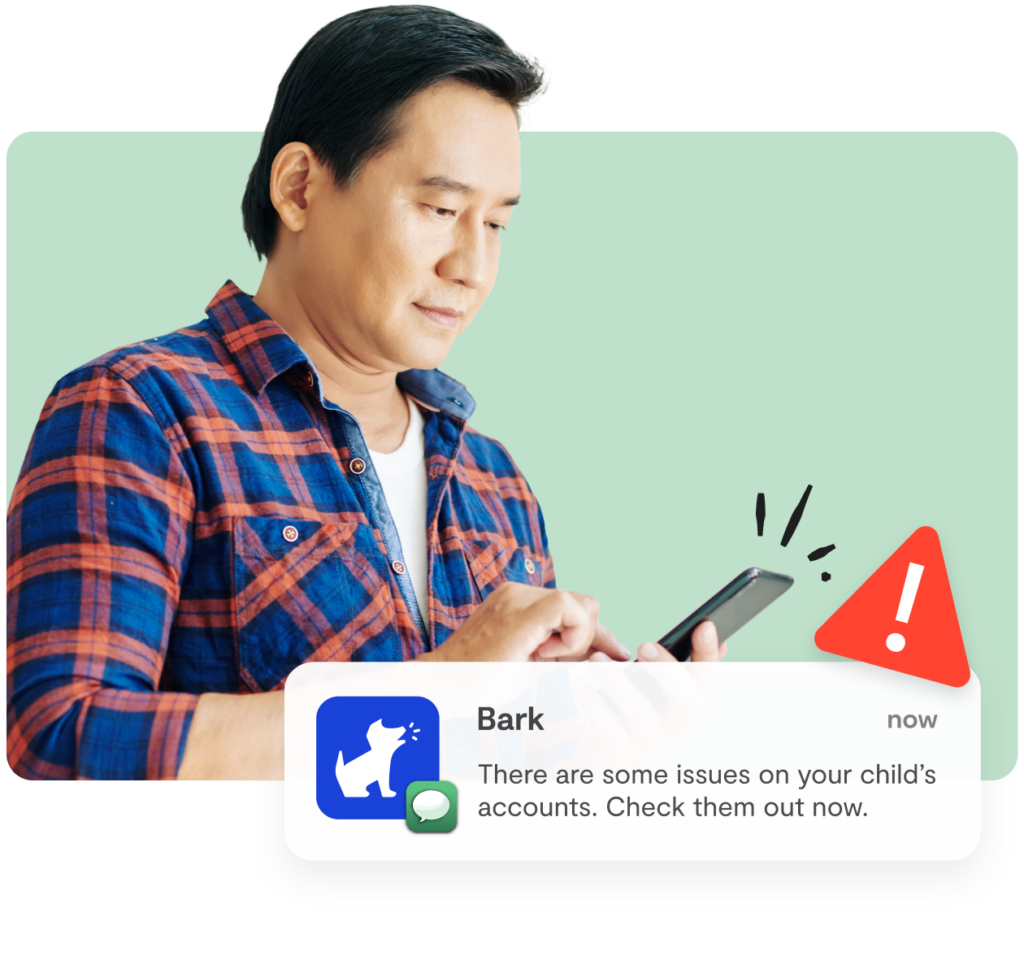

Monitor your child’s Chromebook activity
Bark’s Chromebook parental controls app scans web browsing, searches, saves photos and videos, and connected social media platforms and apps.

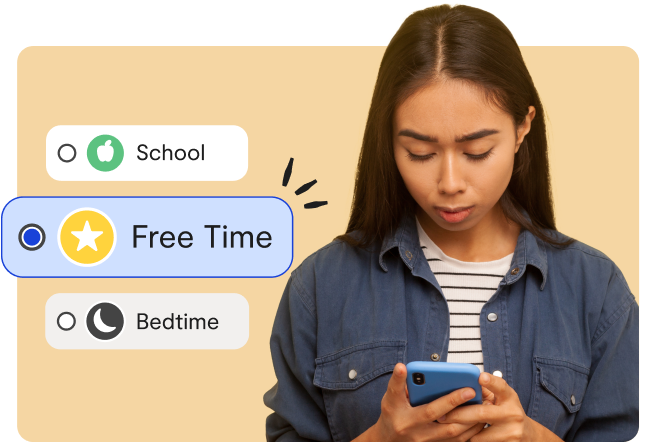
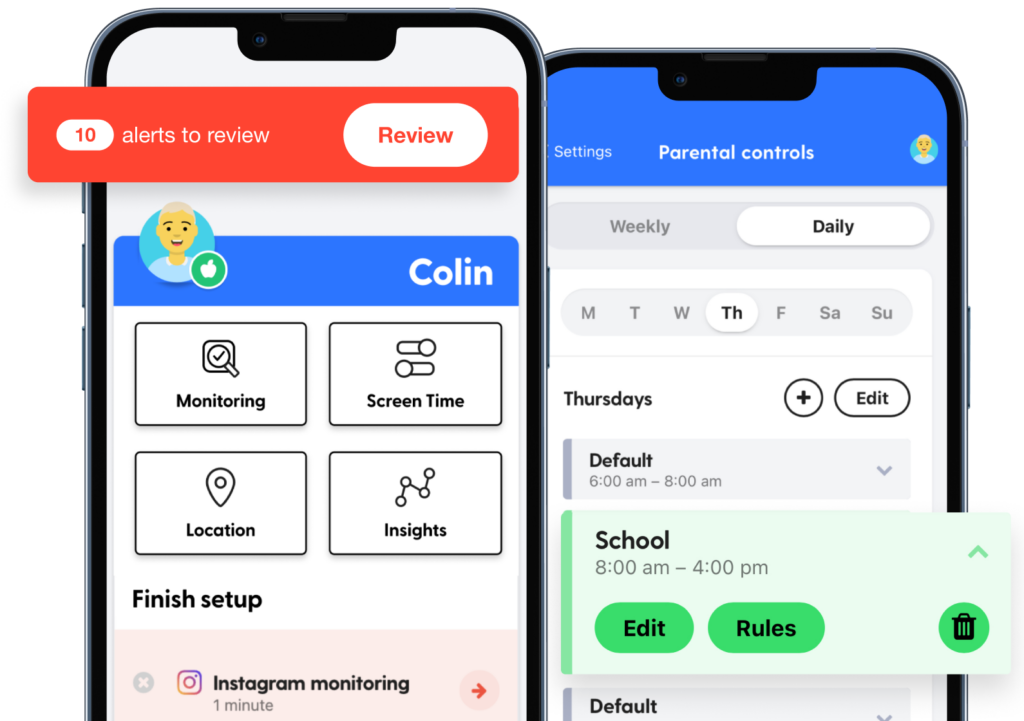
Create Chromebook screen time schedules
Manage when your child can use their Chromebook with schedules like bedtime, school time, free time, and more.
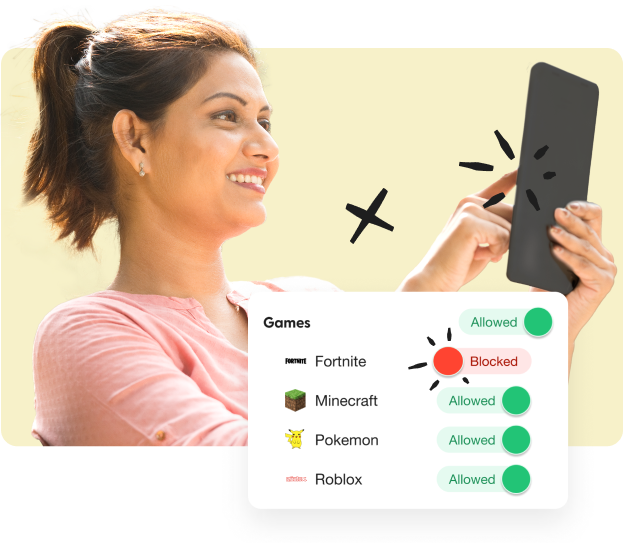

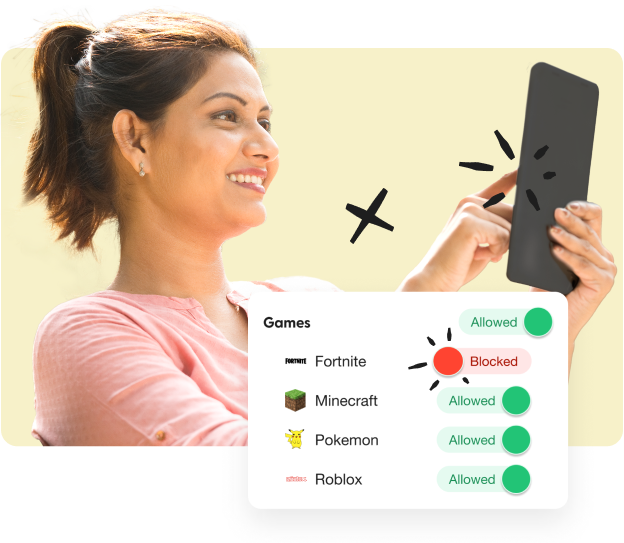
Block inappropriate websites and apps
Our Chromebook parental controls put you in the driver’s seat when it comes to preventing dangerous websites and apps from reaching your kid
A Chromebook parental controls app — and so much more
Your Bark account not only covers your child’s Chromebook, but also their phone and tablet, along with all of your kid’s devices.
Pricing & Details
- Monitor texts, email, YouTube, and 30+ apps and platforms
- Monitor web searches and saved photos & videos
- Receive parental monitoring alerts for issues like cyberbullying, online predators, suicidal ideation, and more
- Get insights into your child’s digital activities
- Learn how to address issues with child-psychologist advice and tips
- Manage screen time
- Block website and apps
- Keep up with kids with location alerts and check-ins
How Bark Stands Out From the Rest

State-of-the-art monitoring
Bark’s industry-leading algorithm scans online activities for dangers.

Add unlimited kids & devices
Don’t worry about new devices — you’ll be covered

Unbeatable support
Our warm and friendly Bark team is ready and waiting to help you out.
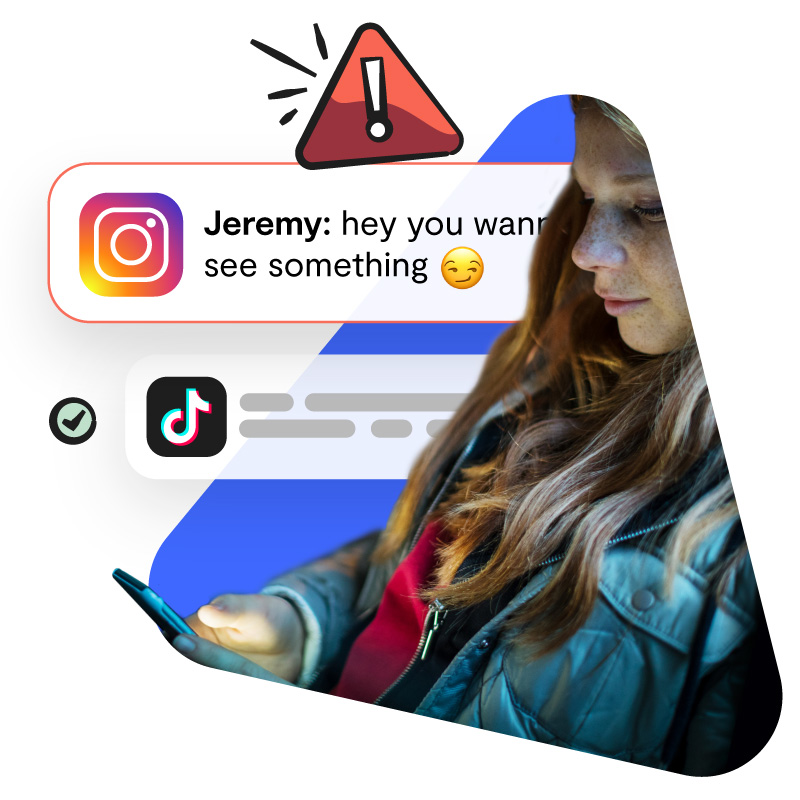
Receive alerts for potential issues
Bark’s parental controls on Chromebook alert you to potential dangers so you can check in with your child and make sure everything is okay..
Get expert advice and tips

Monitoring coverage that’s unmatched
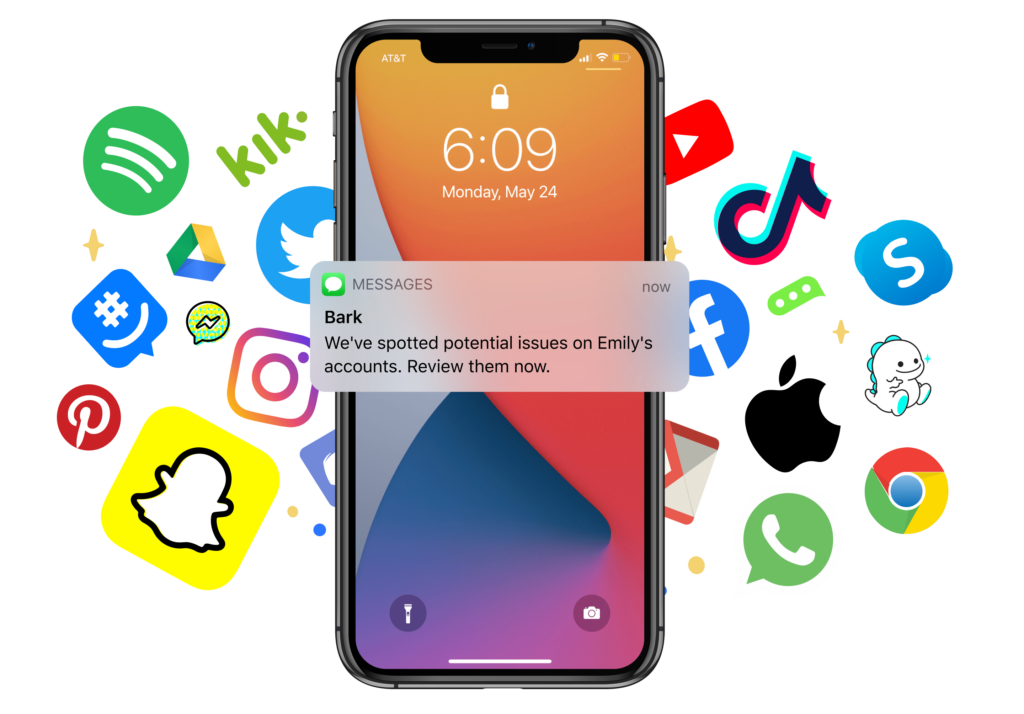
Bark scans texts, emails, and 30+ of the most popular apps and social media platforms for issues like bullying, online predators, suicidal ideation, sexual content, and more. You won’t find stronger Chromebook parental controls.
Why Parents ❤️ Bark
-
Bark is like the Swiss Army knife of my parenting tool box
Bark is like the Swiss Army knife of my parenting tool box. I find a new benefit of having it constantly. It’s the most helpful tool I have in keeping my teenagers safe and helping me stay in the know with their crazy world of technology.
Cassia M.
-
A huge weight lifted
It was like a huge weight was lifted off my shoulders when stumbling across the Bark app.
 Jenna U.
Mom of 3 -
Greater peace of mind
With Bark alerts, I now have peace of mind that my kids’ devices are safe and I don’t have to look at everything.
 Brett K.
Dad of 3 -
Insight and conversation starters
Best of all, the conversations we have regarding Bark alerts give me insight into my child’s world and his relationships.
 Dave C.
Dad of 4 -
It saved our family
I just want to get on here and say PLEASE get Bark online monitoring. Yesterday it saved our family. Out of respect for our son’s privacy I won’t go into details. But I will say this: (1) we are a family who talks about EVERYTHING on the daily, I literally run a non-profit about kids and mental health… (2) he is an AMAZING, thoughtful, kind, sweet person and (3) he almost got into a situation that would have haunted him for the rest of his life. You need the open communication AND Bark to battle modern childhood.
Cindy R.
Watch: How Bark Works
FAQs
Bark’s parental monitoring app cans your child’s text messages, emails, saved photos and videos on their camera roll, and 30+ of the most popular social media platforms and apps
You’ll get an alert if our advanced AI finds a potential issue so you can check in and make sure everything is okay.
Bark Premium is $14/month or $99/year. You can add unlimited kids and connect unlimited devices.
When you purchase a Bark Phone, Bark Premium comes built in and is included in the monthly subscription — plans range from $49–$69 per month.
Bark does work with iOS devices! Because of Apple’s restrictions, setup is a little different and parental monitoring isn’t available on a few social media platforms.
Absolutely! You can completely customize the websites and apps each of your children can access — and when your kid can visit them. Block specific ones or choose from categories like sexual content, gaming sites, and more.
Bark is an all-in-one online safety solution that helps keep kids safe online and in real life. With it, you can monitor content, block websites and apps, set screen time schedules, and set location alerts.
Here at Bark, “monitoring” means that a child’s online activities and messages are scanned for potential issues. Parents don’t get unfettered access to everything on a child’s phone — they only receive alerts for potential issues so they can talk to their kids and make sure everything’s okay. This gives kids privacy and enables families to build trust.
If something concerning is found, you will get alerted if there’s something you need to know about. Examples include texts about bullying, saved Google Drive files with sexual content, and Spotify songs with violent lyrics.
Screen time, on the other hand, means setting a custom schedule of what apps and websites your child can access throughout the day. This could look like “only educational apps during the school day” or “just meditation and music apps after lights out.”

Ready to get started with Bark’s Chromebook parental controls?
See if Bark’s Chromebook parental controls are right for your family with our no-strings-attached, 7-day free trial.
