
NEW!
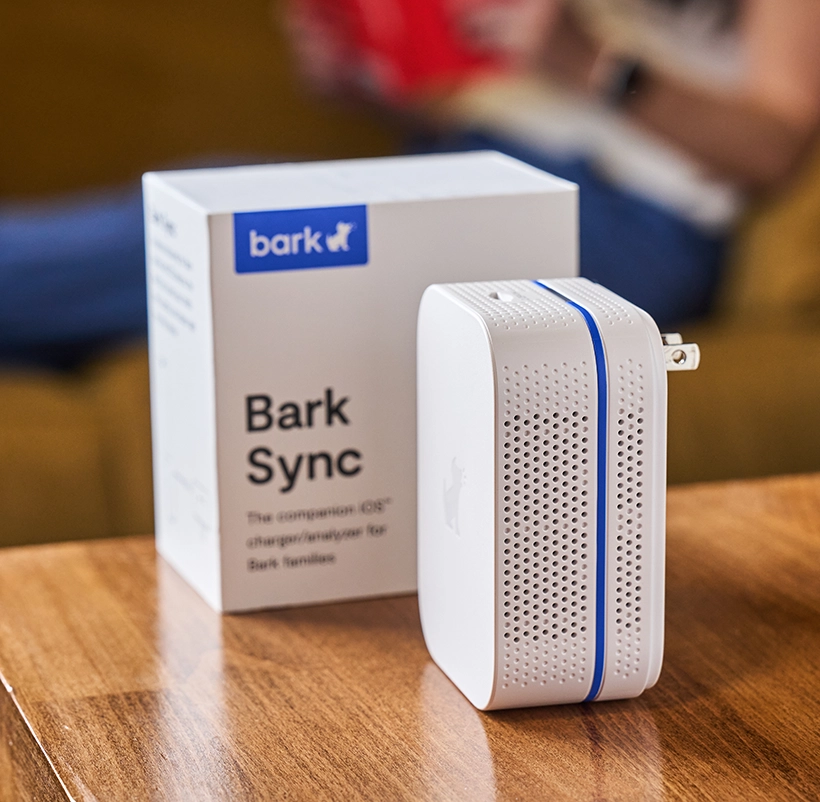
Bark Sync
The simplest way for Bark families to monitor texts, photos, and videos on iOS devices
+ Bark plan
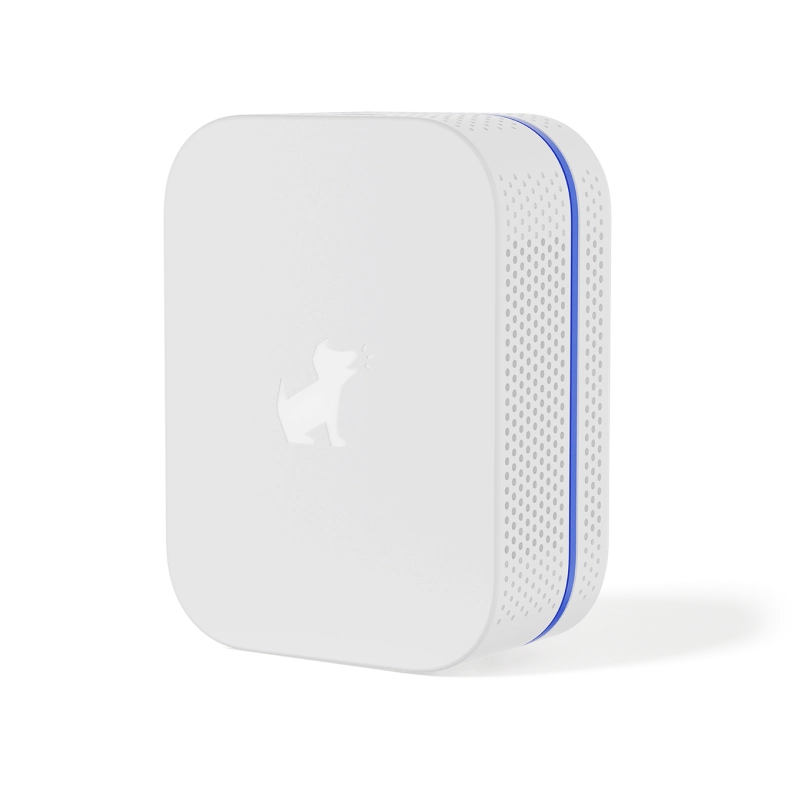
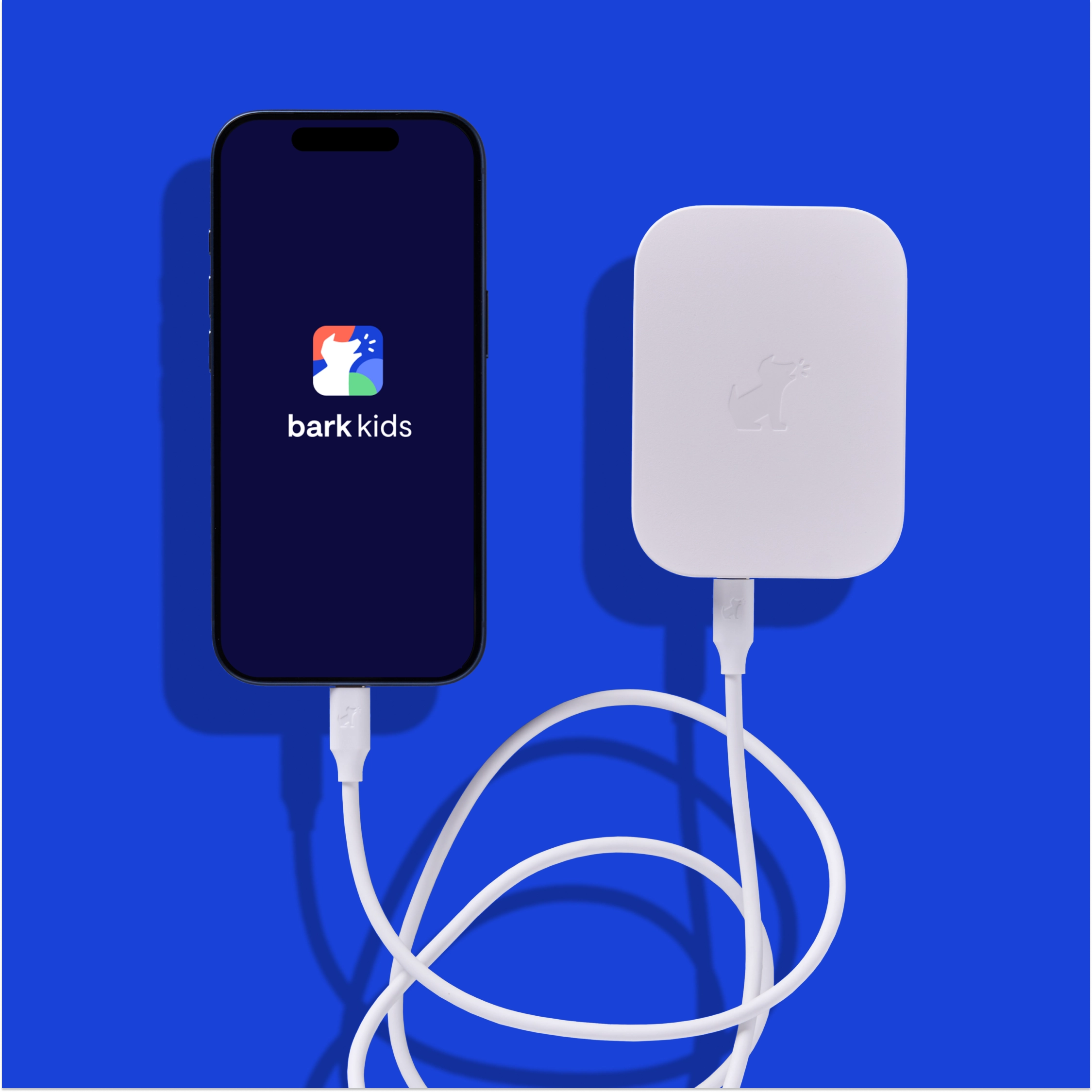
The Bark Sync scans your child’s iPhone or iPad for potential dangers like bullying, explicit content, predators, and more while keeping it charged.
What’s included
- Bark Sync device
- Charging cable & adapter (lightning cord or USB-C)
- Set-up instructions
- Access to tech support
Monitor your child’s iPhone or iPad with ease
Bark Sync was built specifically for Bark families looking for a seamless way to get alerts for dangers in texts, photos, and videos.

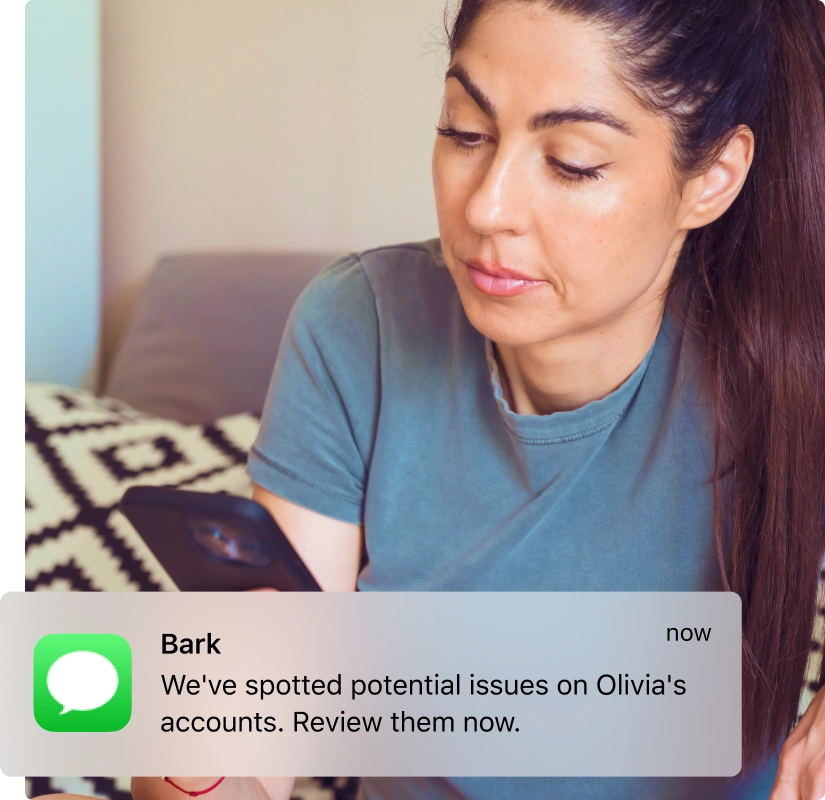
Get alerts for danger
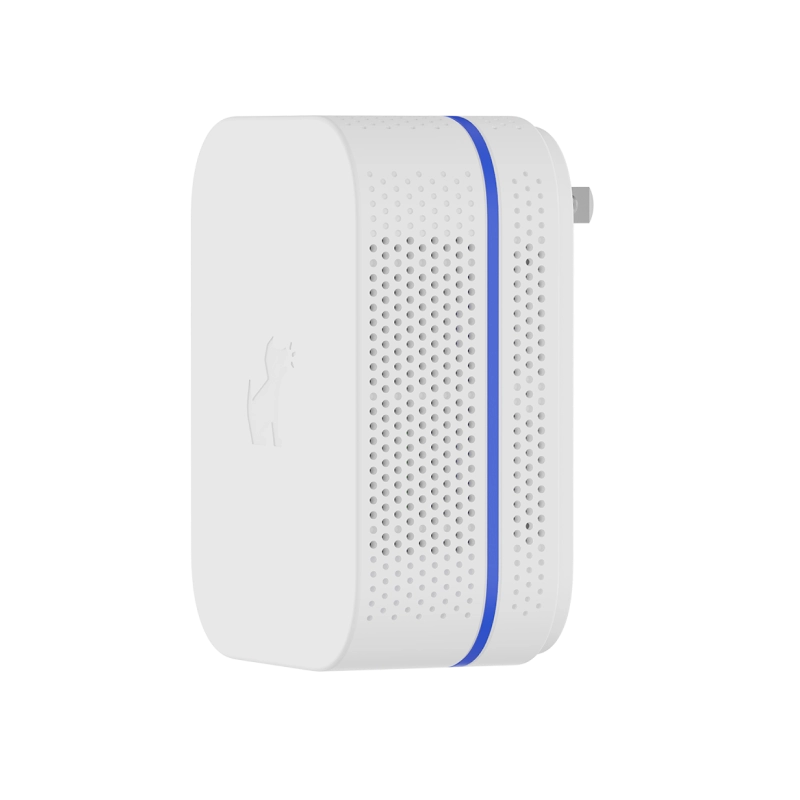
Bark Sync is a smart charger that does more than power your child’s device — it analyzes the content on your child’s phone for potential dangers and sends you alerts.
Protection during every charge
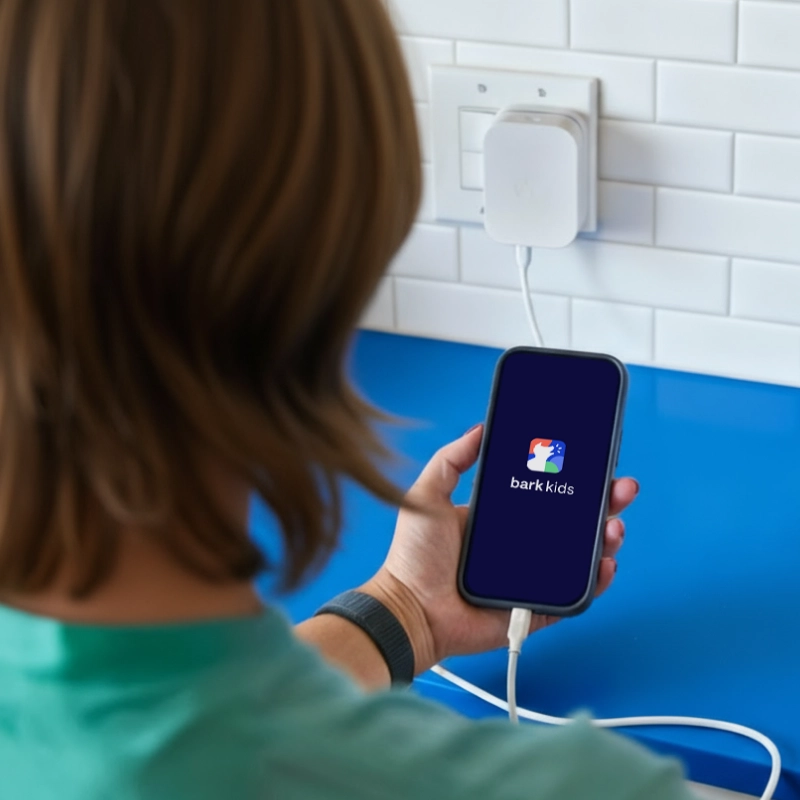
Once the Bark Sync is set up, it will automatically scan your child's device for potential dangers while it's charging.
Manage everything from the Bark app
Review alerts, check device health, and adjust settings — all from the Bark parent app on your phone.

FAQs
The Bark Sync is available for $6/month or $49/year, depending on the plan you choose.
As a reminder, you’ll need a Bark Premium subscription for Bark Sync to work, as well, which is $14/month.
- Bark Sync device
- Charging cable (lightning cord or USB-C)
- Set-up instructions
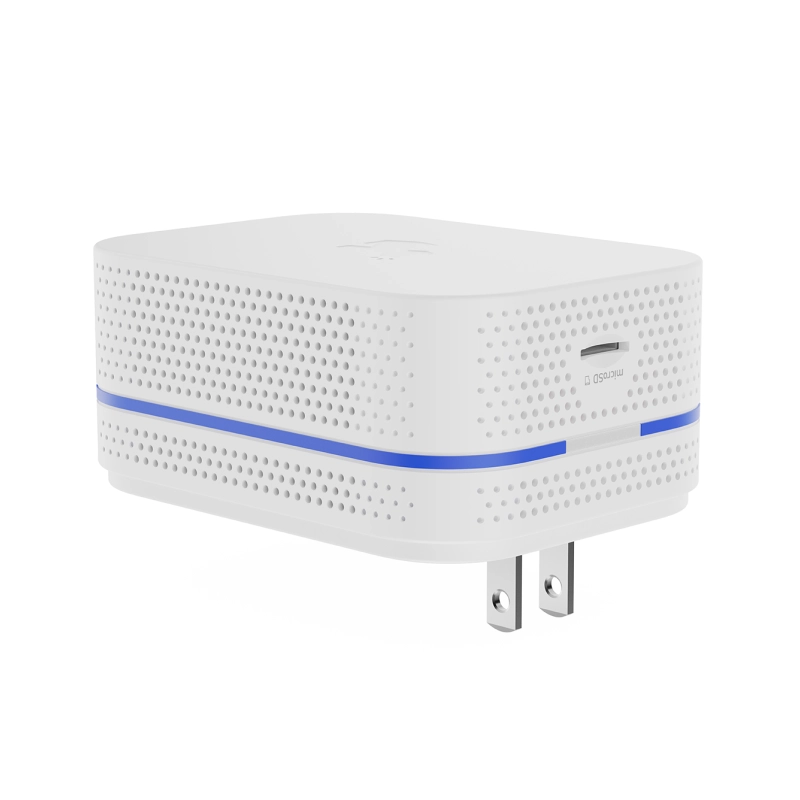
It's a small device that scans your child's iPhone or iPad while it charges, then sends the data to Bark for analysis via Wi-Fi. The Bark Sync can monitor:
- Text messages
- Saved photos and videos
- Voice memos
- Notes app
- KIK
Note: You’ll still need to connect your child’s other social media accounts and apps for Bark to monitor those.
Nope! Once you've set it up, Bark Sync handles everything automatically. The only requirement is that the device needs to be plugged in for Bark Sync to scan it—so make sure your child plugs in to charge daily.
Want to run a scan right away? Just plug in the device and tap "Scan" in the Bark parent app. If it's been more than 3 hours since the last scan, it'll start automatically as soon as you plug it in—no button needed.
They can! Alerts may just be delayed until each iOS device can be plugged in and scanned.
We recommend each child have a Sync, however, to maximize monitoring time.
Yes, you'll just need to connect the Bark Sync to a local Wi-Fi network.
For frequently visited places, like a co-parent’s house, the Bark Sync automatically remembers and connects to previously used Wi-Fi networks.
The Bark Home is a standalone device you connect to your home Wi-Fi router to manage internet activity on TVs, gaming consoles, computers, and tablets.
The Bark Sync is a portable device that enables Bark to scan your child’s iOS device and monitor content for potential dangers while it’s charging.
For the best experience, we recommend using the cable that comes with your Bark Sync. While other cables may work, we can only guarantee full functionality with the included one.
The Bark Sync has a 60-day, money-back return policy. Fees may apply if the device is damaged.
