Apple makes monitoring hard.
We made it easy.
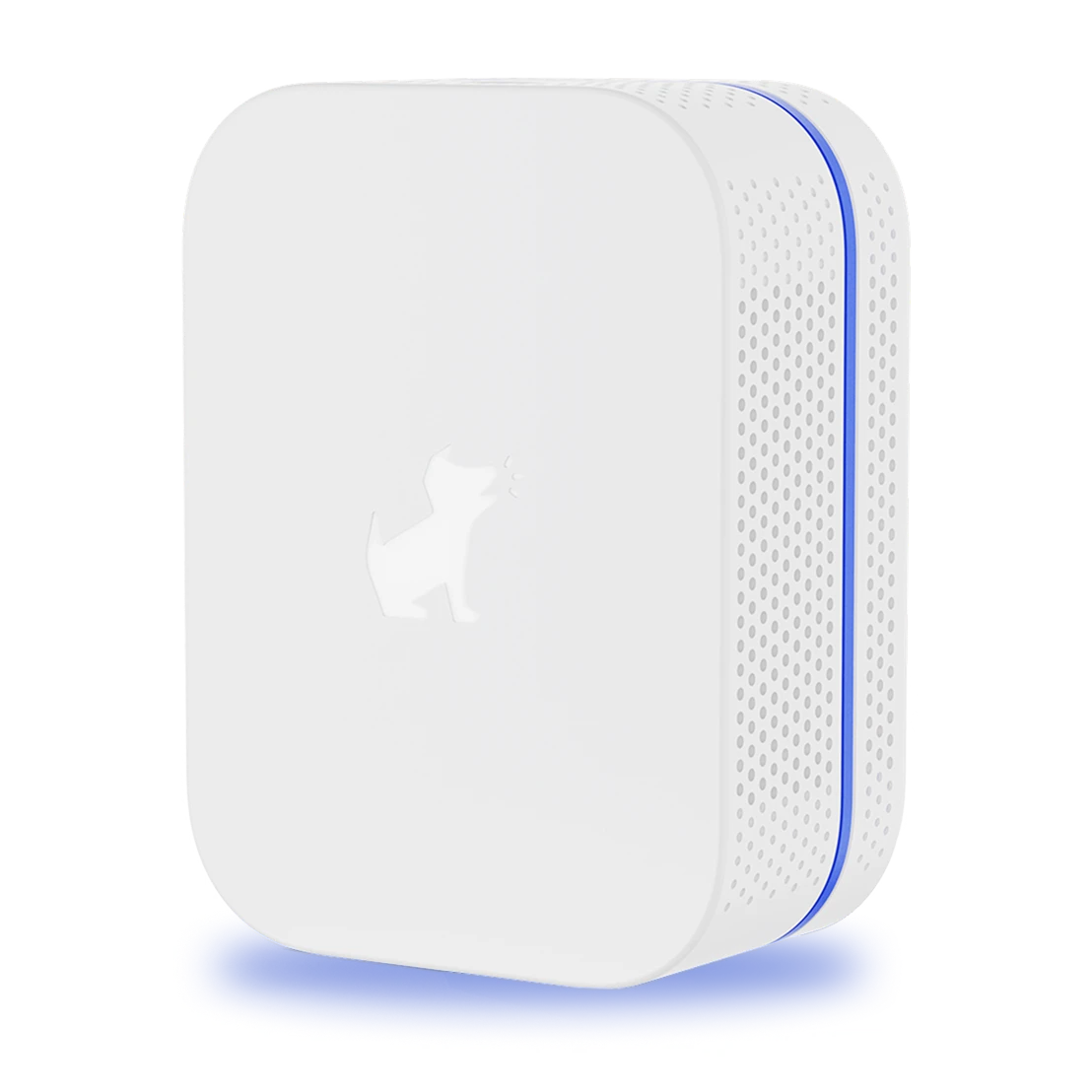
Apple doesn't let third-party apps read what's on your kid's iPhone or iPad. Bark Sync is a smart charger that gets around that — quietly scanning for danger every time the device plugs in.
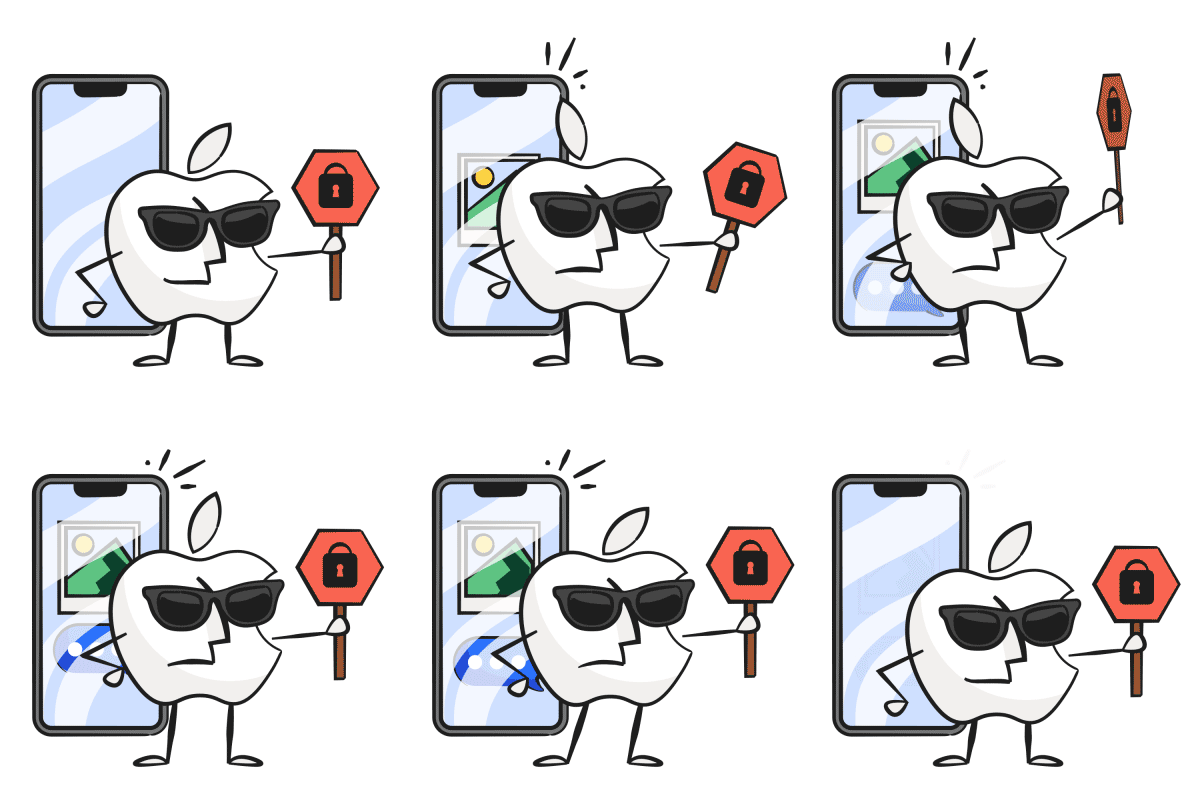
Apple is built for privacy.
Not for protecting kids.
iPhones and iPads are designed so that no third-party app can read your child's messages, photos, or files. That's great for security — but it leaves parents without visibility when it matters most.
Plug in to charge.
We handle the rest.
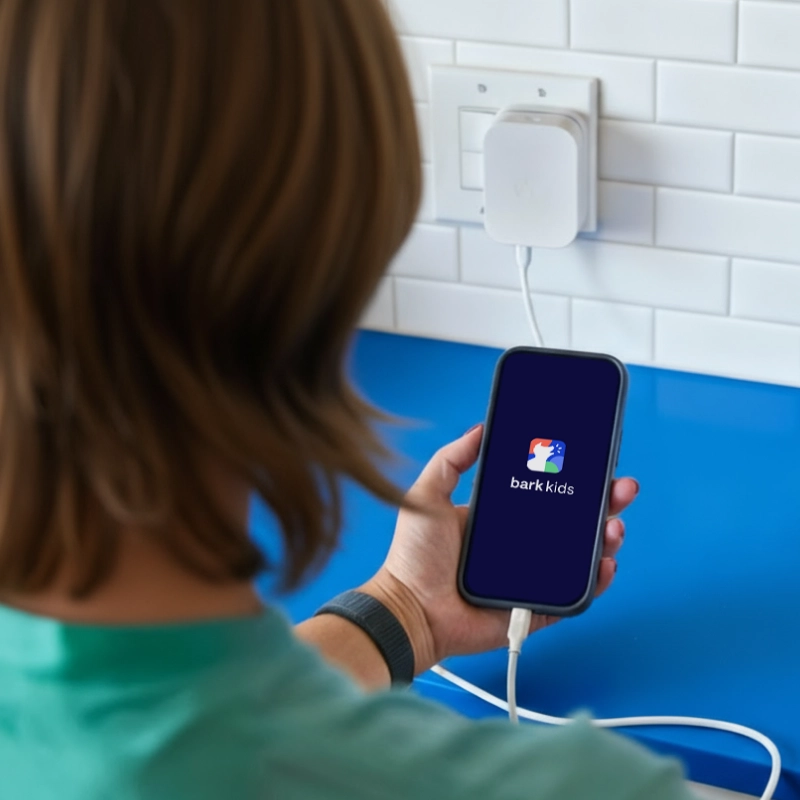
Bark Sync replaces your child's everyday charger. Every time they plug in, it scans their device and sends what matters to you. One simple setup. No daily effort for you or your kid.
- Scans texts, photos & videos
- Voice memos & Notes app
- Works over wi-fi
- Manage everything from the Bark app
Set it up in minutes.
After the first setup, Bark Sync runs completely on its own. Every charge is a scan — you just see the results that matter.
-
Your kid charges like normal
They use Bark Sync as their everyday charger. Once it's set up, there's nothing else for them to do.
-
Bark scans in the background
The moment the phone plugs in, Bark Sync scans the device over your home wi-fi — quietly and automatically.
-
You get alerts that matter
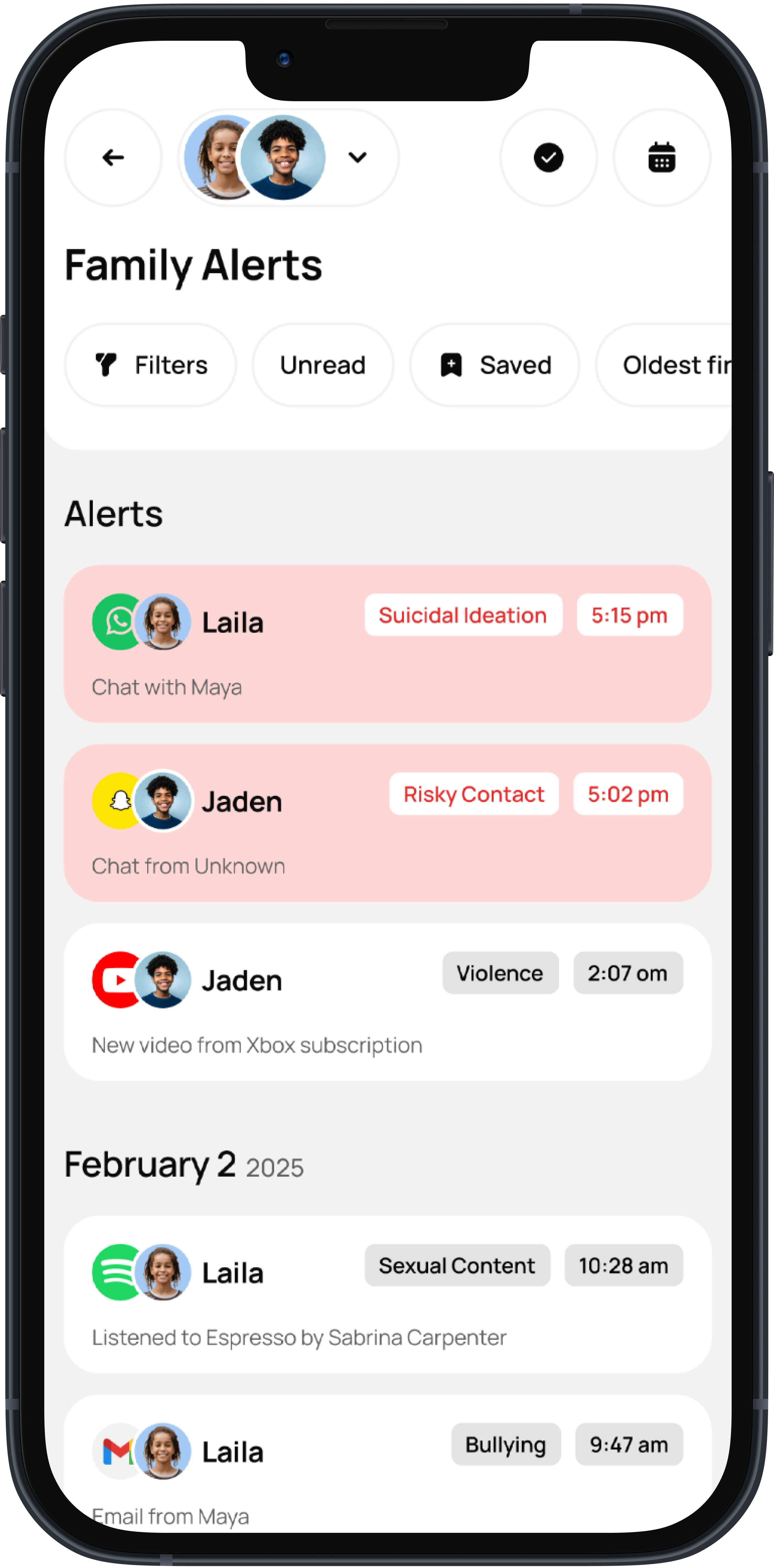
If something comes up — bullying, predators, self-harm signals — you get a clear alert with context and next steps.
Only the alerts that actually need your attention.
Bark doesn't flood you with every message — instead it's advanced monitoring that flags potential issues you need to know about.
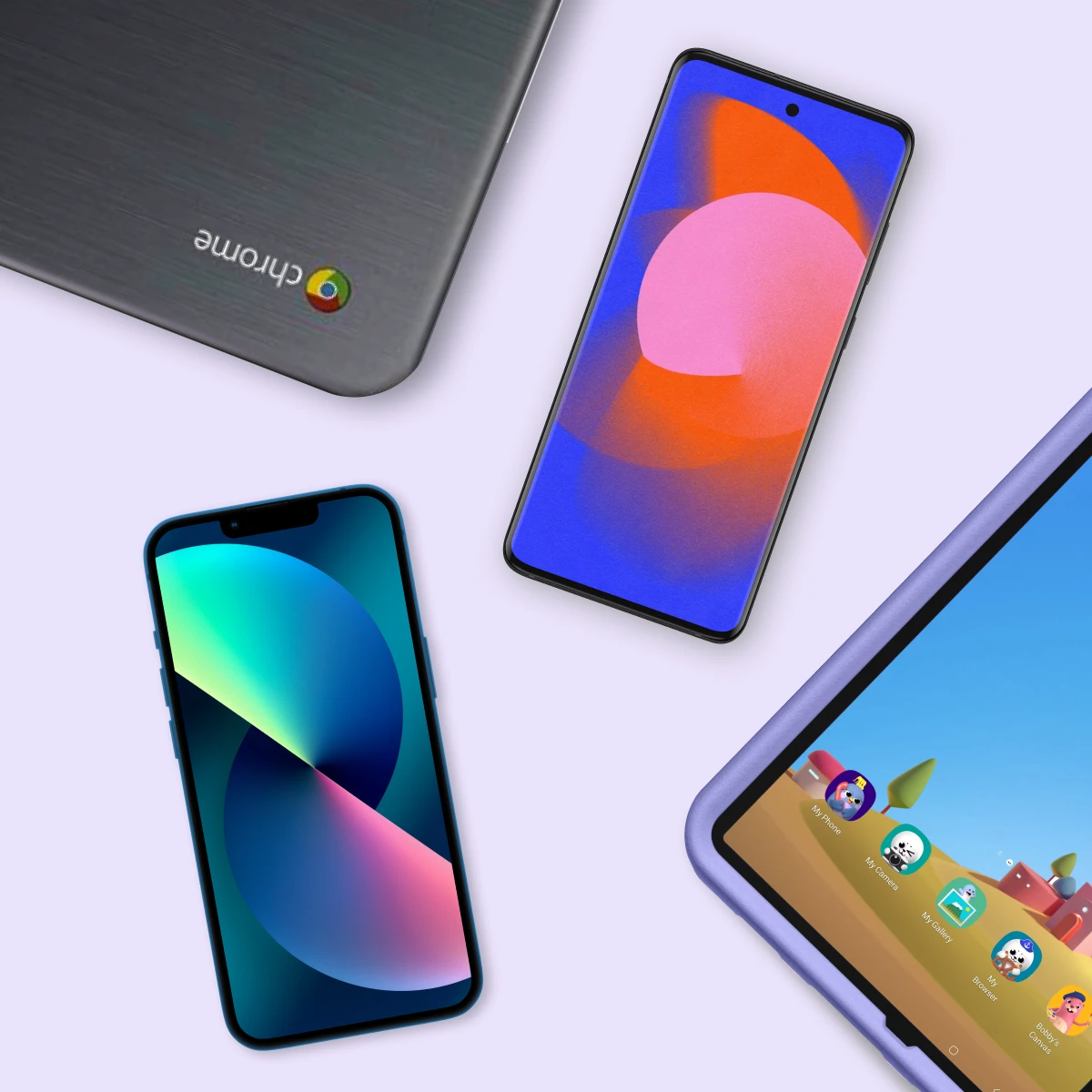

One subscription covers all your family's devices.
Monitor all the additional devices your kids might have including Androids, Chromebooks or Amazon Fire tablets. One subscription covers unlimited devices.

Their iPhone. Your peace of mind.
Bark Sync makes sure you still know what's going on — without becoming the parent who reads every single message.
"I have been impressed with this app over and over again. Some of the things it was capturing from my son's phone and alerting me to would have certainly gone undetected on a different service."
– Russell S.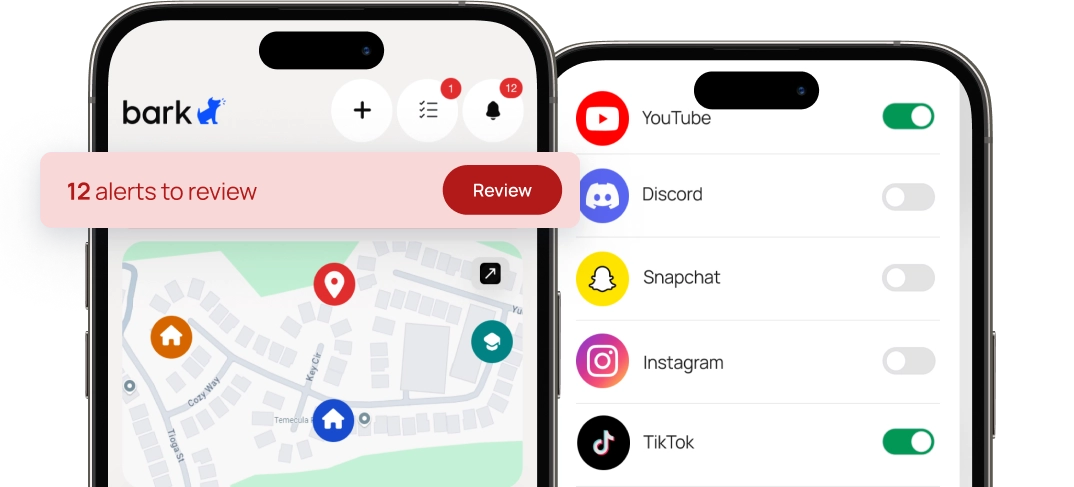
- Scans texts, photos & videos
- Voice memos & Notes app
- WhatsApp & Kik monitoring
- Works over wi-fi
- Manage from the Bark parent app
- Bark Sync hardware included
- Monitor unlimited devices with one subscription
FAQs
The Bark Sync is available for $6/month or $49/year, depending on the plan you choose.
As a reminder, you’ll need a Bark Premium subscription for Bark Sync to work, as well, which is $14/month.
- Bark Sync device
- Charging cable (lightning cord or USB-C)
- Set-up instructions
It's a small device that scans your child's iPhone or iPad while it charges, then sends the data to Bark for analysis via Wi-Fi. The Bark Sync can monitor:
- Text messages
- Saved photos and videos
- Voice memos
- Notes app
- KIK
Note: You’ll still need to connect your child’s other social media accounts and apps for Bark to monitor those.
Nope! Once you've set it up, Bark Sync handles everything automatically. The only requirement is that the device needs to be plugged in for Bark Sync to scan it—so make sure your child plugs in to charge daily.
Want to run a scan right away? Just plug in the device and tap "Scan" in the Bark parent app. If it's been more than 3 hours since the last scan, it'll start automatically as soon as you plug it in—no button needed.
They can! Alerts may just be delayed until each iOS device can be plugged in and scanned.
We recommend each child have a Sync, however, to maximize monitoring time.
Yes, you'll just need to connect the Bark Sync to a local Wi-Fi network.
For frequently visited places, like a co-parent’s house, the Bark Sync automatically remembers and connects to previously used Wi-Fi networks.
The Bark Home is a standalone device you connect to your home Wi-Fi router to manage internet activity on TVs, gaming consoles, computers, and tablets.
The Bark Sync is a portable device that enables Bark to scan your child’s iOS device and monitor content for potential dangers while it’s charging.
For the best experience, we recommend using the cable that comes with your Bark Sync. While other cables may work, we can only guarantee full functionality with the included one.
The Bark Sync has a 60-day, money-back return policy. Fees may apply if the device is damaged.