
The iPhone Parental Control App from Bark
Looking for an iPhone parental control app to help keep your kid safe online? Bark’s comprehensive features will help you monitor content, block websites, set screen time limits, and enable location sharing! Keep reading to learn more about Bark’s iPhone parental monitoring app.
Featured On:














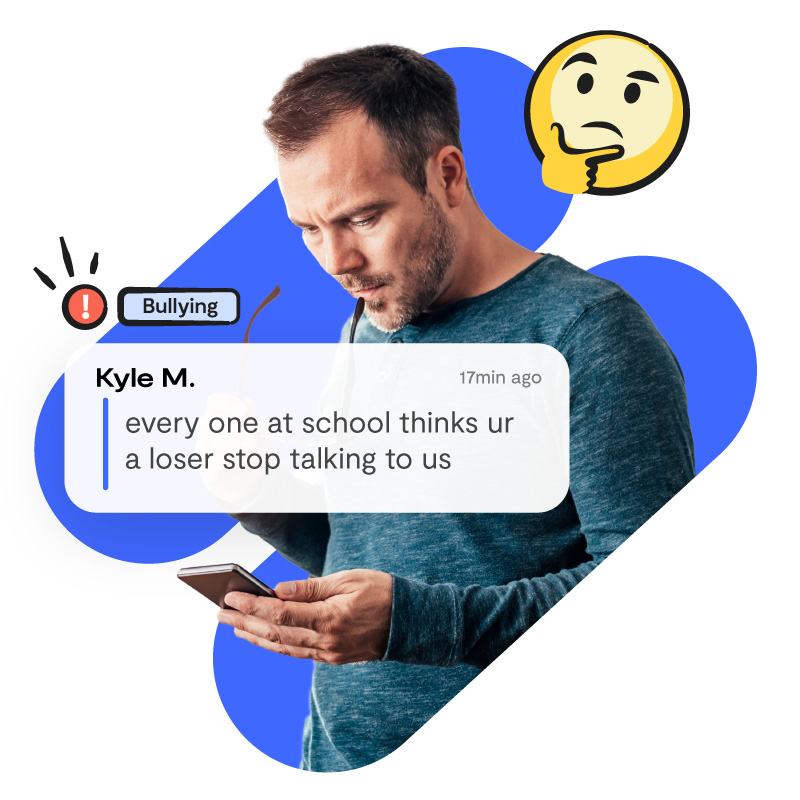
Content Monitoring
Bark’s iPhone parental monitoring app lets you:
- Receive alerts if your child encounters porn, cyberbullying, drugs, online predators, and more
- Get key insights into your child’s online world so you can support them as they navigate technology
- Be alerted about inappropriate emojis and slang terms your kid uses
- Much more!
App & Website Blocking
With Bark’s iPhone parental control app, you can:
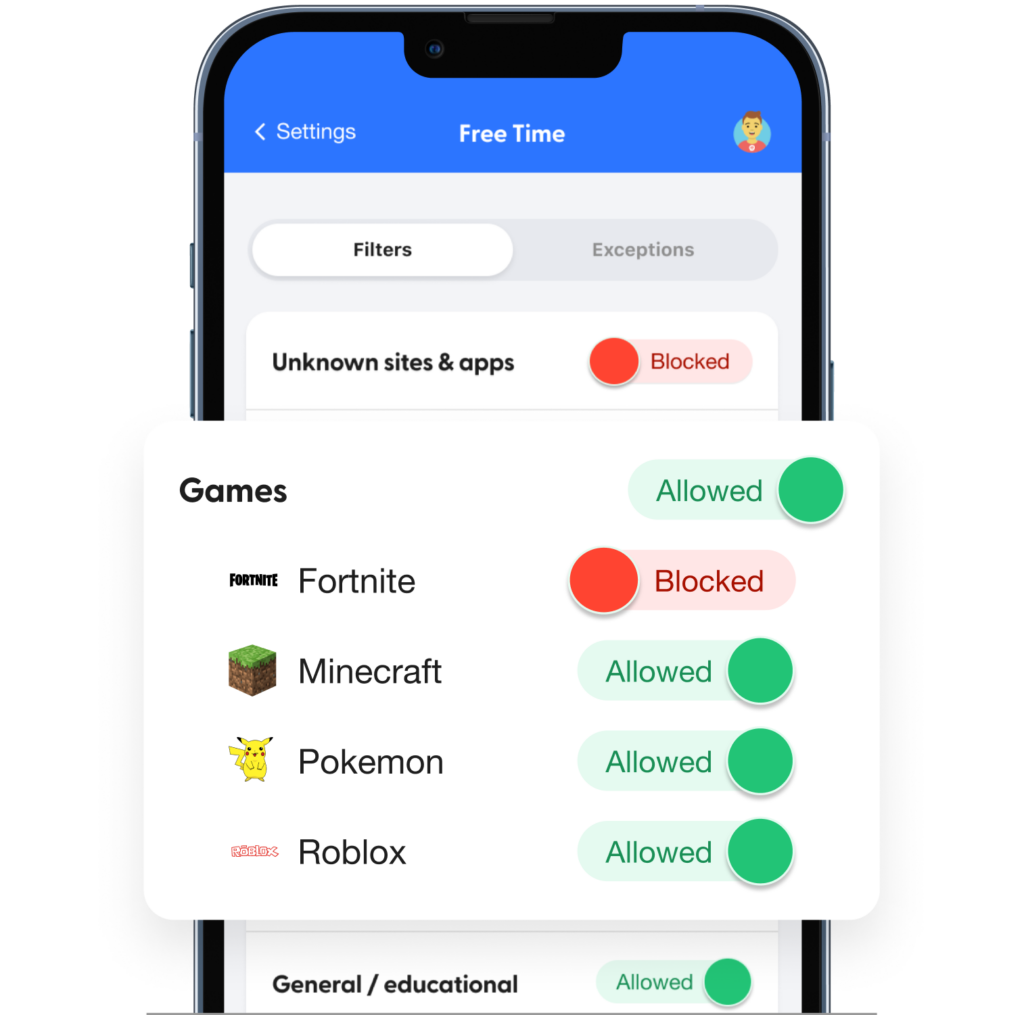
- Block specific websites and apps (like Pornhub.com or Discord)
- Block entire categories of websites and apps (like sexual content or gaming)
- See which blocked sites your child has attempted to access
- Customize when apps and sites are blocked when with screen time schedules
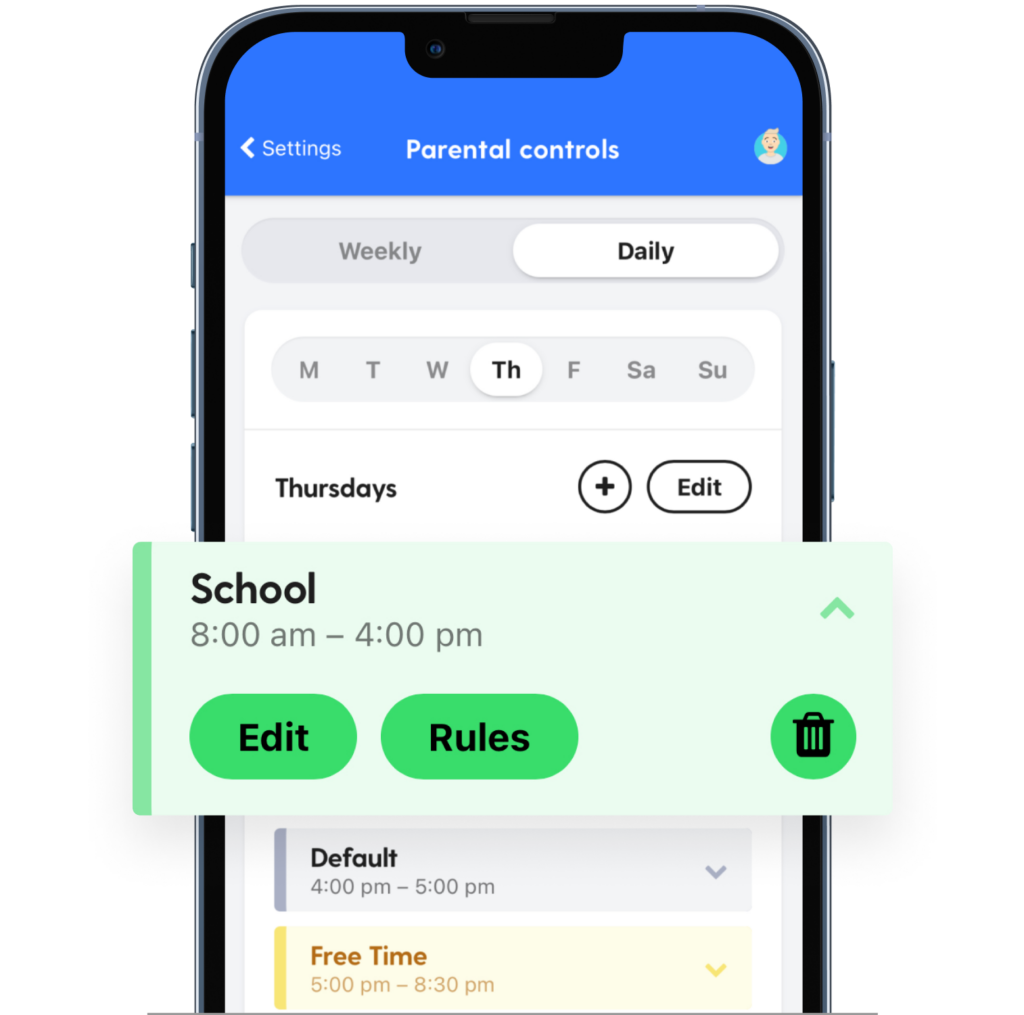
Customizable Screen Time Rules
As most parents know, the same screen time rules don’t always work for different kids. That’s why we really lean into the amount of customization you can do with our screen time rules. Adjust what your child can use and when based on their schedule, maturity, and needs.
When most parents think about an iPhone parental monitoring app, they think of screen time management, but Bark’s features include so much more.
Location Sharing
You’re busy! You probably don’t have a whole lot of extra time to watch your kid move in real time on a map.
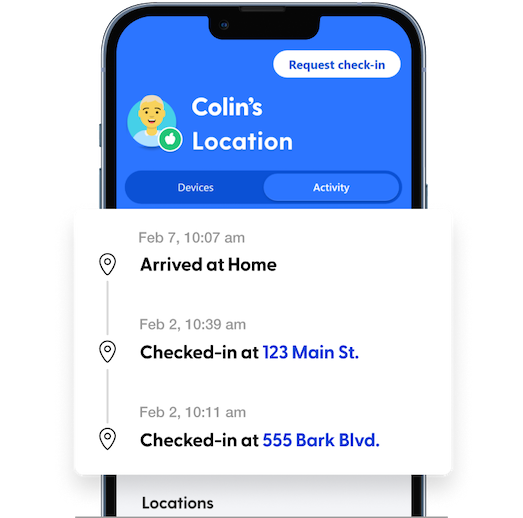
With location alerts, we make sure you have the most important information about your child’s location so you can keep them safe while they’re on the move.
This feature in Bark’s iPhone parental control app toolbox notifies you when your child arrives at or leaves a set location!
What Parents Are Saying
-
Insight and conversation starters
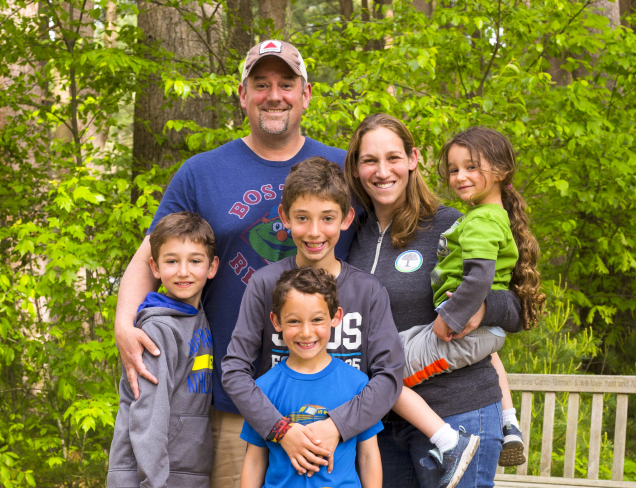
Best of all, the conversations we have regarding Bark alerts give me insight into my child’s world and his relationships.
 Dave C.
Dad of 4 -
[Bark] saved our family
“I just want to get on here and say PLEASE get Bark online monitoring. Yesterday it saved our family. Out of respect for our son’s privacy I won’t go into details. But I will say this … he almost got into a situation that would have haunted him for the rest of his life.”
Cindy R.
-
Bark is like the Swiss Army knife of my parenting tool box
Bark is like the Swiss Army knife of my parenting tool box. I find a new benefit of having it constantly. It’s the most helpful tool I have in keeping my teenagers safe and helping me stay in the know with their crazy world of technology.
Cassia M.
-
Greater peace of mind
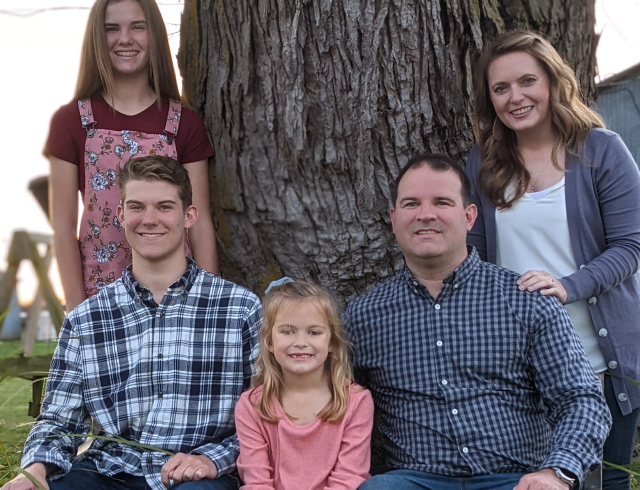
With Bark alerts, I now have peace of mind that my kids’ devices are safe and I don’t have to look at everything.
 Brett K.
Dad of 3
Our Products & Prices
Bark App – Premium / Android
Comprehensive monitoring & parental control solution.
- Monitor texts, email, YouTube, and 30+ apps and platforms
- Monitor web searches and saved photos & videos
- Receive alerts for issues like cyberbullying, online predators, suicidal ideation, & more
- Get insights into your child’s digital activities
- Keep up with kids with real time GPS tracking & location alerts
- Manage screen time
- Block websites and apps
- Monitor unlimited devices and kids with one subscription
- Manage everything from the Bark parent app
Bark App – Jr
Our entry-level product is perfect for younger kids.
- Manage screen time
- Filter which websites your kids can visit
- Keep up with kids with location alerts and check-ins
- Monitor texts, email, YouTube, and 30+ apps and platforms
- Get alerts for issues like cyberbullying, online predators, suicidal ideation, and more
The Best iPhone Parental Control App
Forbes, The Wall Street Journal, Good Morning America, and countless others have featured our groundbreaking parental control app.
iPhone Parental Control App FAQs
Bark's parental controls for iOS let you manage screen time, block websites and apps, and track your child's location 24/7, all from the Bark app.
To get full content monitoring for things like texts, iMessages, photos, videos, WhatsApp messages, and Kik messages, you'll also need the Bark Sync. Apple's strict privacy restrictions prevent third-party apps from directly monitoring iOS devices, which is why we built it: a smart charger that scans your child's iPhone or iPad each time it plugs in to close that gap.
Some platforms require you to connect by entering your child's login credentials during setup. We'll let you know during setup which ones need this.
Once everything's set up, if something concerning is found, you'll get a timely alert so you can check in and make sure everything is okay. Learn more about what Bark monitors on iOS devices here.
Together, these features build a powerful digital safety net to help you protect your child online and in real life.
With Bark's help, you sure can! Bark is the best iOS parental control app for managing your kid's iPad use. That might mean setting screen time limits (like no YouTube during school hours or no TikTok after bedtime), blocking websites with pornographic content, or receiving alerts if your kid's online activities include something like online predation or suicidal ideation.
Whatever you need to do to help protect your child's iPad, Bark can support you.
Setting parental controls for iOS can feel daunting, but Bark is here to walk you through everything!
If you're just looking to manage your kid's screen time, you can do that by going to Settings —> Screen Time —> Set Up Screen Time for Family on your child's iPhone.
But if you're looking for comprehensive parental controls, Bark can provide content monitoring (you get alerted if your kid runs into predators, cyberbullying, sexual content, and more), app and website blocking, and location sharing — as well as more robust screen time management options! Start your free trial today and we'll walk you through how to get everything set up. To monitor their device, you'll need to have a computer or order a Bark Home.
We believe Bark provides the most coverage of any parent monitoring app for iPhone and iOS devices! It’s also a great alternative to Apple Screen Time or Google Family Link because it lets parents get more granular with screen time limits and blocking.
If your kid has an iPhone or iPad, Bark lets you:
- Monitor texts and saved photos & videos
- Monitor 30+ social media platforms and apps
- Manage screen time
- Block websites and apps
- Track location in real time