
Phones in residential programs
Prepare them for life beyond treatment
Give clients the opportunity to practice using technology with support now, so they leave treatment better equipped to manage it independently.

Phone access can be part of the treatment plan
Keeping phones out of treatment may reduce immediate risks. But at some point, clients will return to a world of texts, social media, apps, relationships, and 24/7 connectivity.
Residential programs are increasingly asking a different question: How do we prepare them for that reality before they leave?
Bark gives programs a safer, controlled environment to introduce technology based on each client’s readiness. This creates opportunities to practice skills, identify challenges, and address digital behavior while treatment support is still in place.
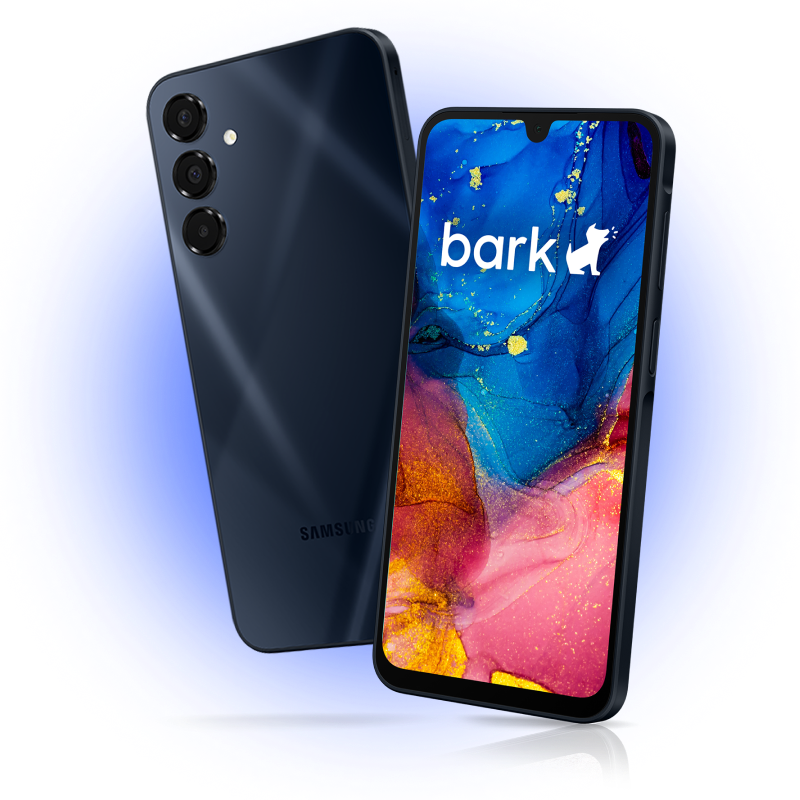
Move from structure to readiness
Bark gives treatment teams the flexibility to start with tight boundaries and gradually introduce additional access as appropriate, without having to replace the device.
-
Start with safeguards
Set boundaries around contacts, apps, internet access, screen time, and other device capabilities.
-
Introduce access intentionally
Add apps and functionality over time based on treatment goals, readiness, and individual needs.
-
Learn from real-world use
Surface potential digital risks and behaviors so teams can step in with support when needed.
“Before Bark, 90% of our issues were phone-related. After Bark, it’s down to 10%.”
Built for the structure your program needs
-
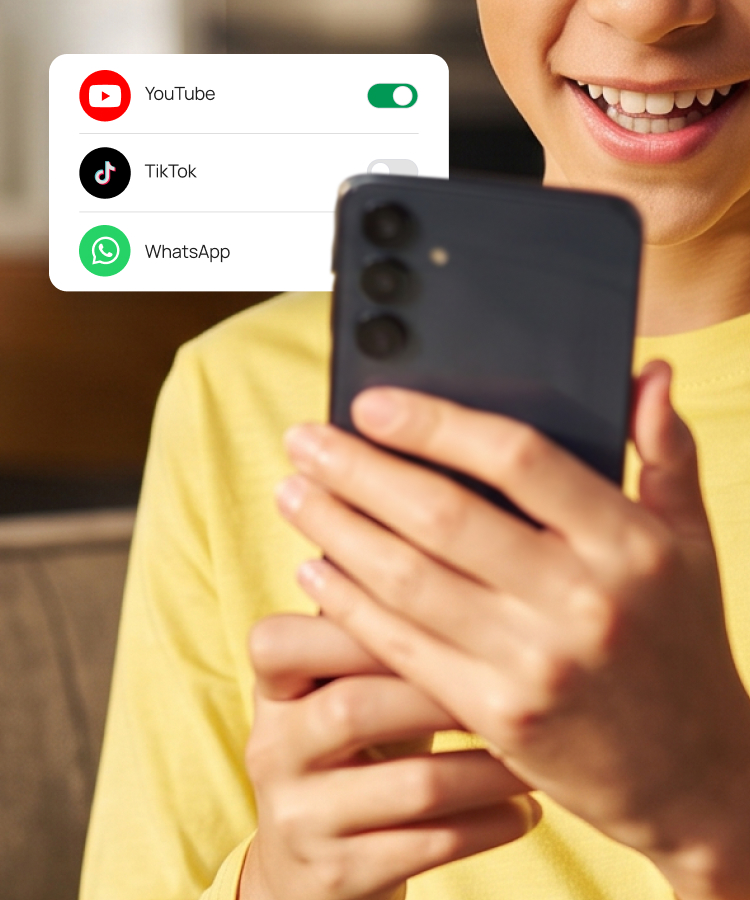
Phased access
Start with tighter boundaries and introduce apps, internet access, and other functionality as readiness changes.
-
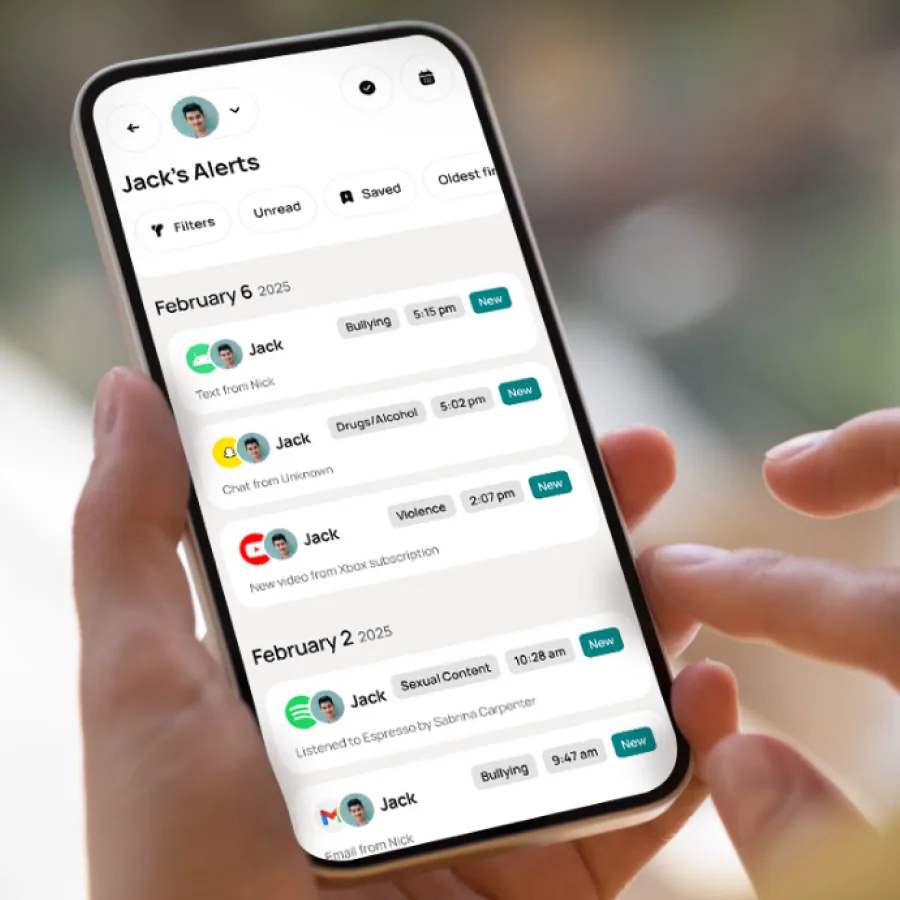
Built-in monitoring
Surface potential digital risks and behaviors without requiring staff to manually review every interaction.
-
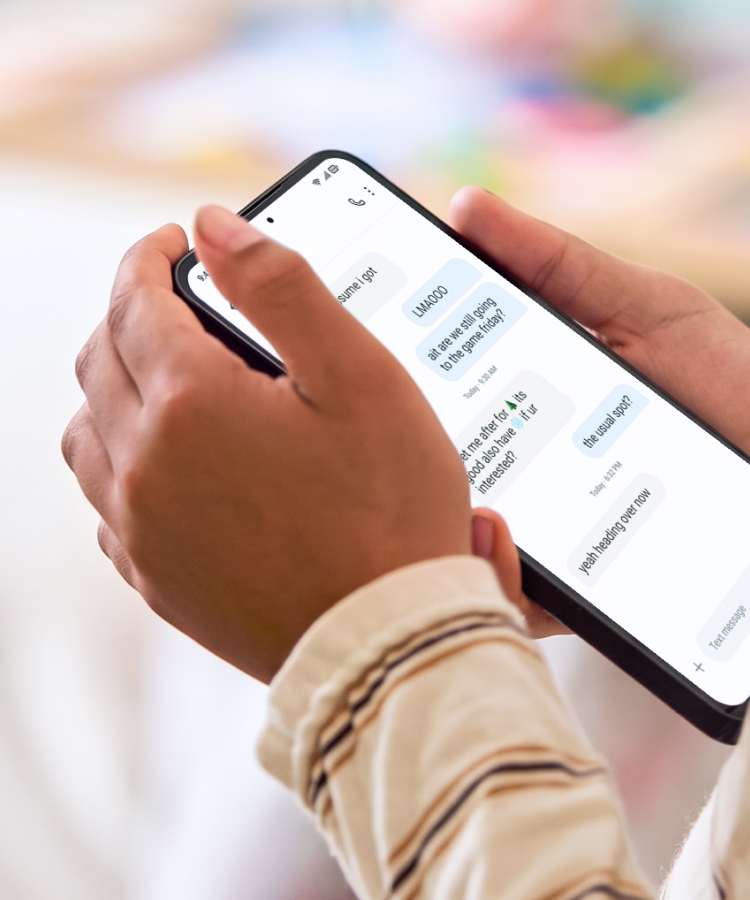
Opportunities to practice
Let clients encounter real-world digital situations while they still have a treatment team to help them build skills and work through challenges.
-

Family continuity
Give families tools to continue appropriate boundaries and support as clients transition home and become more independent.
-
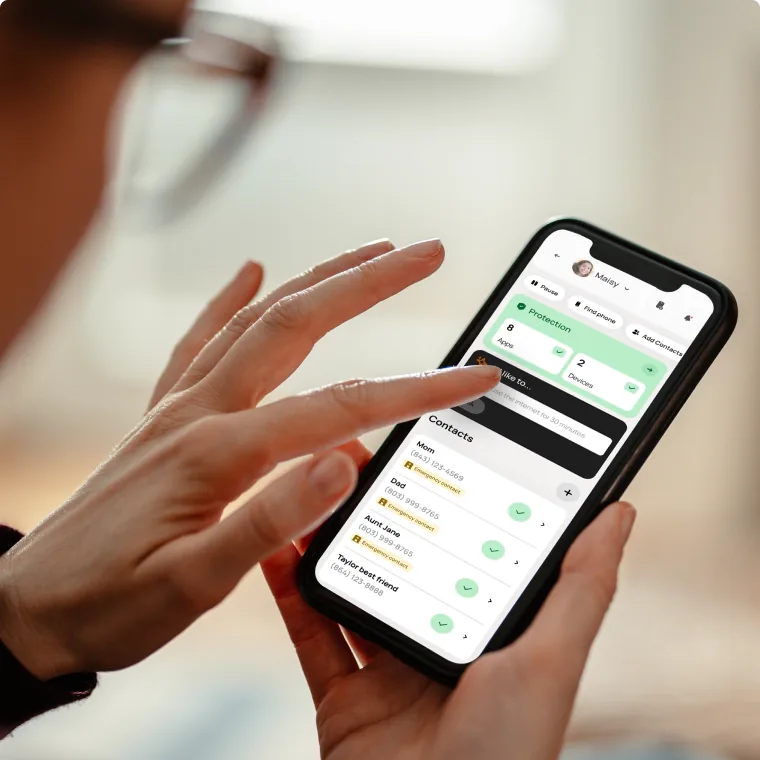
Flexible controls
Manage contacts, apps, screen time, internet access, and other device settings remotely based on individual needs.
-

Location awareness
Maintain visibility into location when clients have appropriate off-campus access or increasing independence.
“Bark helps our patients see the phone as a tool. It fits within our program focus, providing individualized support to help young adults adapt and gradually allow more freedom in a structured way. The app approval process facilitates proactive conversation around appropriate use.”
See how other treatment programs are approaching technology
Webinar
The Role of Technology in Treatment
A broader conversation about digital resilience, safety, and recovery pathways.
Watch now The Role of Technology in TreatmentPanel discussion
Phone Reintroduction Framework for Residential Programs
Residential leaders discuss phased access, family engagement, independence, and preparing clients for success after discharge.
Watch now Phone Reintroduction Framework for Residential ProgramsCase study
Cascade Academy Case Study
See how one residential program incorporated Bark into its model of care while maintaining a trust-based approach.
Read now Cascade Academy Case StudyInterested in learning more about the impact of social media on adolescents?
Help clients practice for the world they’re returning to
Get in touch to see how Bark can fit within your program.