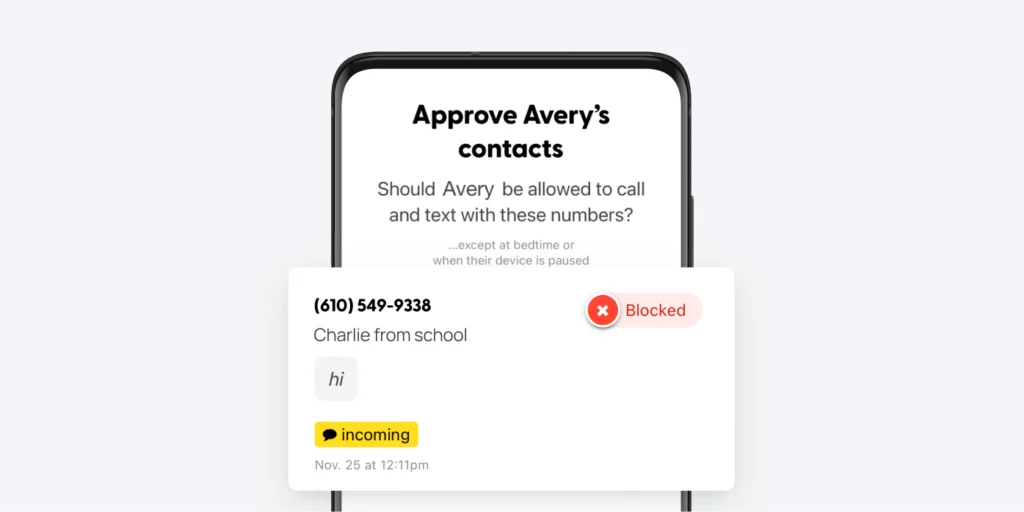
With the Bark Phone, one of our most popular features is the ability to require contact approval. When it’s toggled on, you’ll get a notification when someone tries to message your child, and you’ll then be able to allow or block the number.
But for younger kids, you may want to block every number that tries to reach out to your child — after all, as the parent, you’ll be the one adding in grandma, cousins, and other safe contacts.
It’s our hope that this feature will help you lock down your child’s Bark Phone even more so that scammers, wrong numbers, and other entities aren’t interrupting your child’s day.
Here’s how to set this up:
- Open your Bark parent app/dashboard.
- Tap your kid’s avatar at the top.
- Tap Bark Phone.
- Tap Contacts.
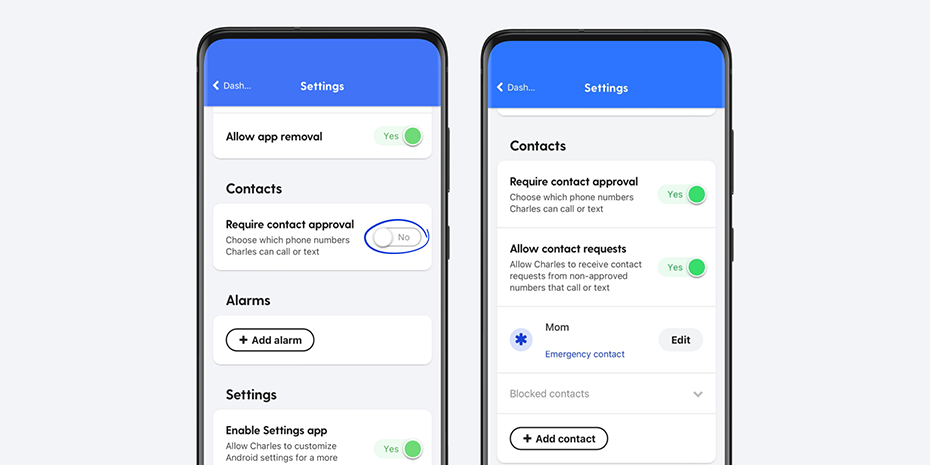
- Make sure Require contact approval is set to YES and Allow contact requests is set to NO.
Check out our in-depth article to learn more about managing contacts on the Bark Phone