The best parental controls app for Android
Get timely alerts for potential issues on your kid’s Android phone or tablet — plus GPS location tracking, web filtering, and screen time tools.
7-day free trialUnlimited kids & devices



Parental controls that fit your family
Alerts that matter
Bark monitors for potential issues — no need to read every message.
Made for Android
Bark works on your kid’s Android phone or tablet.
One plan for the family
Unlimited kids and devices on a single subscription.
Parental controls built for Android
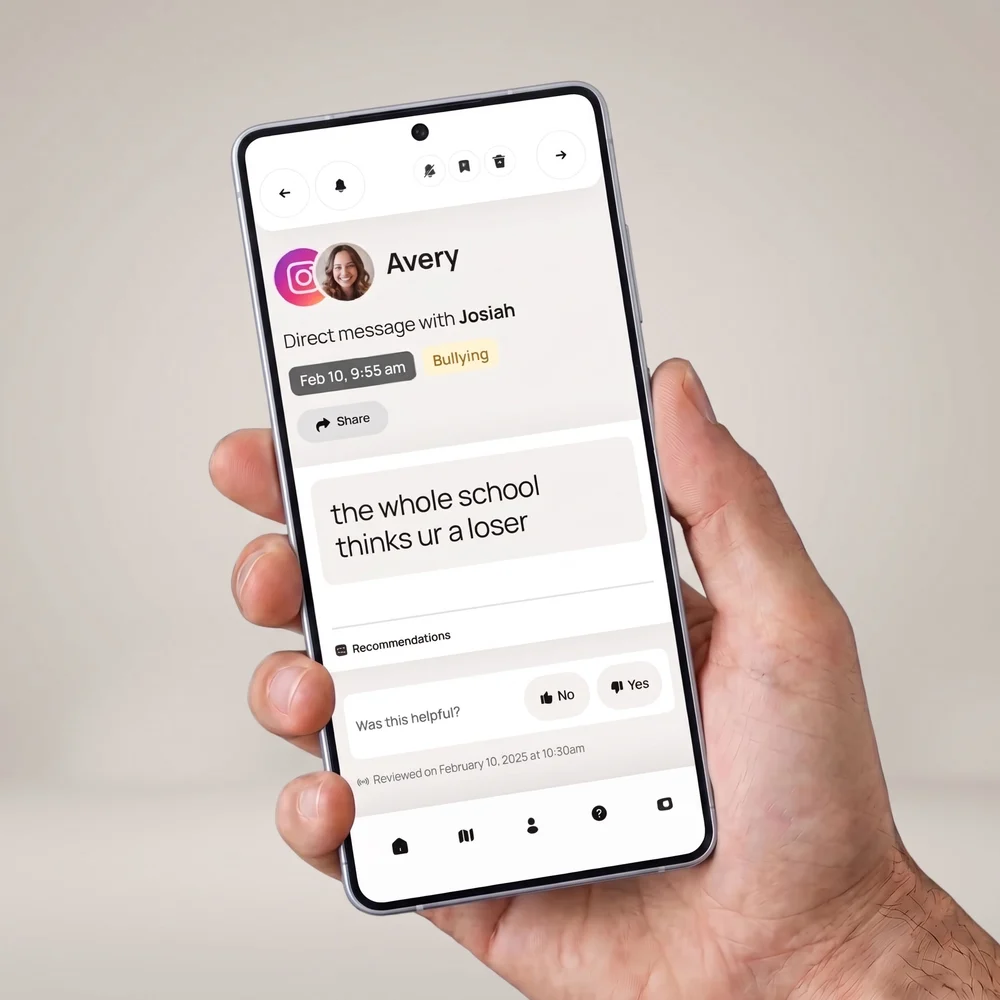
AI-powered alerts in over 29 categories
Bark’s AI understands context, not just keywords — across texts, social media, images, videos, and audio — and alerts you to potential issues like bullying, suicidal ideation, and sexual content.
Peace of mind when they’re out and about
See your kid’s location from the Bark App — whether they’re at school, a friend’s house, or practice.

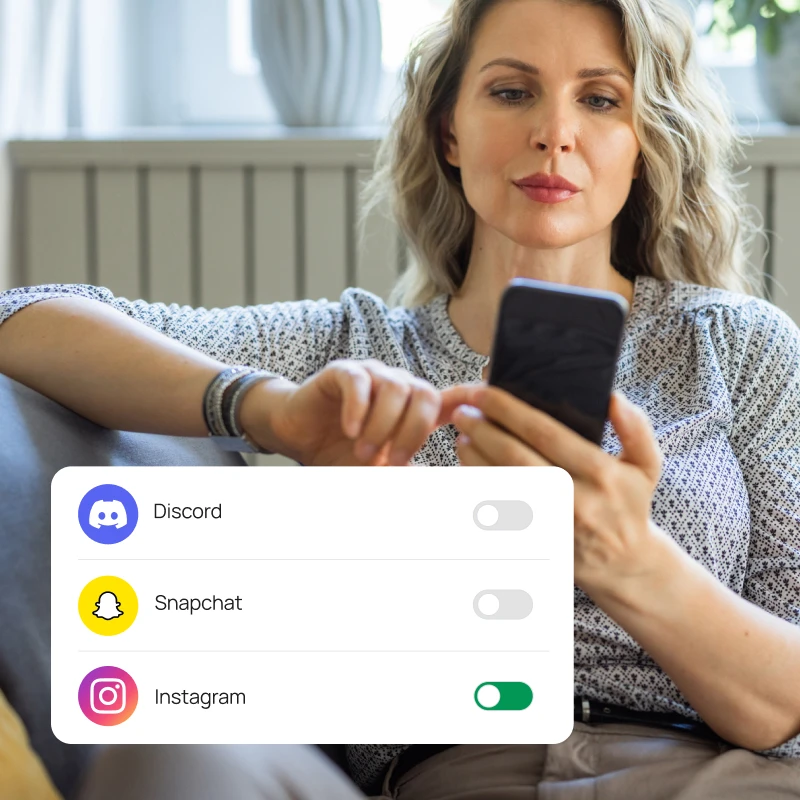
Block apps and websites with a tap
Help protect your kid from inappropriate and distracting content — block whole categories, or specific sites and apps.
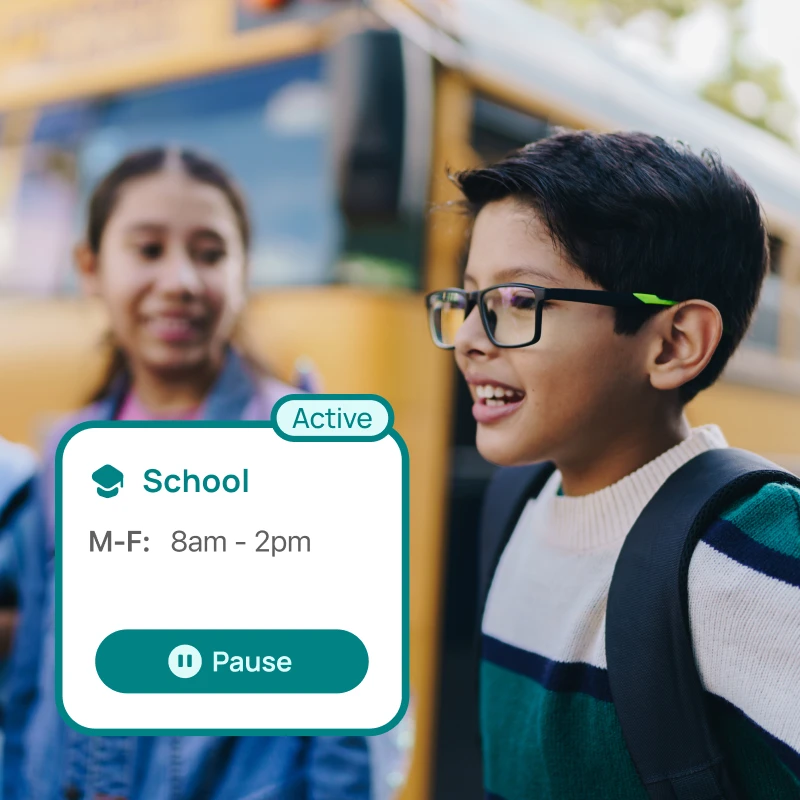
Screen time schedules that keep them on track
Automatically block apps like YouTube and Fortnite during the school day or after bedtime, so your kid can focus.
iPhone or Android, Bark works on both
Your family’s devices don’t need to match. Manage everything from the Bark parent app, whatever phone you’re on.
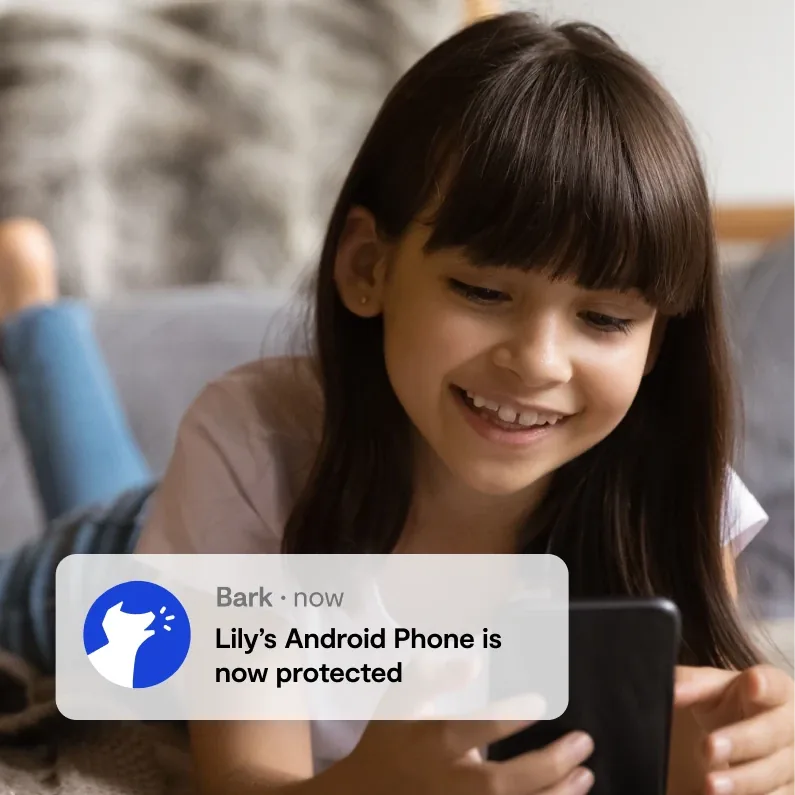
Unlimited kids and devices
One subscription covers every kid and every phone and tablet they use, with no per-device fees.
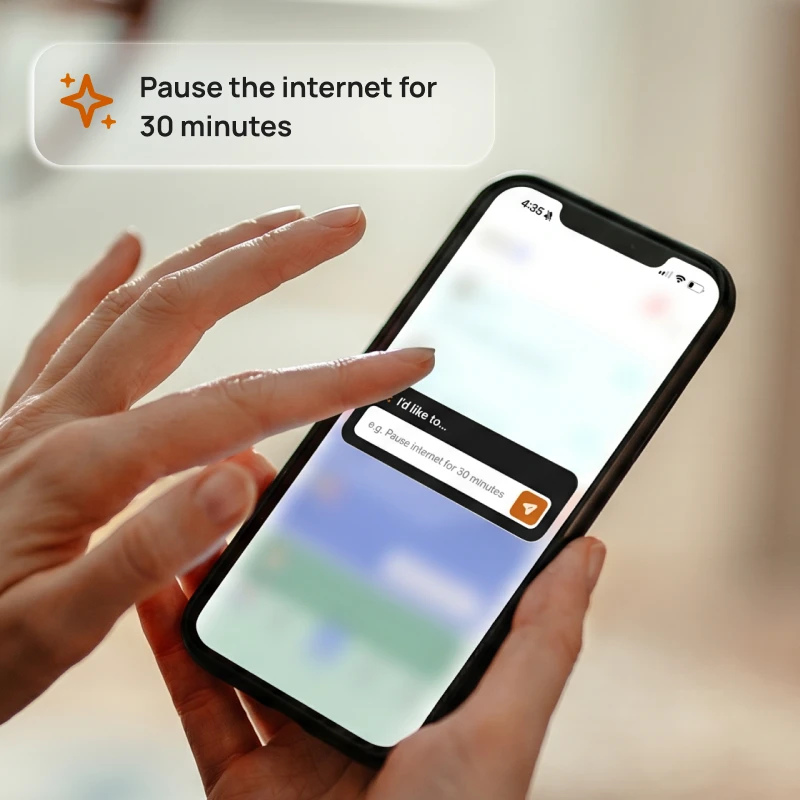
Change parental controls with one tap
Ask about screen time, block apps, or get insights — the Bark Assistant helps you manage everything in one place.
One subscription, every device
Unlimited kids and devices, a 7-day free trial, and a free 60-day scan to start. Pay monthly or save with a yearly plan.
The Bark App for Android
Covers every device your kids use, on one plan
- Monitor texts, email, YouTube, and 30+ apps and platforms
- Free 60-day scan: a report on your kid’s texts, photos, and more from the past 60 days
- Monitor web searches and saved photos & videos
- Alerts for issues like cyberbullying, online predators, suicidal ideation, and more
- Real-time GPS location tracking & location alerts
- Screen time management
- Website & app blocking
- Unlimited kids and devices with one subscription
- Manage everything from the Bark parent app
What Bark monitors on Android
Apps Bark monitors on Android, and what it sees in each.
 TikTokDirect messages (text only), Searches (typed and suggested searches that are clicked), Tako AI conversations
 SnapchatDirect messages (text chat only), My AI chat, Searches
 InstagramDirect messages (text only), Searches (text only)
 YouTubeVideos they post (Age 13+), Comments on their videos (Age 13+), New videos from their channel subscriptions (Age 13+), Views and searches, Voice searches
 DiscordChannel chat messages (text chat only), Group direct messages (text chat only), Individual direct messages (text chat only)
 RobloxSent chats, Content searches
 WhatsAppChats
 FacebookPosts on their timeline (text and images)
 BandGroup chat messages (text chat only), Individual direct messages (text chat only)
 ChatGPTChats and responses (text only)
 CoverstarComments left on posts
 DropboxDocuments, Images, Videos
 FlickrPhotos, Comments on photos
 Google DriveGoogle Docs, documents, and text files, Comments and replies (in Google Docs), Photos and videos
 Google GeminiChats
 Google MeetSent/received notes
 GroupMeGroup messages, Direct messages, Images and videos in both
 HollaText chats with matches
 KikChats (text only)
 Messenger KidsDirect messages (text chat only)
 OneDrivePDFs, Office documents, and text files, Comments and replies (in Office documents), Photos and videos
 PinterestTheir profile, Images and descriptions they pin, DMs and group chats (text only), Searches (text only)
 RedditDirect messages
 SkypeDirect messages (text only), Group direct messages (text only)
 SlackIndividual direct messages, Group direct messages, Private channels
 SpotifyMessages, Song lyrics
 SteamChat messages (text only)
 TumblrPhotos, Chats, Links, Photo posts, Quotes, Answers, Blog posts
 Twitter/XDirect messages
 VSCOChats (text only)
Bark monitors the following directly on your kid’s device.
- Texts
- Photos & videos
- Web browsing
Email accounts and browsers Bark monitors on Android.
 AOL MailSent emails, Received emails, Image attachments
 ComcastSent emails, Received emails, Image attachments
 GmailSent emails, Received emails, Image attachments
 OutlookSent emails, Received emails, Image attachments
 iCloud EmailSent emails, Received emails, Image attachments
 Google ChromeWebsite visits, Searches, Incognito browsing
 Default BrowsersWebsite visits, Searches, Incognito browsing
 FirefoxWebsite visits, Searches, Incognito browsing

Parental controls you can feel good about
Try free for 7 days, then manage every device from your own phone, anywhere.
FAQs
Pricing depends on your child's device. A single subscription covers every child and device in your family, with no limit on accounts, devices, or kids.
iOS (iPhone/iPad) and Android: $14/month or $99/year
With either plan, you can:
- Monitor and receive alerts for your child's social media, texts, email, and web activity
- Manage screen time and block specific websites and apps
- Track your child's location with live GPS and location alerts
For iPhone and iPad families: Apple's privacy protections mean third-party apps can't read what's on your child's device. The Bark Sync helps close that gap. It's a smart charger that scans your child's iPhone or iPad for potential issues every time it plugs in, no extra steps required. The Bark Sync is optional for blocking, screen time, and location tracking. To monitor texts, photos, and videos, you’ll need the Bark Sync (or the Bark Desktop App on a home computer). The Bark Sync is $6/month or $49/year and requires a Bark App subscription. If you subscribe through the App Store, the Bark Sync is a one-time $79 purchase.
The Bark App is compatible with iPhones, iPads, Android phones, Android tablets, laptops, computers, Chromebooks, and Amazon Fire tablets. Check out our full list of everything Bark can monitor on each device.
Once you connect your child's devices and accounts, Bark runs quietly in the background — no daily effort needed. Here's the basic flow:
1. Bark monitors your child's online activity
Bark scans texts, social media, emails, web searches, and saved photos and videos across your child's devices. Rather than flagging every message, it uses advanced AI and natural language processing to understand context — so it knows the difference between a kid venting about homework and a kid who's genuinely struggling.
2. You get an alert when something needs your attention
If Bark detects a potential issue — like signs of bullying, predatory behavior, suicidal ideation, or explicit content — it sends you an alert right away, along with context and guidance on how to address it.
3. You stay in control of the rest
Beyond monitoring, you can manage screen time schedules, block websites and apps by category, and track your child's location with live GPS — all from the Bark parent app. For a deeper look, visit our How Bark Works page.
The easiest way to get started is to visit our sign-up page or download the Bark parent app (iOS, Android) — from there, you'll be guided through setup step by step.
Not sure which product is right for your family? Learn more about the Bark App, Bark Phone, Bark Watch, Bark Sync, and Bark Home.
The Bark App is currently available in the United States (including U.S. territories), South Africa, and Australia. We’re continually working to bring Bark to more families around the world.
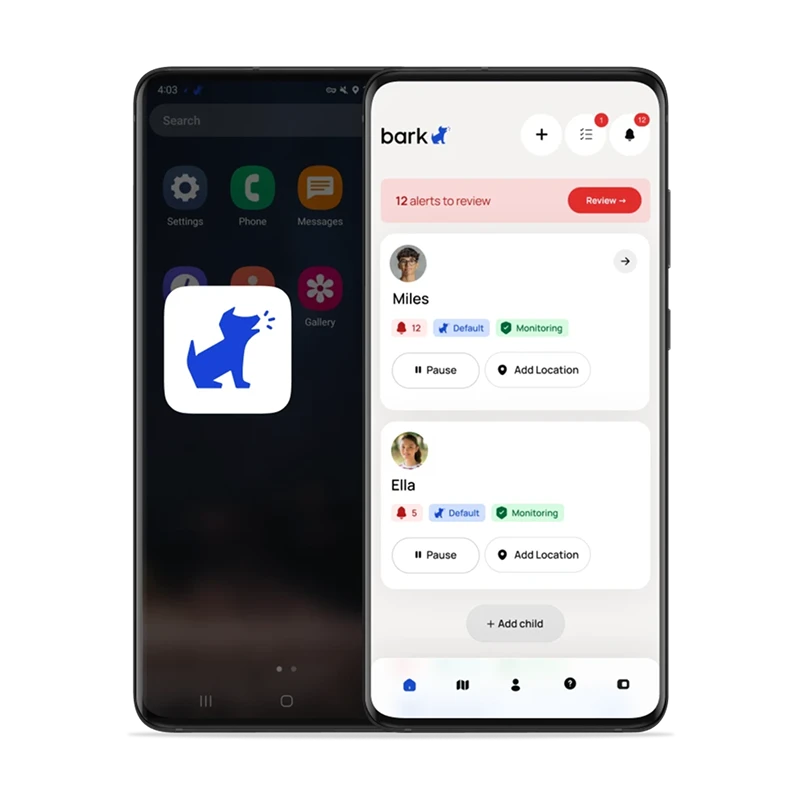
Yes! Download the Bark parent app here to review alerts, add children, connect accounts, update notification settings, and more.
You'll also need to install the Bark Kids app on your child's iPhone or iPad — it's what enables Bark to block apps and sites and track your child's location.
To monitor texts, photos, videos, and more on your child's iOS device, you'll need the Bark Sync — a smart charger that scans your child's device every time it plugs in (or the Bark Desktop App on a home computer). It's the easiest way to get the most out of Bark on iOS. Learn more about Bark for iOS here.
Yes! Download the Bark parent app here to review alerts, add children, connect accounts, update notification settings, and more.
You'll also need to install the Bark Kids app on your child's Android device — it's what enables Bark to monitor content, manage screen time, block websites, and track your child's location. Learn more about Bark for Android here.
Add any of your child's devices or social media accounts to be monitored. There's no limit, so you can connect as many devices and accounts as you need on every plan. When you connect a device, Bark will also scan up to 60 days of its text history to catch anything you may have missed.
For some social media platforms, monitoring requires entering your child's login credentials during setup. This lets Bark access the account's activity directly. We'll let you know during setup which platforms need this.
Once connected, our AI scans text, images, video, and audio for potential dangers, including conversations in English, Spanish, and Afrikaans, and sends you alerts for anything concerning.
You can also customize how sensitive you'd like the alerts to be. Don't care about profanity but want all alerts about drugs? No problem.
With Bark, you can manage your children’s screen time from your own phone via the Bark App or website, regardless of whether you have an iPhone and your kids have an Android (or vice versa).
In terms of web filtering, Apple's Screen Time and Google Family Link web filters only block general content. Bark, on the other hand, breaks down a wide range of categories and exceptions to enable a more customized and refined level of protection.
No, you do not need to jailbreak your child's iOS device or root your child’s Android phone in order for Bark to work. As a third-party service, we strive to provide a program that keeps phones working properly and that does not void warranties or terms of service.
No, but how you get set up with Bark depends on your child's device.
Android — Simply install the Bark Kids app on your child's device and you're good to go. Learn more about Bark for Android here.
iOS (iPhone/iPad) — The Bark Sync is a smart charger that scans your child's device every time it plugs in, so you don't need a computer. You'll pair it once using the Bark Kids app on your child's iPhone or iPad. Learn more about Bark for iOS here.
Bark can be installed on most phones, but the setup and features vary depending on the device. On Android phones, users can easily download the Bark App to enable monitoring, set screen-time limits, filter web content, manage apps, track location, and receive alerts.
On iPhones and iPads, Bark operates slightly differently due to Apple’s privacy restrictions. Bark devices like the Bark Phone and Bark Watch come with Bark’s safety features built right in, so parents don’t need to install anything separately.
Setting up Android devices
Popular products
Easy setup and tamper-proof coverage with Bark built in.
Bark Phone
$360 for device + Bark plans from $29/mo

Bark Watch
$288 for device + Bark plan $15/mo