Bark vs McAfee
Learn how the Bark Premium app stacks up against McAfee.
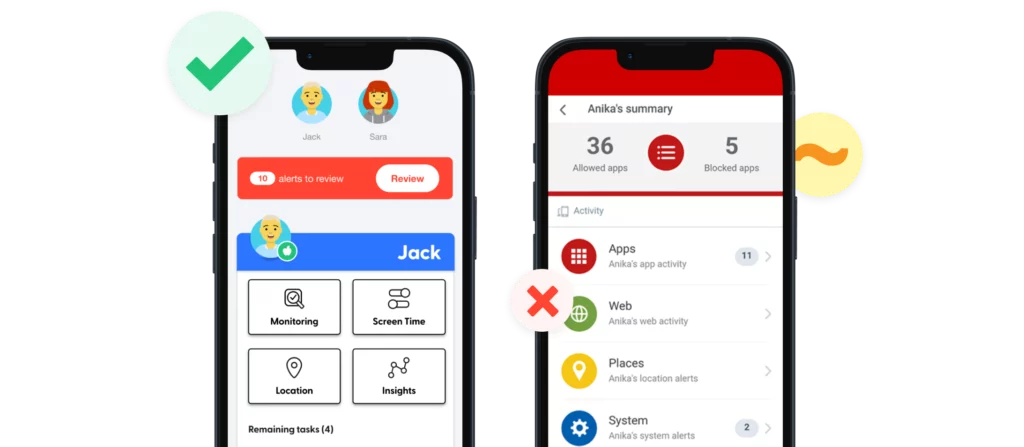
Compare the Features

Set custom rules for school time, bedtime, and free time, plus create different schedules for any day of the week.
Create flexible screen time rules.
Block specific sites and apps or choose from 19 categories, including adult content, gaming, and streaming sites. Works equally well on iOS and Android.
Block inappropriate apps and websites.
Scans text messages, emails, photos, videos, and 30+ apps and social media platforms on children’s phones, tablets, and Chromebooks.
Does not offer content monitoring.
Alerts are sent for worrisome content across 29 different categories.
Only provides location alerts and alerts if devices are being used during restricted times.
$49/year for unlimited devices with screen time, web filtering, and location tracking.
$99/year for content monitoring, screen time, web filtering, and location tracking for as many kids and devices as your family needs.
$49.99/year or $7.99/month for unlimited devices with screen time management, location tracking, and app and website blocking and activity log.
Check your child’s location in real time on a map.
Receive location alerts when child arrives or leaves pre-set locations.
Get your child’s exact location with check-ins.
Locate them on a live map and receive automated notifications when they enter or leave familiar places like a school or the library.
With Bark, you can:
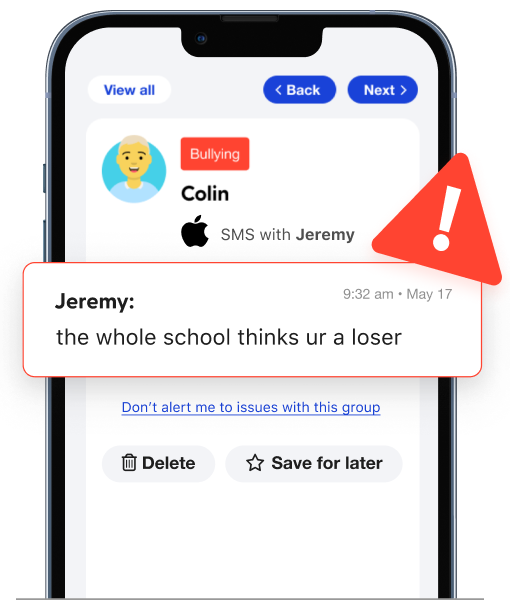
Monitor content
Get alerts for issues like bullying, predators, sexual content, and more.
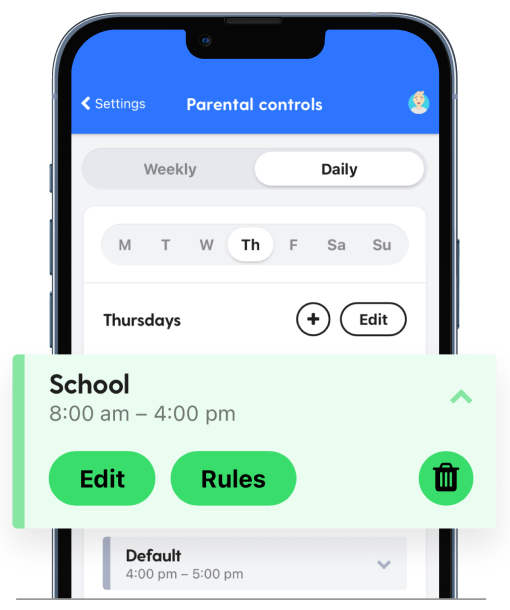
Manage screen time
Create custom daily screen time schedules for your child’s device.
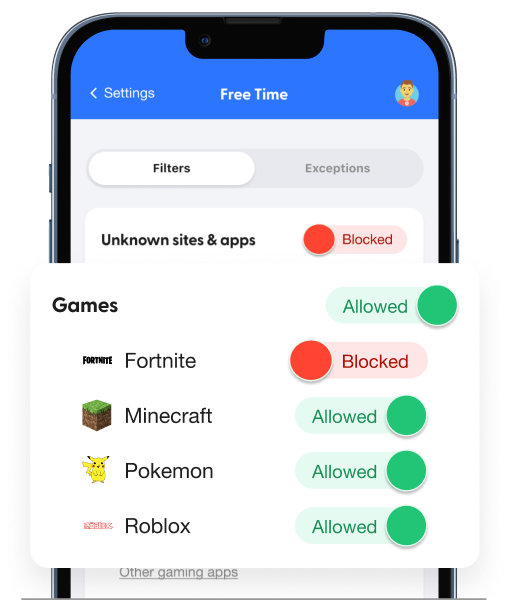
Block websites
Block access to specific websites or even whole categories.
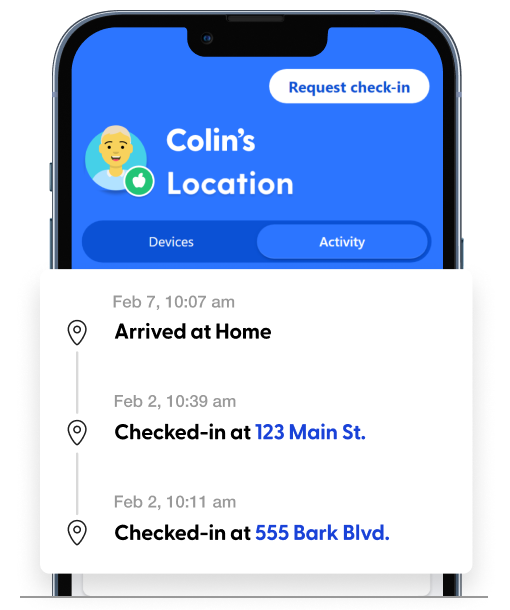
Track location
Stay on top of your child’s location with our real-time map, location alerts, and check-ins.
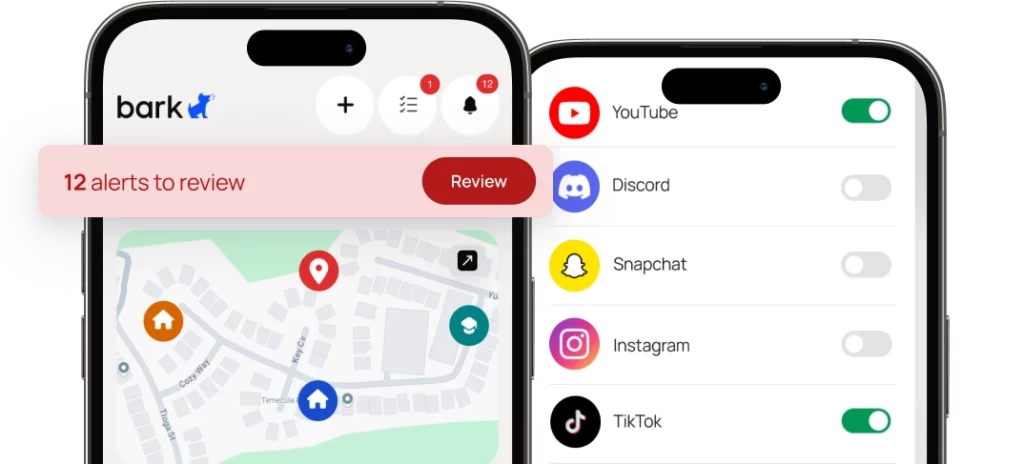
Pricing & Details
- Monitor texts, email, YouTube, and 30+ apps and platforms
- Monitor web searches and saved photos & videos
- Receive parental monitoring alerts for issues like cyberbullying, online predators, suicidal ideation, and more
- Get insights into your child’s digital activities
- Learn how to address issues with child-psychologist advice and tips
- Manage screen time
- Block website and apps
- Keep up with kids with location alerts and check-ins
- Free access to Talkspace Go

Ready to get started?
Bark was created by parents, for parents, to offer a better, easier, and more effective way to help families create healthy digital habits.
FAQs
Once you connect your child's devices and accounts, Bark runs quietly in the background — no daily effort needed. Here's the basic flow:
1. Bark monitors your child's online activity
Bark scans texts, social media, emails, web searches, and saved photos and videos across your child's devices. Rather than flagging every message, it uses advanced AI and natural language processing to understand context — so it knows the difference between a kid venting about homework and a kid who's genuinely struggling.
2. You get an alert when something needs your attention
If Bark detects a potential issue — like signs of bullying, predatory behavior, suicidal ideation, or explicit content — it sends you an alert right away, along with context and guidance on how to address it.
3. You stay in control of the rest
Beyond monitoring, you can manage screen time schedules, block websites and apps by category, and track your child's location with live GPS and check-ins — all from the Bark parent app. For a deeper look, visit our How Bark Works page.
While both offer screen time management, Bark's website blocking, content monitoring and alerts, and competitive pricing all make it a better option.
Bark offers critical features that McAfee does not, making it the best, most comprehensive option for your family.
Bark allows you to block specific websites and apps as well as 19 categories, including adult content, gaming, and streaming sites. It works equally well on iOS and Android.
McAfee's app blocking is available for Android and iOS, but website blocking is only available for Android.