The best parental control app for iOS
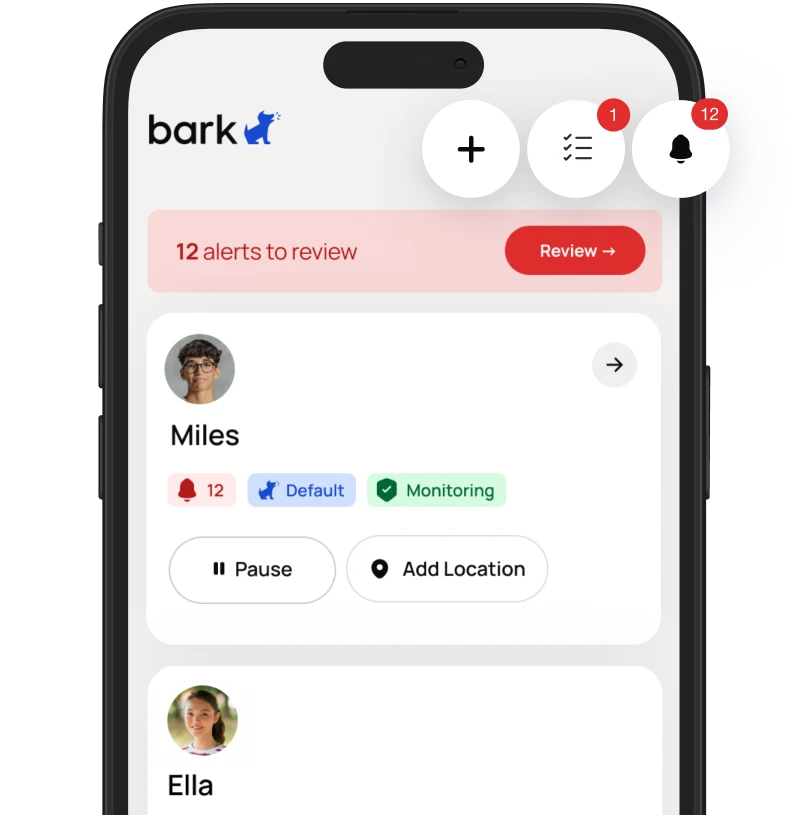
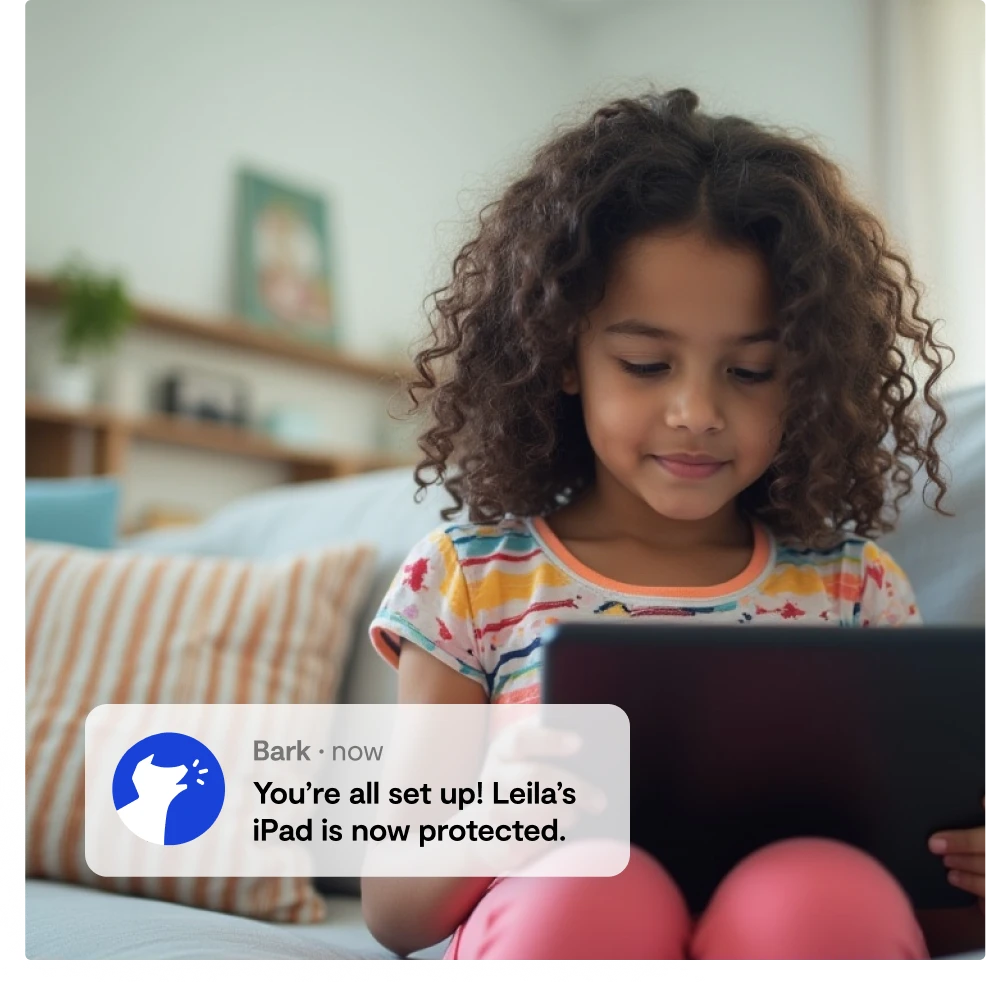
Bark scans your child’s online activities and sends you alerts for online dangers. You can also track location, block websites, and manage screen time.

Featured On:















Monitor texts, social media, search, and more
Bark scans your child’s text messages, social media apps, web browsers, emails, and other online activity on their iPhone or iPad.
AI-powered safety alerts in over 29 categories
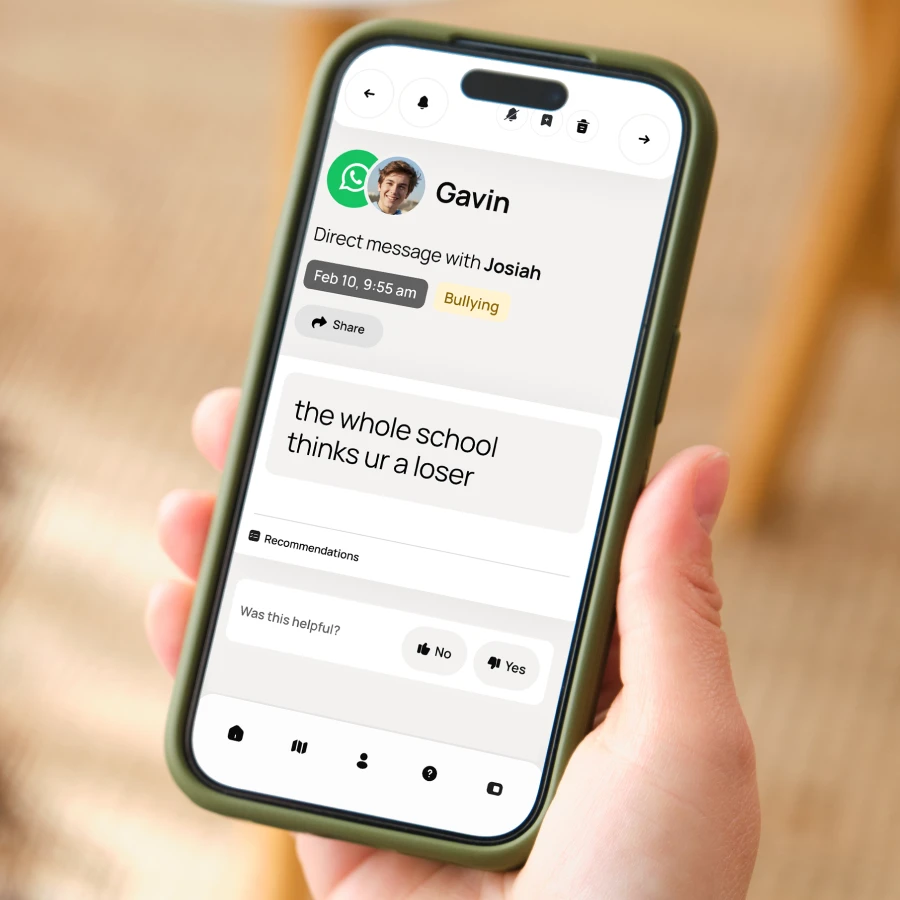
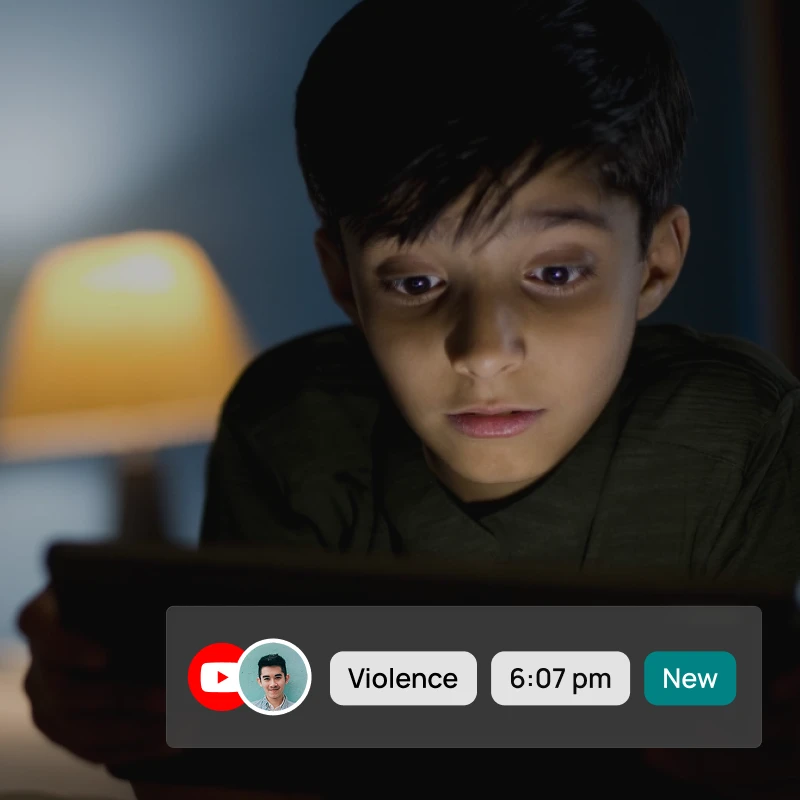
Unlike tools that only flag simple keywords, Bark’s advanced AI understands context, monitoring texts, social media, images, videos, and audio to alert you to real dangers like bullying, suicidal ideation, and sexual content.
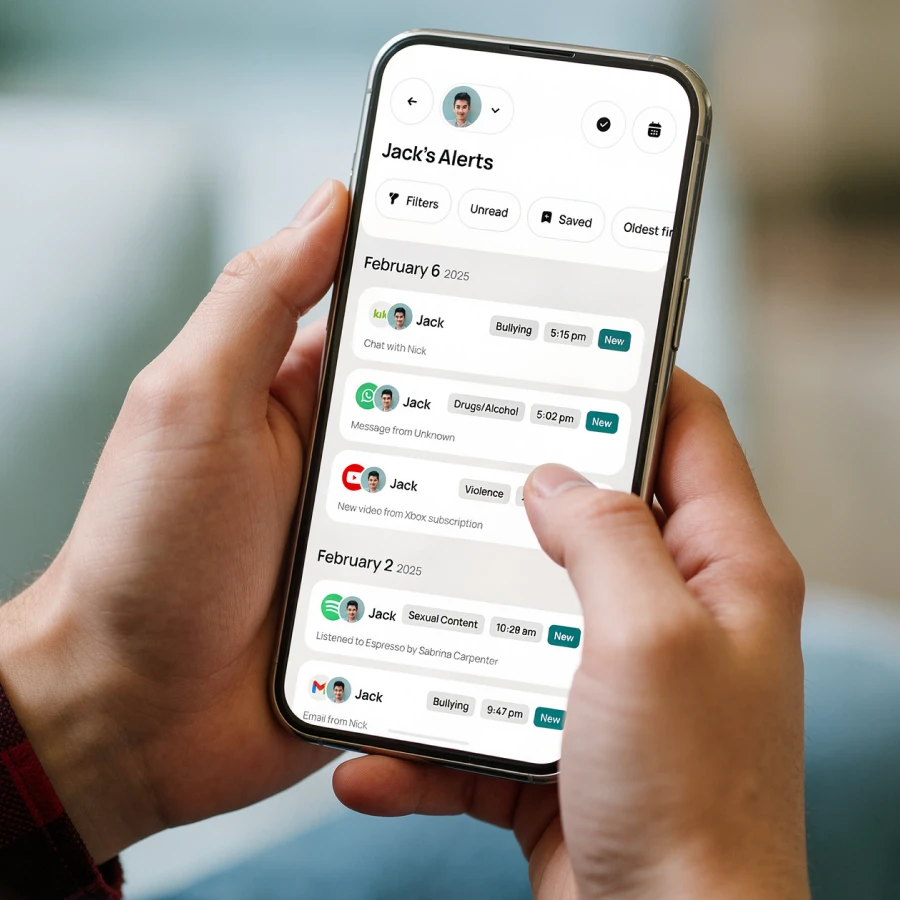
“Bark has sent alerts for conversations with concerning words – the text had been deleted but the screenshot I got from Bark was enough for me to see how much we don’t know about kids’ digital worlds.”
–KATIE K.
Get alerts for what actually needs your attention
Bark doesn’t flood you with every message — instead it’s advanced monitoring that flags potential issues you need to know about.
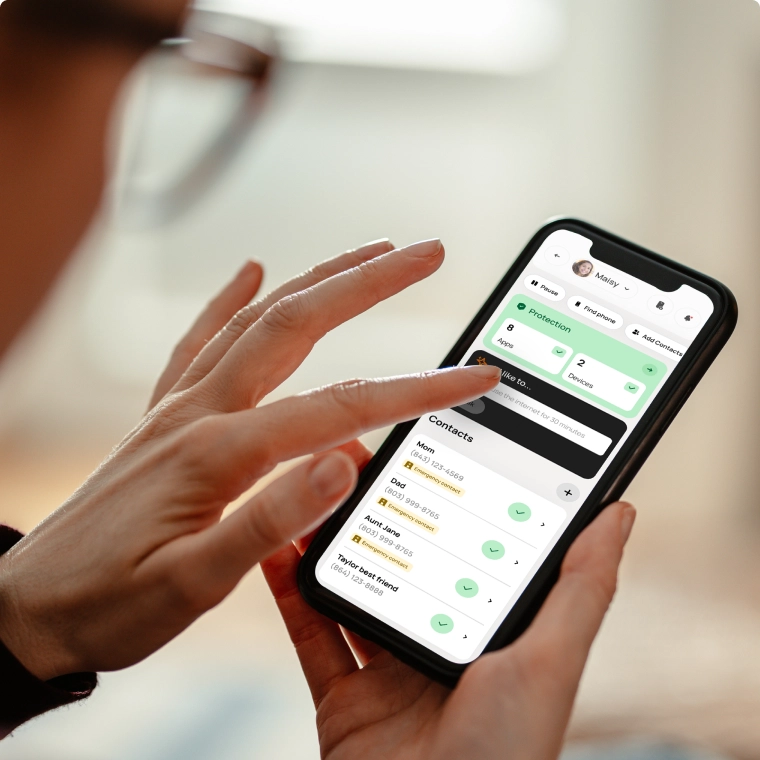
Change parental controls easily with one tap
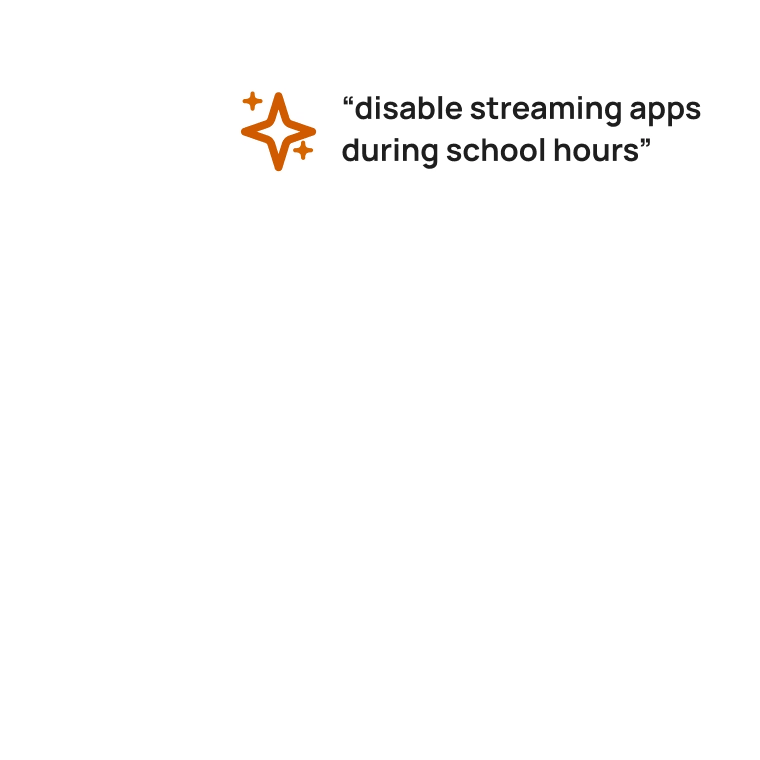
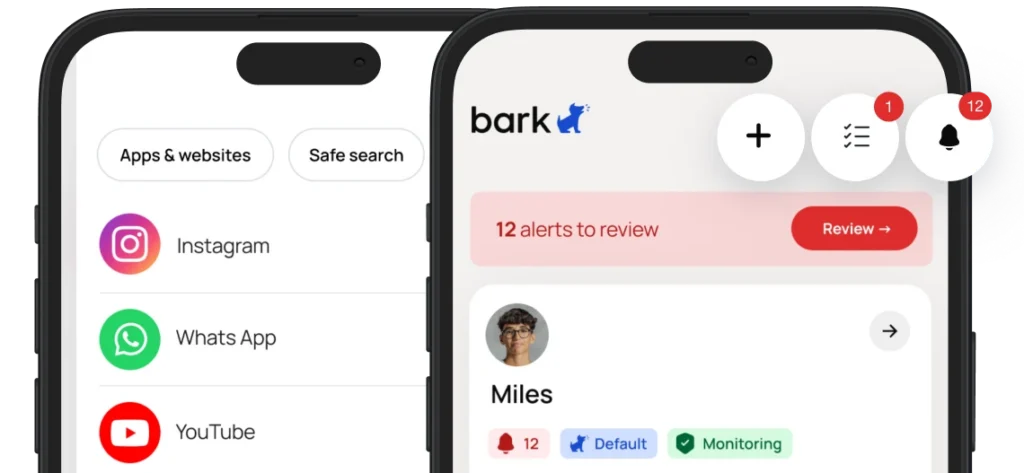
Adjust settings on the fly, or take quick action when you need to. With the Bark Assistant, you can manage everything effortlessly from your parent dashboard.
iPhone or Android, Bark has you covered
Bark works across iOS and Android — no need for your family’s devices to match. Manage everything easily from the Bark parent app, whatever phone you’re on.
You can also…
Track location
Worry less when your kid is out and about with our live GPS, location alerts, and check-ins.
Block websites & apps
Decide which apps and websites your child can use and filter inappropriate content.

Manage screen time
Create custom schedules or pause the internet altogether to create healthy boundaries.
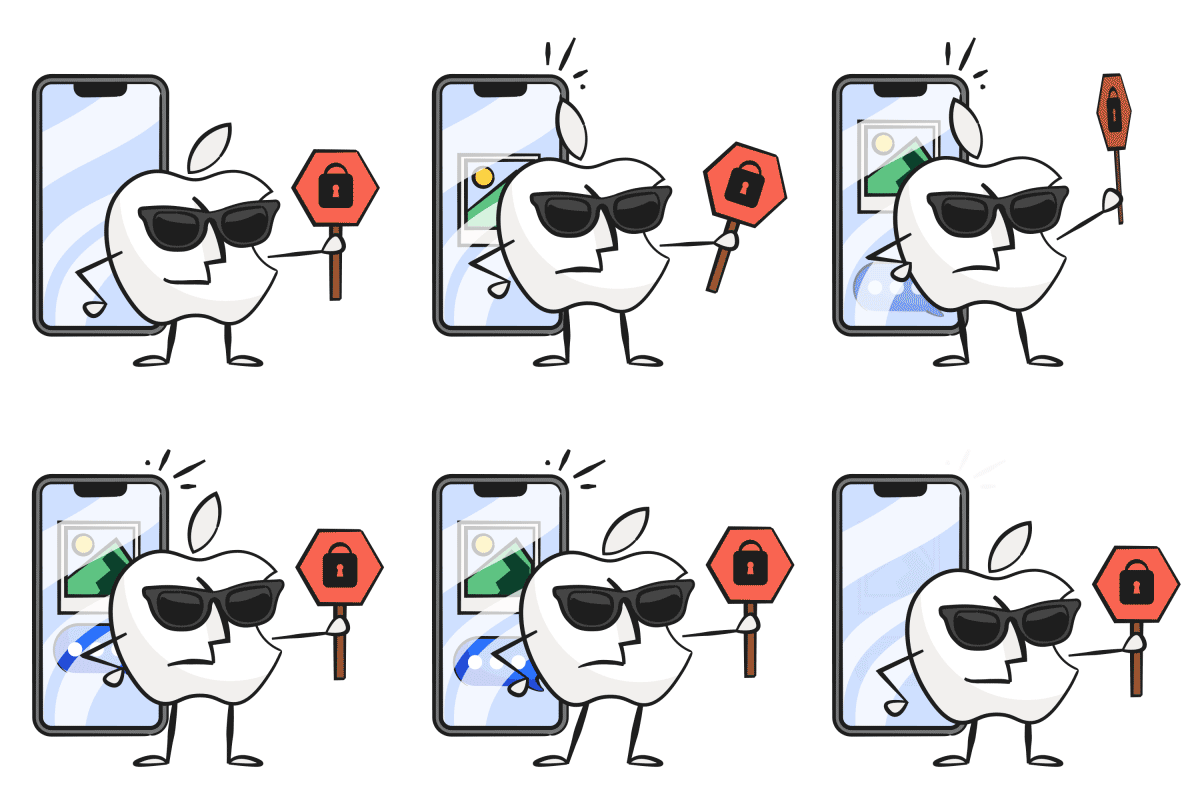
Apple is built for privacy, not for protecting kids
iPhones and iPads are designed so that no third-party app can read your child’s messages, photos, or files. That’s great for security — but it leaves parents without visibility.
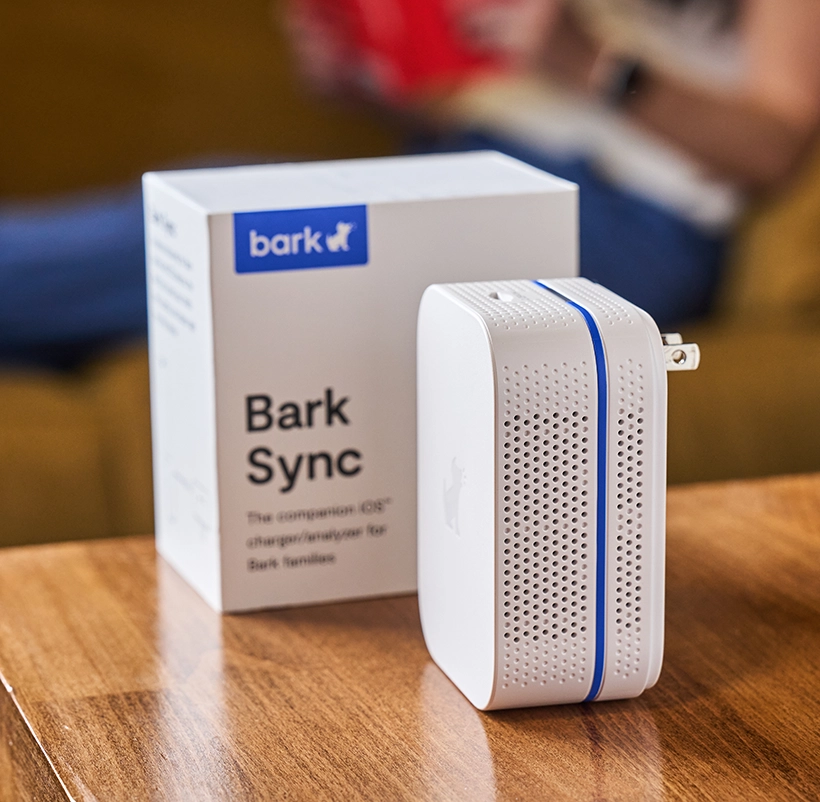
Meet the Bark Sync – our solution for iOS families
The Bark Sync is a smart charger that gets around Apple’s monitoring limitations — quietly scanning for danger every time the device plugs in and charging it at the same time.

What Bark monitors on iOS
See everything Bark can monitor on iPhones & iPads.
Bark monitors the following directly on your kid's device:
- Texts
- Photos & videos
- Notes
- Voice memos
Bark monitors this browser on Apple/iOS:
-
 Safari
- Website visits
- Searches
Bark monitors these email clients on Apple/iOS:
-
AOL Mail
- Sent emails
- Received emails
- Image attachments
-
 Comcast
- Sent emails
- Received emails
- Image attachments
-
Gmail
- Sent emails
- Received emails
- Image attachments
-
Outlook
- Sent emails
- Received emails
- Image attachments
-
Yahoo! Mail
- Sent emails
- Received emails
- Image attachments
-
 iCloud Email
- Sent emails
- Received emails
- Image attachments
Bark monitors these apps on Apple/iOS:
-
Discord Restricted
No coverage on iOSDiscord doesn't let Bark (or any other service) monitor its content.
The Bark Phone: Parental controls that come built in
We designed the perfect phone for kids from the ground up. Bark's software comes built into a sleek phone, along with parent-focused features like app and contact approval, real-time location tracking, and more.
Learn more -
TikTok Restricted
No coverage on iOSTikTok doesn't let Bark (or any other service) monitor its content.
The Bark Phone: Parental controls that come built in
We designed the perfect phone for kids from the ground up. Bark's software comes built into a sleek phone, along with parent-focused features like app and contact approval, real-time location tracking, and more.
Learn more -
Skype Restricted
No coverage on iOSSkype doesn't let Bark (or any other service) monitor its content.
The Bark Phone: Parental controls that come built in
We designed the perfect phone for kids from the ground up. Bark's software comes built into a sleek phone, along with parent-focused features like app and contact approval, real-time location tracking, and more.
Learn more -
Snapchat Restricted
No coverage on iOSSnapchat doesn't let Bark (or any other service) monitor its content.
The Bark Phone: Parental controls that come built in
We designed the perfect phone for kids from the ground up. Bark's software comes built into a sleek phone, along with parent-focused features like app and contact approval, real-time location tracking, and more.
Learn more -
Instagram Restricted
No coverage on iOSInstagram doesn't let Bark (or any other service) monitor its content.
The Bark Phone: Parental controls that come built in
We designed the perfect phone for kids from the ground up. Bark's software comes built into a sleek phone, along with parent-focused features like app and contact approval, real-time location tracking, and more.
Learn more -
Roblox Restricted
No coverage on iOSRoblox doesn't let Bark (or any other service) monitor its content.
The Bark Phone: Parental controls that come built in
We designed the perfect phone for kids from the ground up. Bark's software comes built into a sleek phone, along with parent-focused features like app and contact approval, real-time location tracking, and more.
Learn more -
Coverstar
- Comments left on posts
-
Dropbox
- Documents
- Images
- Videos
-
Facebook
- Posts on your child's timeline (texts and images)
-
Flickr
- Photos
- Comments on photos
-
Google Drive
- Google Docs, documents, and text files
- Comments and replies (in Google Docs)
- Photos and videos
-
GroupMe
- Group messages
- Direct messages
- Images and videos in both
-
Kik
- Message attachments
- Chats
-
OneDrive
- PDFs, Office documents, and text files
- Comments and replies (in Office documents)
- Photos and videos
-
Pinterest
- Your child's profile
- Images and descriptions they pin
-
Reddit
- Direct messages
-
Slack
- Individual direct messages
- Group direct messages
- Private channels
-
Spotify
- Song lyrics
-
Tumblr
- Photos
- Chats
- Links
- Photo posts
- Quotes
- Answers
- Blog posts
-
Twitter/X
- Direct messages
-
WhatsApp
- Chats
-
YouTube
- Videos your child posts (Age 13+)
- Comments on their videos (Age 13+)
- New videos from your child's channel subscriptions (Age 13+)
Bark for iOS
- Monitor texts, email, YouTube, and 26+ apps and platforms
- Monitor web searches and saved photos & videos
- Receive alerts for issues like cyberbullying, online predators, suicidal ideation, & more
- Get insights into your child’s digital activities
- Block websites and apps
- Keep up with kids with real time GPS tracking & location alerts
- Monitor unlimited devices and kids with one subscription
- Bark Sync hardware included
- Manage everything from the Bark parent app
Starts at

Over 19,000 5-star reviews
“Brilliant & simple way to help keep my kids safer online.”
Setting up iOS devices
FAQs
Pricing depends on your child's device. A single subscription covers every child and device in your family, with no limit on accounts, devices, or kids.
iOS (iPhone/iPad) — $20/month or $148/year Includes the Bark Sync, a smart charger that scans your child's iPhone or iPad for potential dangers every time it plugs in. This is our solution to Apple's strict privacy restrictions that prevent third-party apps from directly monitoring iOS devices.
Android — $14/month or $99/year
With either plan, you can:
- Monitor and receive alerts for your child's social media, texts, email, and web activity
- Manage screen time and block specific websites and apps
- Track your child's location with live GPS, location alerts, and check-ins
The Bark app is compatible with iPhones, iPads, Android phones, Android tablets, laptops, computers, Chromebooks, and Amazon Fire tablets. Check out our full list of everything Bark can monitor on each device.
Once you connect your child's devices and accounts, Bark runs quietly in the background — no daily effort needed. Here's the basic flow:
1. Bark monitors your child's online activity
Bark scans texts, social media, emails, web searches, and saved photos and videos across your child's devices. Rather than flagging every message, it uses advanced AI and natural language processing to understand context — so it knows the difference between a kid venting about homework and a kid who's genuinely struggling.
2. You get an alert when something needs your attention
If Bark detects a potential issue — like signs of bullying, predatory behavior, suicidal ideation, or explicit content — it sends you an alert right away, along with context and guidance on how to address it.
3. You stay in control of the rest
Beyond monitoring, you can manage screen time schedules, block websites and apps by category, and track your child's location with live GPS and check-ins — all from the Bark parent app. For a deeper look, visit our How Bark Works page.
The easiest way to get started is to visit our sign-up page or download the Bark parent app (iOS, Android) — from there, you'll be guided through setup step by step.
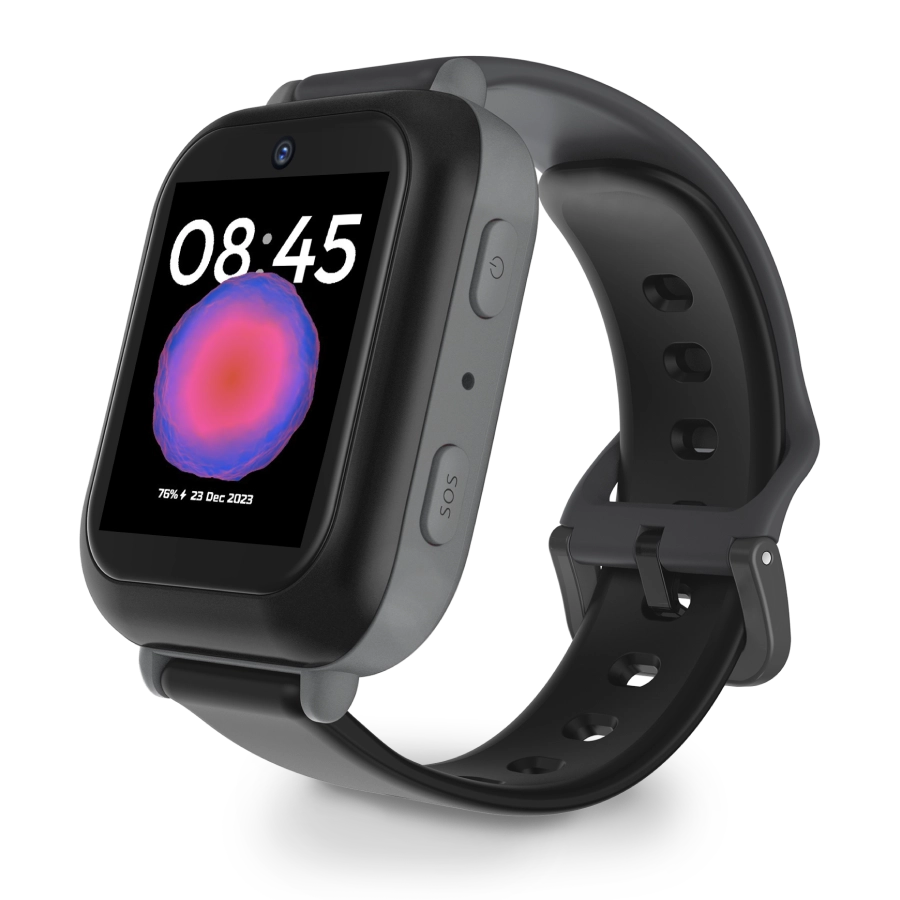
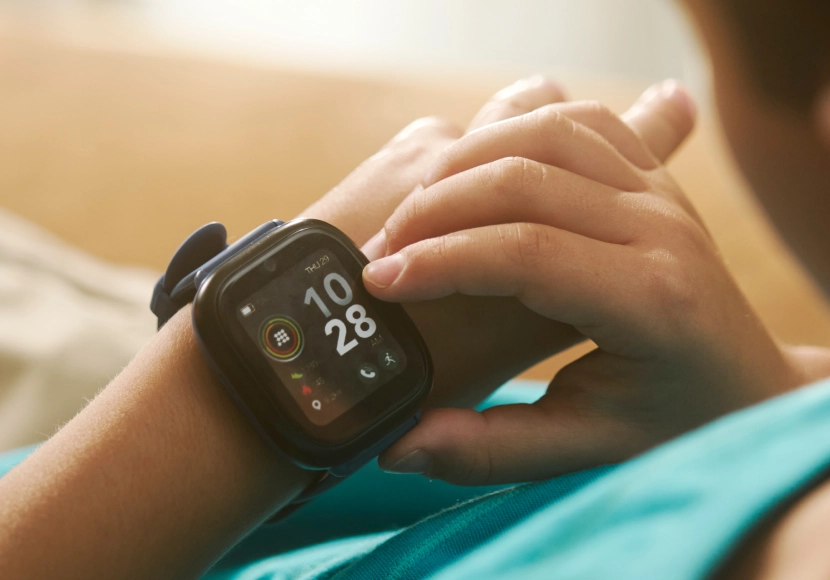
Not sure which product is right for your family? Learn more about the Bark App, Bark Phone, Bark Watch, Bark Sync, and Bark Home.
The Bark app is currently available in the United States (including U.S. territories), South Africa, and Australia. We’re continually working to bring Bark to more families around the world.
Yes! Download the Bark parent app here to review alerts, add children, connect accounts, update notification settings, and more.
You'll also need to install the Bark Kids app on your child's iPhone or iPad — it's what enables Bark to block apps and sites and track your child's location.
For deeper monitoring of texts, photos, videos, and more on your child's iOS device, you'll want the Bark Sync — a smart charger that scans your child's device every time it plugs in. It's the easiest way to get the most out of Bark on iOS. Learn more about Bark for iOS here.
Yes! Download the Bark parent app here to review alerts, add children, connect accounts, update notification settings, and more.
You'll also need to install the Bark Kids app on your child's Android device — it's what enables Bark to monitor content, manage screen time, block websites, and track your child's location. Learn more about Bark for Android here.
Add one of your child's devices or social media accounts to be monitored. Then — thanks to our comprehensive AI, we'll start sending you alerts about potentially harmful activities on those devices and accounts.
You can also customize how sensitive you would like the alerts to be. Don't care about profanity but want all alerts about drugs? No problem.
With Bark, you can manage your children’s screen time from your own phone via the Bark app or website, regardless of whether you have an iPhone and your kids have an Android (or vice versa).
In terms of web filtering, Apple's Screen Time and Google Family Link web filters only block general content. Bark, on the other hand, breaks down a wide range of categories and exceptions to enable a more customized and refined level of protection.
No, you do not need to jailbreak your child's iOS device or root your child’s Android phone in order for Bark to work. As a third-party service, we strive to provide a program that keeps phones working properly and that does not void warranties or terms of service.
No, but how you get set up with Bark depends on your child's device.
Android — Simply install the Bark Kids app on your child's device and you're good to go. Learn more about Bark for Android here.
iOS (iPhone/iPad) — The Bark Sync is a smart charger that scans your child's device every time it plugs in, handling iOS monitoring without any additional setup. Learn more about Bark for iOS here.
Bark can be installed on most phones, but the setup and features vary depending on the device. On Android phones, users can easily download the Bark app to enable monitoring, set screen-time limits, filter web content, manage apps, track location, and receive alerts.
On iPhones and iPads, Bark operates slightly differently due to Apple’s privacy restrictions. Bark devices like the Bark Phone and Bark Watch come with Bark’s safety features built right in, so parents don’t need to install anything separately.
Popular products
Easy setup and tamper-proof coverage with Bark built in.
Bark Phone
$29/mo + device

Bark Watch
$15/mo + device