
Parental controls for every device on your Wi‑Fi
Plug the Bark Home into your router to manage apps, websites, and screen time on your kids’ phones, TVs, consoles, and more.
Free shipping30-day money-back guarantee
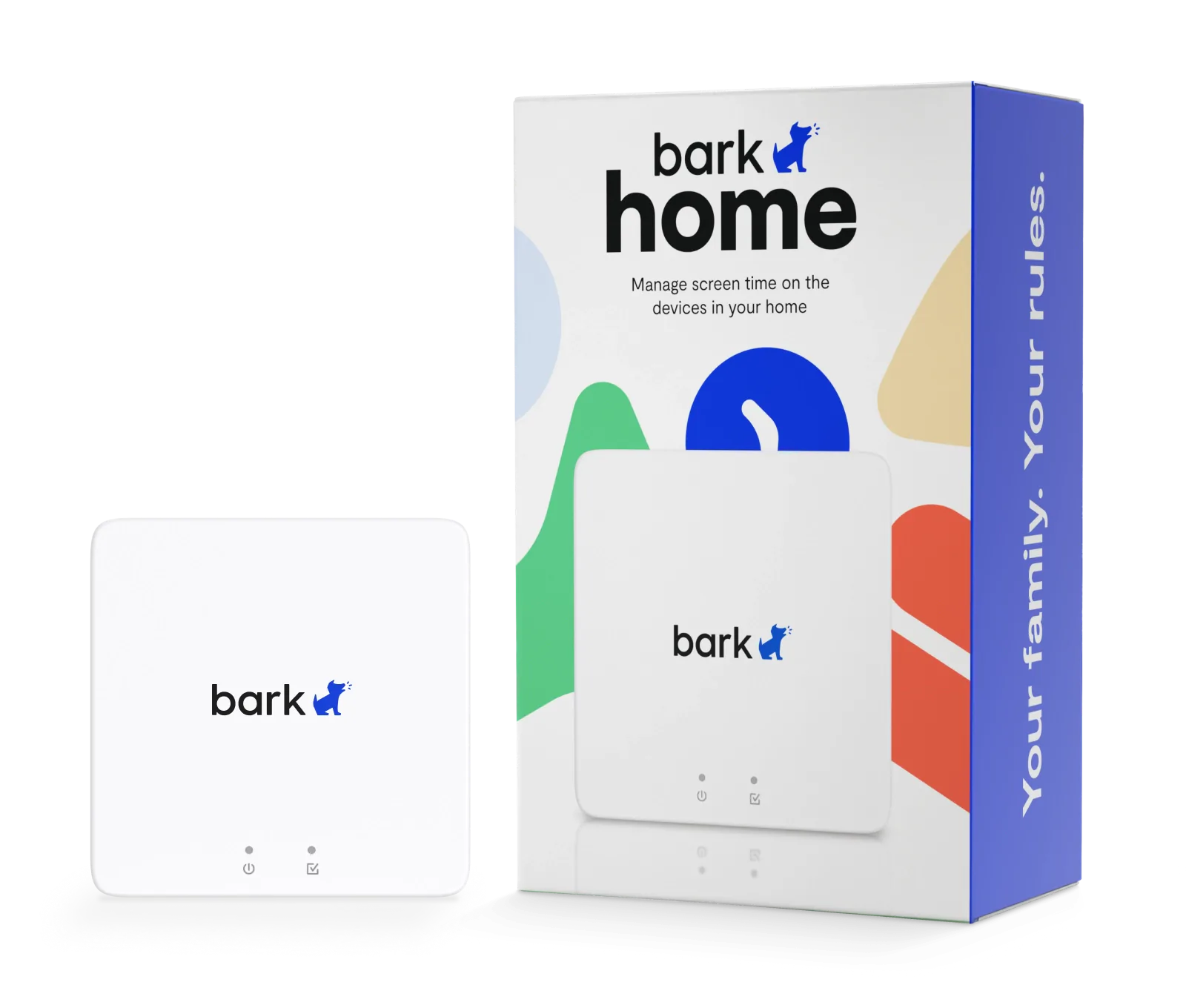




A little box with
a big reach
Covers the whole house
Kids’ phones, TVs, PlayStations, Switches, laptops — anything on your Wi-Fi.
Schedules and bedtimes
Choose which apps and sites work for school, homework, free time, and bedtime.
Pause anytime
Homework time, family time, or just a breather — pause the internet in one tap.
Your house, your rules
Set up in minutes
Plug the Bark Home into your Wi-Fi router, follow the steps in the Bark app, and you’re ready to go.
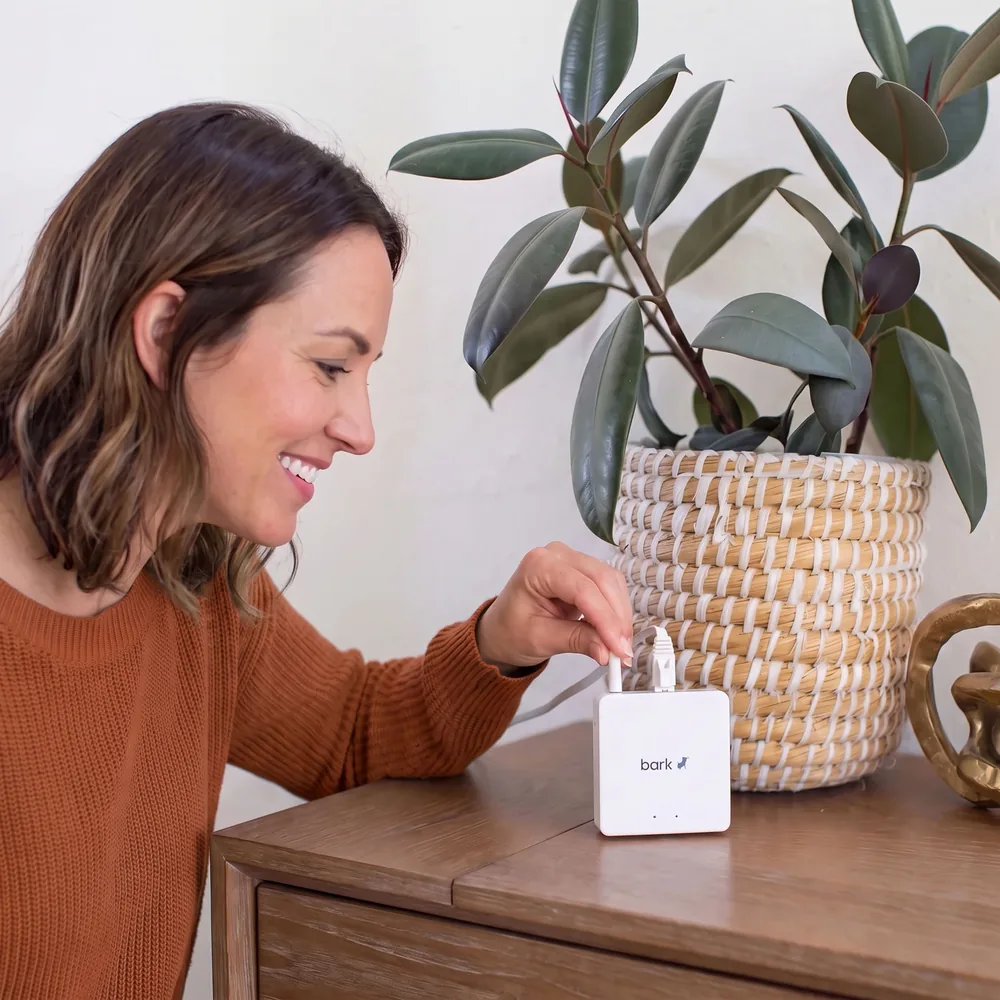
Block apps and games on every screen
Block Fortnite on the PlayStation, Netflix on the TV, or YouTube on the laptop — on a schedule or whenever you need.

Pause the internet anytime
When things get hectic, pause the internet on every device so everyone can take a breather. Who knows — you might even join them.

“We went through them all: Circle, Gryphon, etc. Bark Home was the strongest option available.”
Custom schedules that work for your family
Choose when gaming, streaming, and social sites are allowed — and set automatic bedtimes that wind things down for the night.
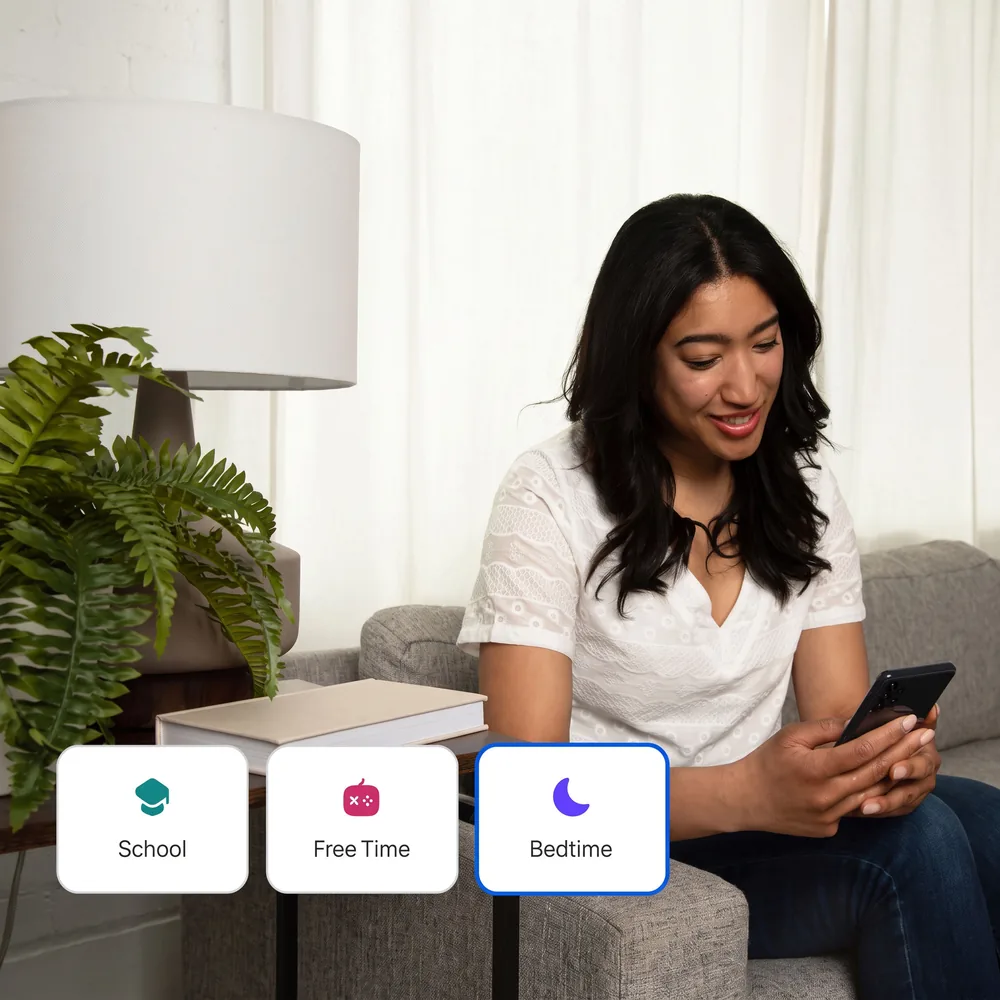
Block whole categories or just one site
Pick from categories like streaming, online gaming, and adult content or block specific sites. Safe search is on for Google, YouTube, Bing, and DuckDuckGo.

Works with most routers
The Bark Home supports speeds up to 1 Gbps, so streaming and gaming keep up. See if your router works.
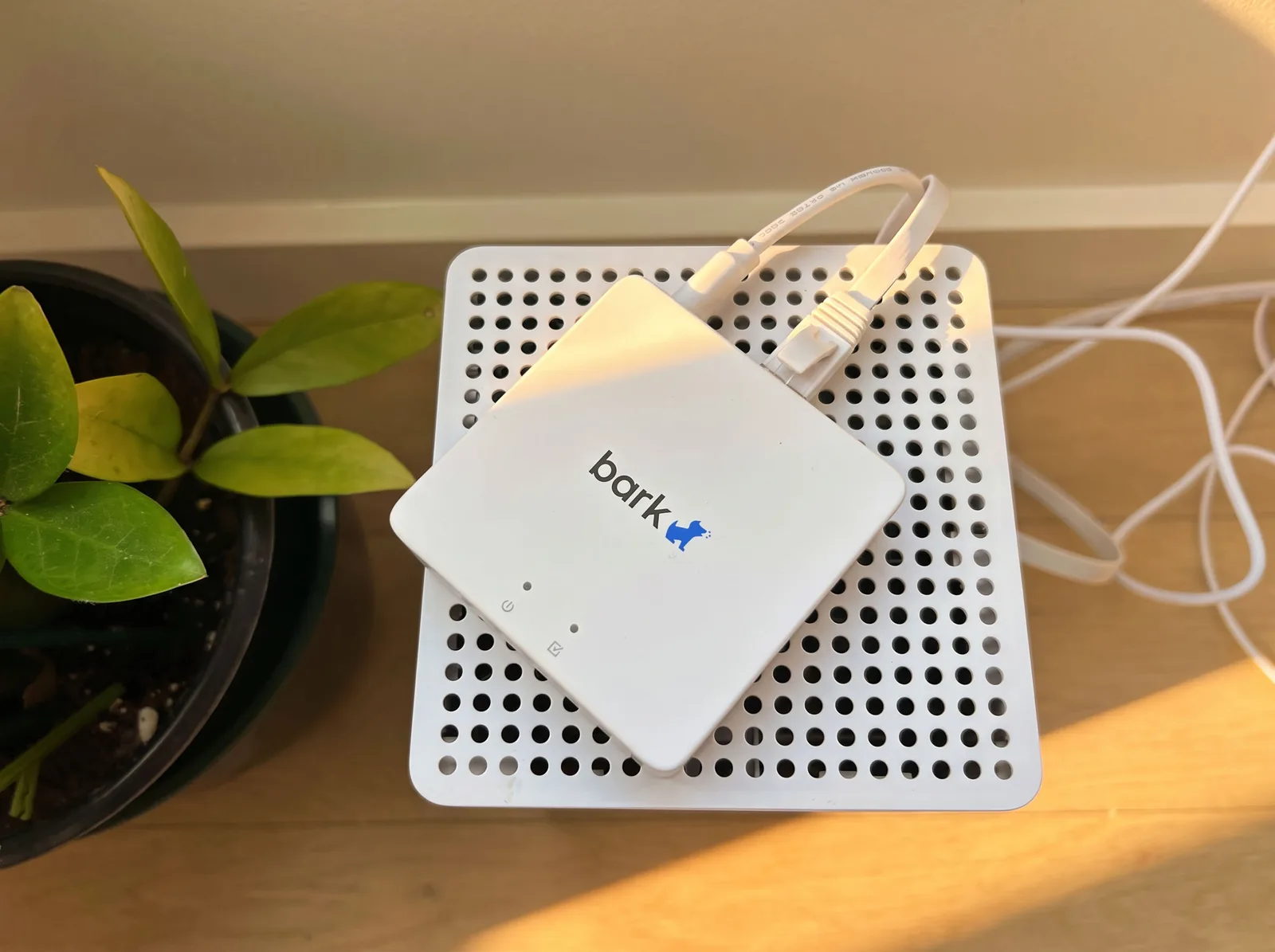


Simple, flexible pricing
Every plan covers all the devices on your home Wi-Fi. Pay monthly, yearly, or once.
Bark Home
For phones, TVs, gaming consoles, computers, tablets, and more
- Manage TVs, consoles, computers, tablets & phones
- Block apps & games with a tap
- Filter websites across 18 categories
- Screen time schedules & automatic bedtimes
- Pause the internet anytime
- Mandatory safe search on Google, YouTube, Bing & DuckDuckGo
- Supports speeds up to 1 Gbps
- Works with most routers
Pair it with the Bark App
The Bark Home covers every screen on your home Wi‑Fi, kids’ phones included. The Bark App adds content monitoring, alerts, and location tracking wherever your kid goes.
Learn more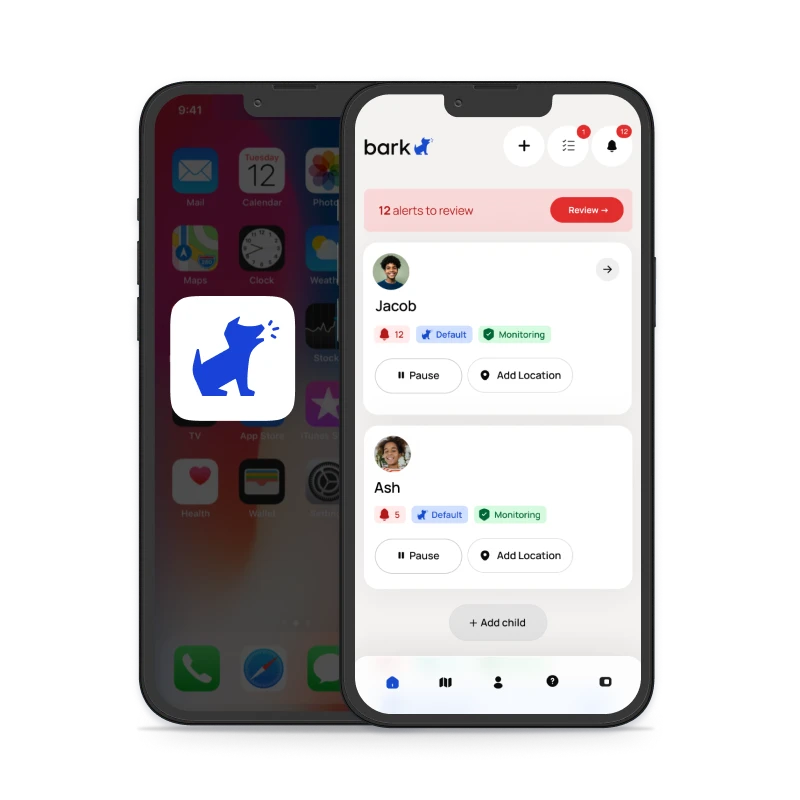

Screen time for the whole house
Plug it in, set your rules, and manage every screen at home from your phone.
FAQs
As one of the best internet parental controls providers, the Bark Home can manage a variety of device types, including:
- Smart TVs
- Gaming consoles (Xbox, PlayStation, Nintendo)
- Tablets
- Computers
- Cell phones
The Bark Home’s internet parental controls work by allowing you to block websites and apps and set screen time schedules on your child’s home devices — things like TVs, tablets, gaming consoles, and computers. It works on phones — iOS and Android — too!
You can also help protect them from potentially inappropriate content like porn, gaming sites, and excessive violence. You can also set up schedules where your kid can only access the internet on these devices at certain times, like after dinner or only on weekends. It’s up to you!
The Bark Home is a small device that plugs into your home’s Wi-Fi router, and it works by allowing or not allowing content at different times.
Our internet parental controls can give you peace of mind that your child is not getting into anything they shouldn’t, which is the perfect way to help keep them safe online and in real life.
Check this list to see if your router is compatible with Bark Home. You can also look into routers that come with Bark built in.
Don't see your specific router? No problem! The majority of routers are compatible or can be adjusted to be compatible with Bark Home. If you have questions, please reach out to our team.
Any web filtering technology will impact upload speeds somewhat, but Bark Home supports internet throughput up to 1 Gbps, meaning you should retain high speeds throughout your home’s devices. Bark Home also shouldn’t have an impact on streaming content. You can read more about this here.