
How Bark Works
7 million families trust Bark to help keep their kids safe online. With our parental controls, parents can feel more at ease raising their children in the digital age.

Our technology runs in the background, scanning your child’s activities for dangers
Bark monitors texts, social media, apps & more for potential dangers — even the photos and videos your child saves.
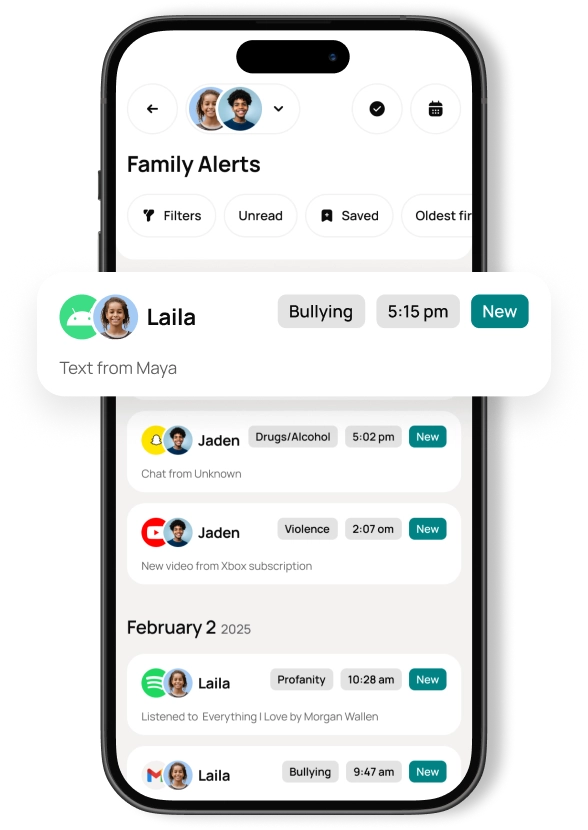
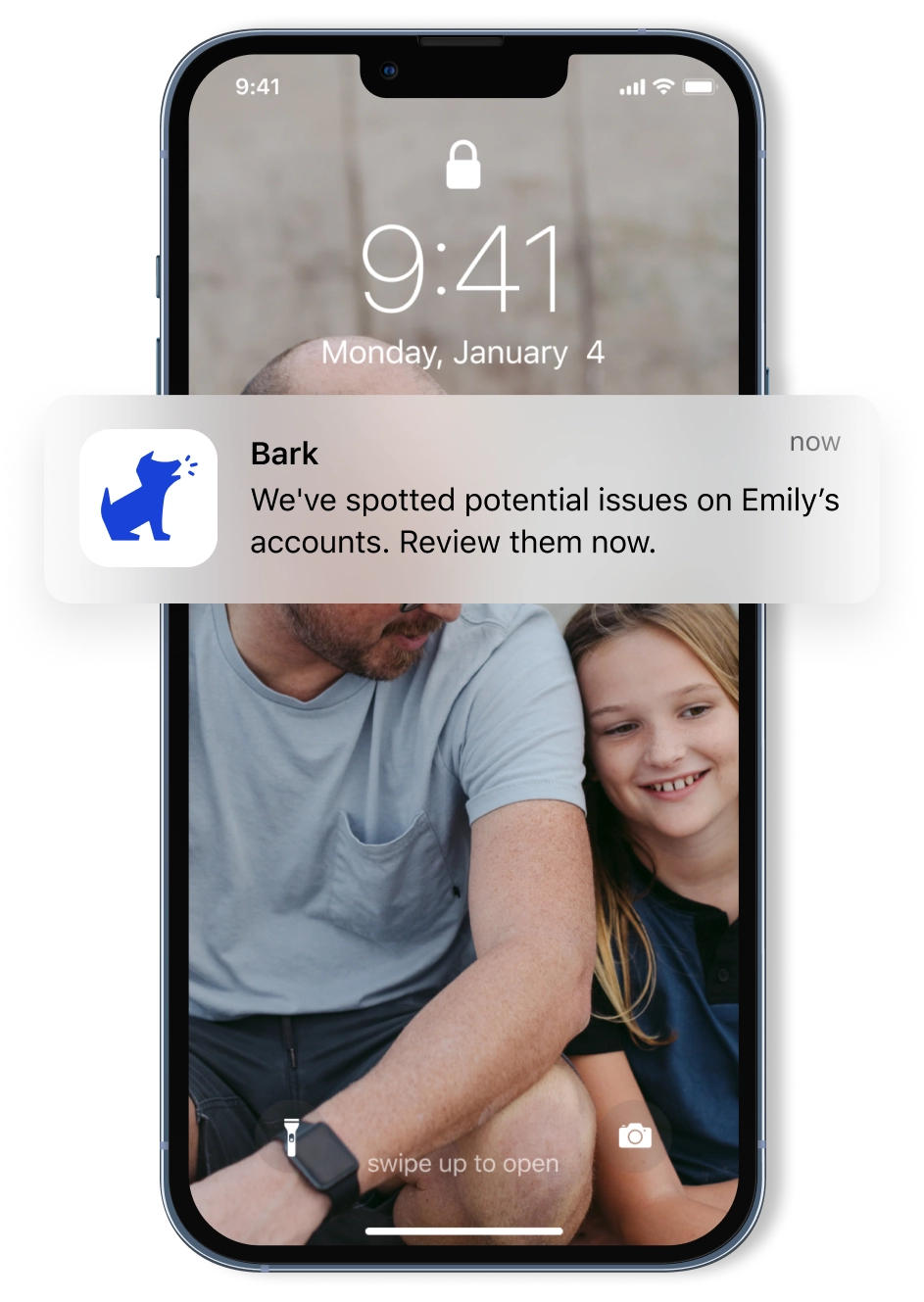
If something concerning is found, we let you know — ASAP
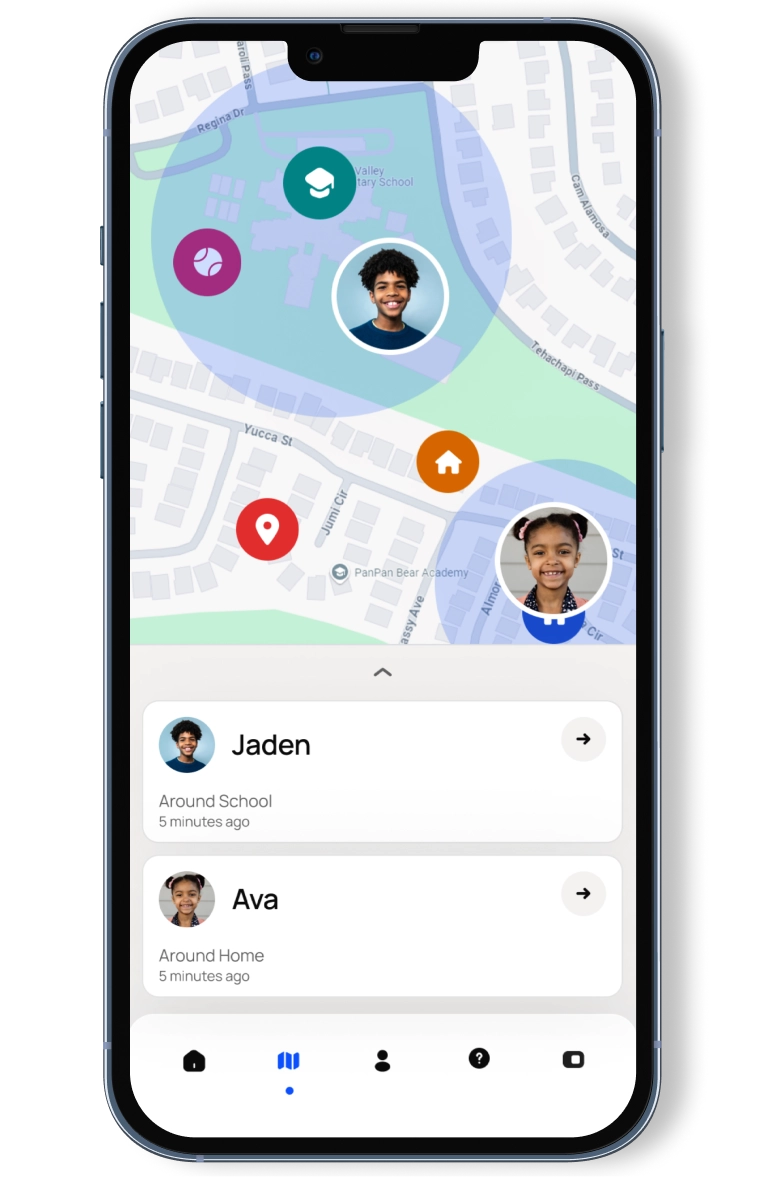
24/7 GPS-powered location tracking gives you peace of mind
We make location sharing simple with a real-time map, customizable location alerts, and check-ins.
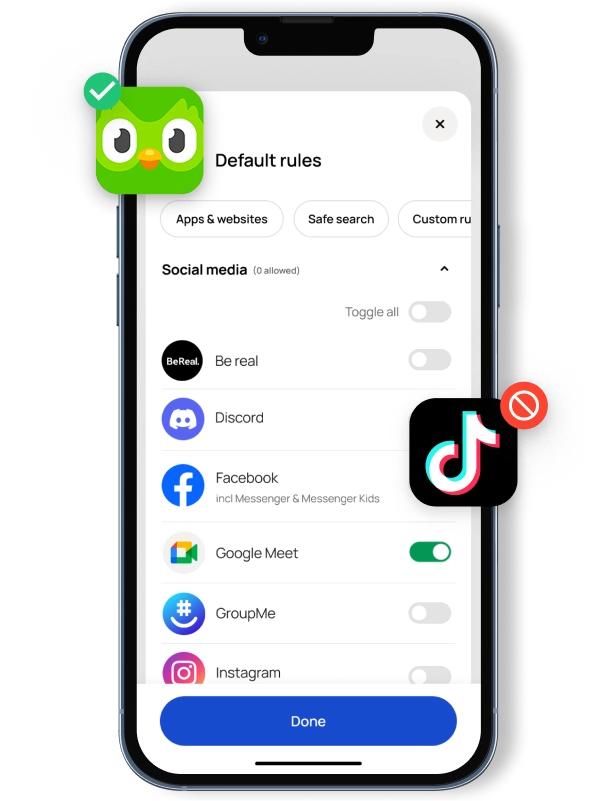
Create a kid-safe digital world with blocking
Choose from 45 categories of websites & apps to block — you can even create exceptions like “No streaming sites except for Disney+”.
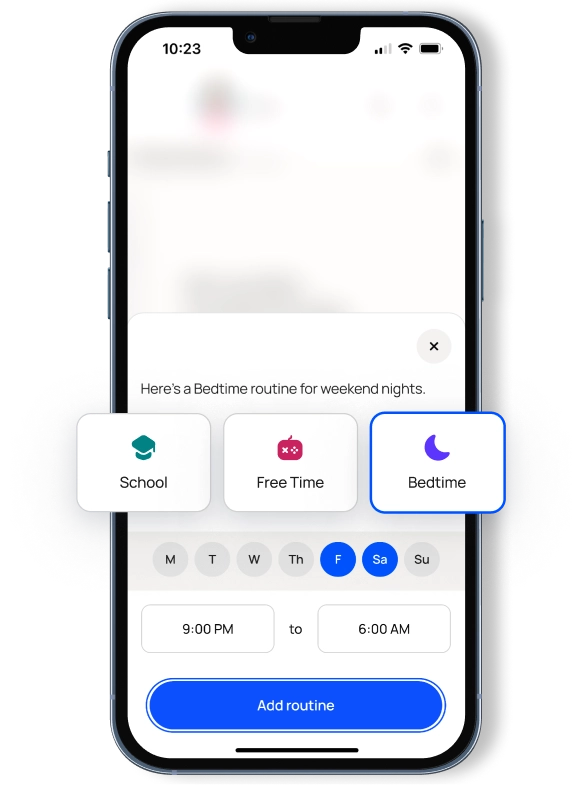
Make screen time rules that change with the time of day
Get granular and block YouTube during the school day or limit bedtime apps to music only — your family’s rules can be whatever you need.
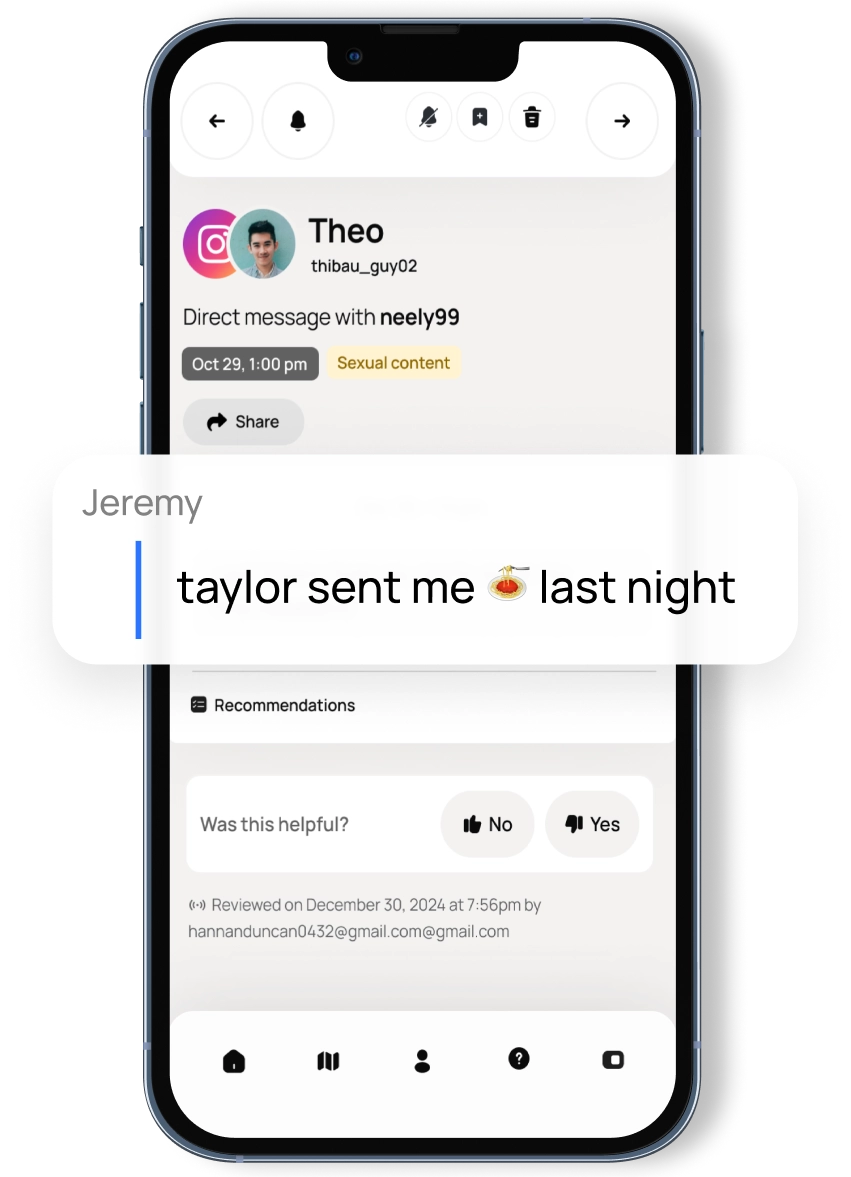
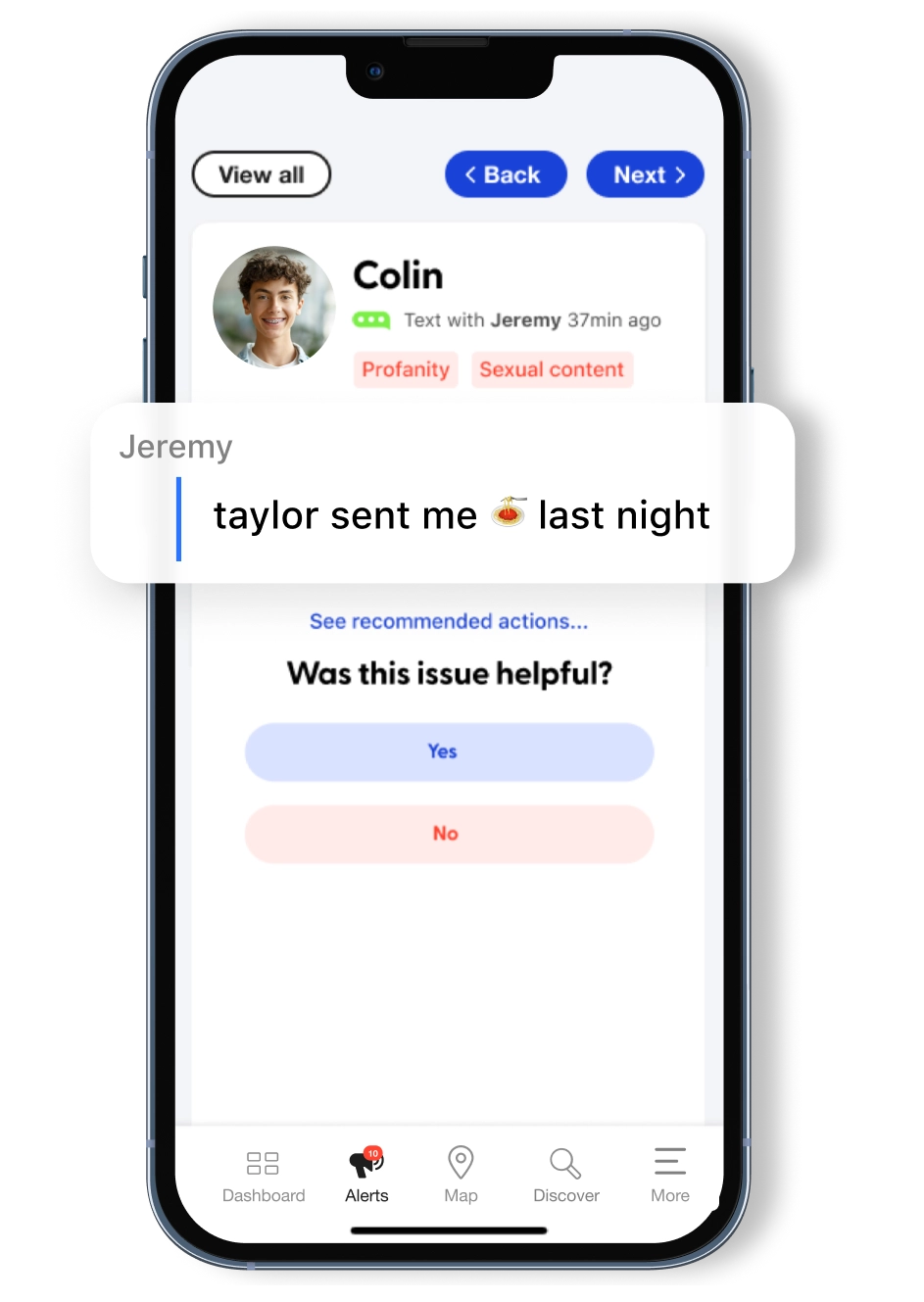
Don’t know the latest teen and tween slang? We’ve got you covered.
Our constantly evolving technology keeps up with the latest emojis & slang terms and flags issues you may have missed.
Real-life Bark families. Real-life stories.













FAQs
Once you connect your child's devices and accounts, Bark runs quietly in the background — no daily effort needed. Here's the basic flow:
1. Bark monitors your child's online activity
Bark scans texts, social media, emails, web searches, and saved photos and videos across your child's devices. Rather than flagging every message, it uses advanced AI and natural language processing to understand context — so it knows the difference between a kid venting about homework and a kid who's genuinely struggling.
2. You get an alert when something needs your attention
If Bark detects a potential issue — like signs of bullying, predatory behavior, suicidal ideation, or explicit content — it sends you an alert right away, along with context and guidance on how to address it.
3. You stay in control of the rest
Beyond monitoring, you can manage screen time schedules, block websites and apps by category, and track your child's location with live GPS and check-ins — all from the Bark parent app. For a deeper look, visit our How Bark Works page.
Using a web blocking app can benefit your kid in a number of ways! You can use it to block content that harms their mental health, give them back time to enjoy screen-free activities, help them avoid misinformation, and much more.
Simply log into the Bark parent app/dashboard and decide what apps and websites you want to allow and when — we make it easy with rules for school time, bedtime, and free time.
If you'd like to start keeping track of your child's visits to and from a location, simply add the address to your child's profile in your Bark app. Give the address a name to explain what it is, (for example, "Sarah's house" or "Soccer practice"), and then when your kid starts to move, you'll receive an alert!
Bark's phone monitoring app for parents not only provides comprehensive coverage for all the top apps and devices, but also takes the crucial extra step of helping families navigate the issues raised by alerts.
Here's a complete list of absolutely everything Bark monitors on every device.

Ready to get started?
Now that you know how Bark works, take the next step! Bark was created by parents, for parents, to offer a better, easier, and more effective way to help families create healthy digital habits.
