
The #1 App for Parental Monitoring

The Bark app is the gold standard when it comes to parental monitoring. Help protect your kid online and in real life with alerts.
Featured On:















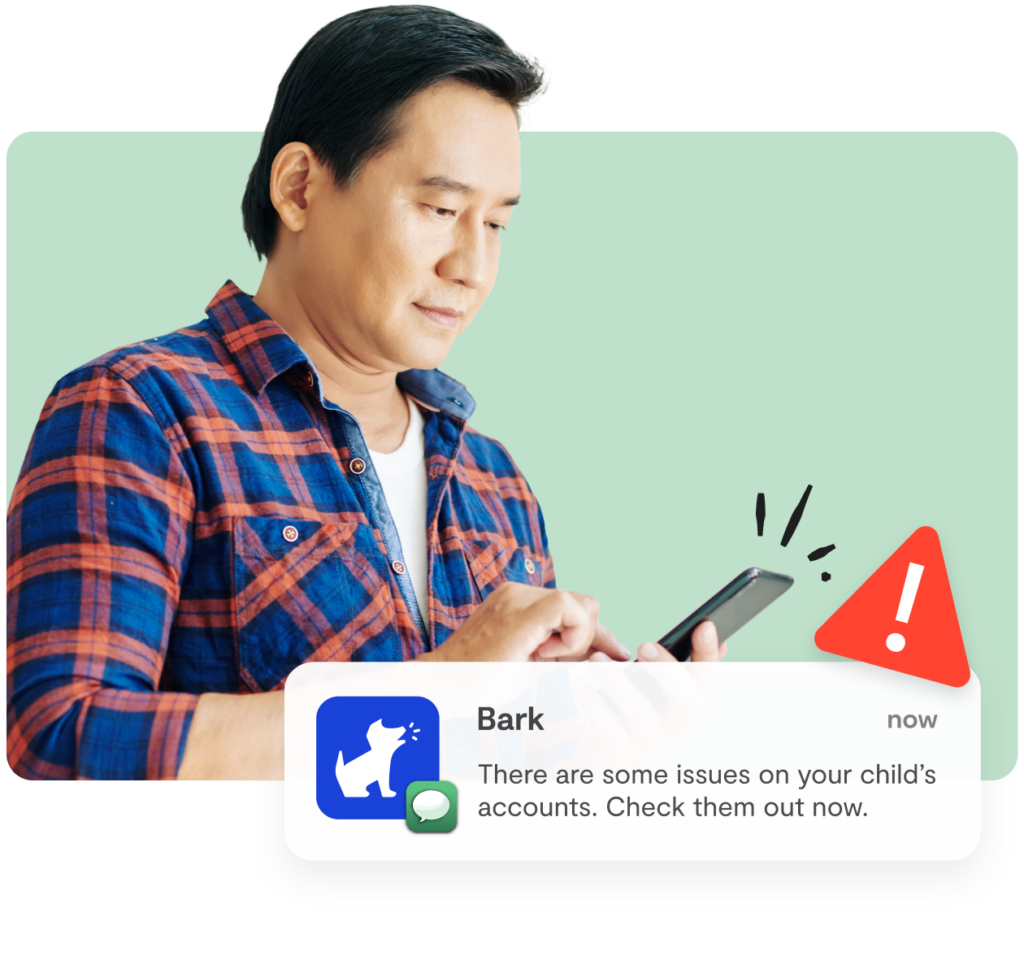

Monitor texts, apps, social media, and web searches
Our advanced parental monitoring technology scans your child’s online activities for worrisome content and provides a digital safety net.

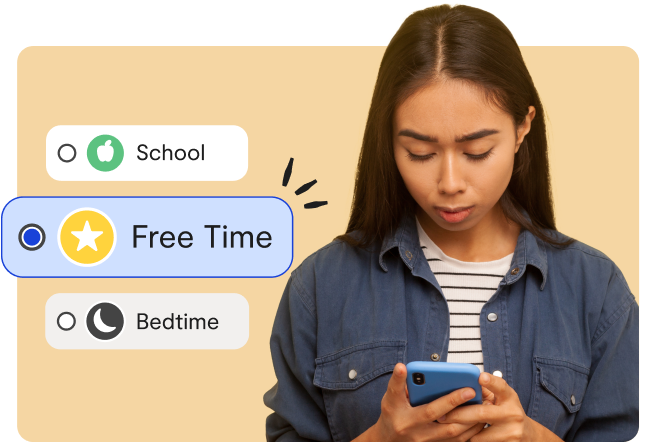
Create screentime schedules
Set rules for different times of the day like bedtime, school time, and free time.
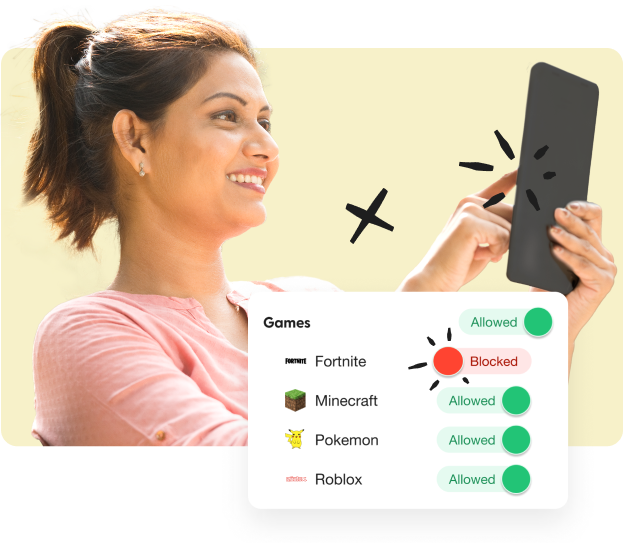

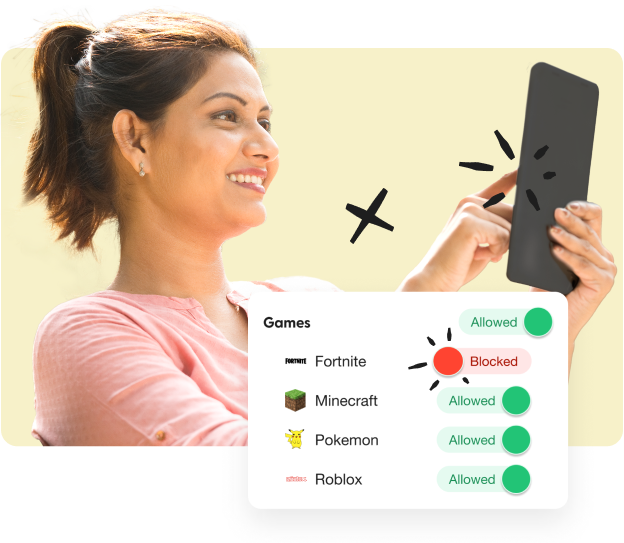
Block websites and apps
Filter out specific sites or choose from 19 different categories to help protect your kid from inappropriate content.

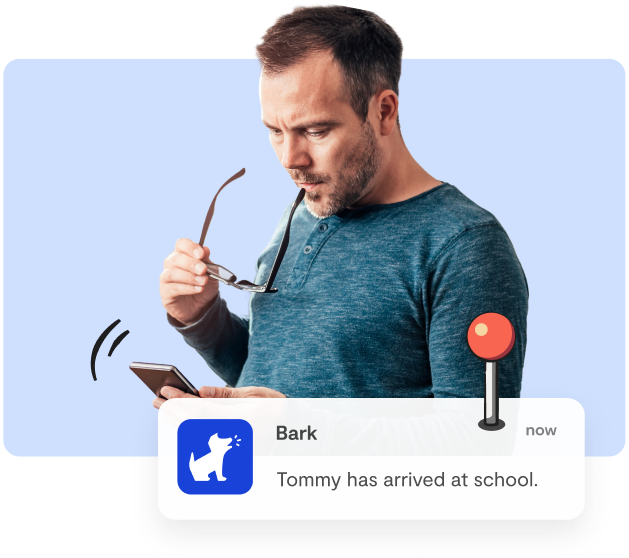
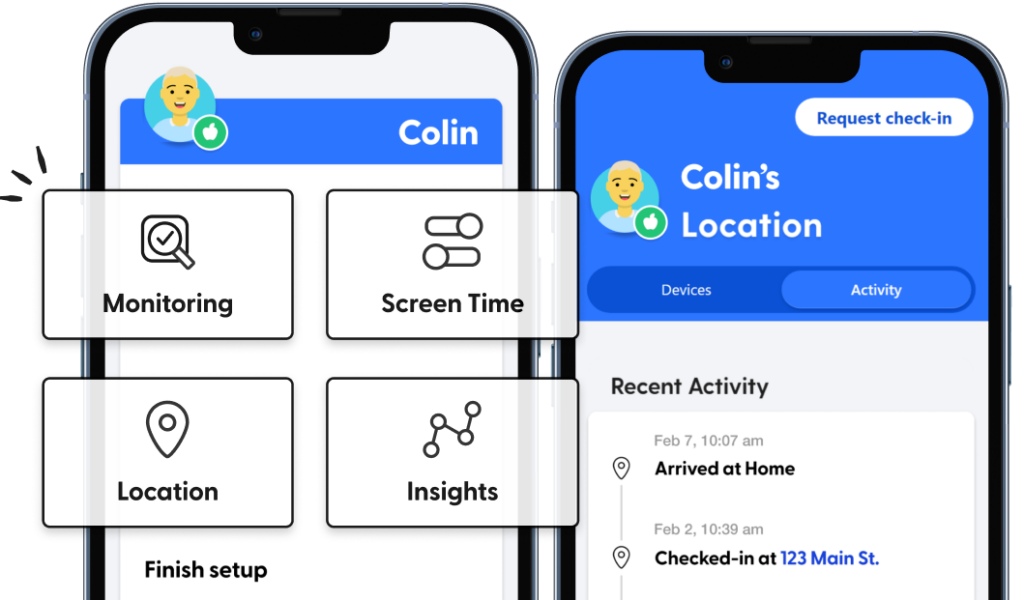
Track location
Stay on top of your child’s location with our real-time map, location alerts, and check-ins.
Pricing & Details
- Monitor texts, email, YouTube, and 30+ apps and platforms
- Monitor web searches and saved photos & videos
- Receive parental monitoring alerts for issues like cyberbullying, online predators, suicidal ideation, and more
- Get insights into your child’s digital activities
- Learn how to address issues with child-psychologist advice and tips
- Manage screen time
- Block website and apps
- Keep up with kids with location alerts and check-ins
Why Bark’s parental monitoring stands out from the competition

State-of-the-art monitoring
Bark’s industry-leading algorithm scans online activities for dangers.

Add unlimited kids & devices
Don’t worry about new devices — you’ll be covered

Unbeatable support
Our warm and friendly Bark team is ready and waiting to help you out.
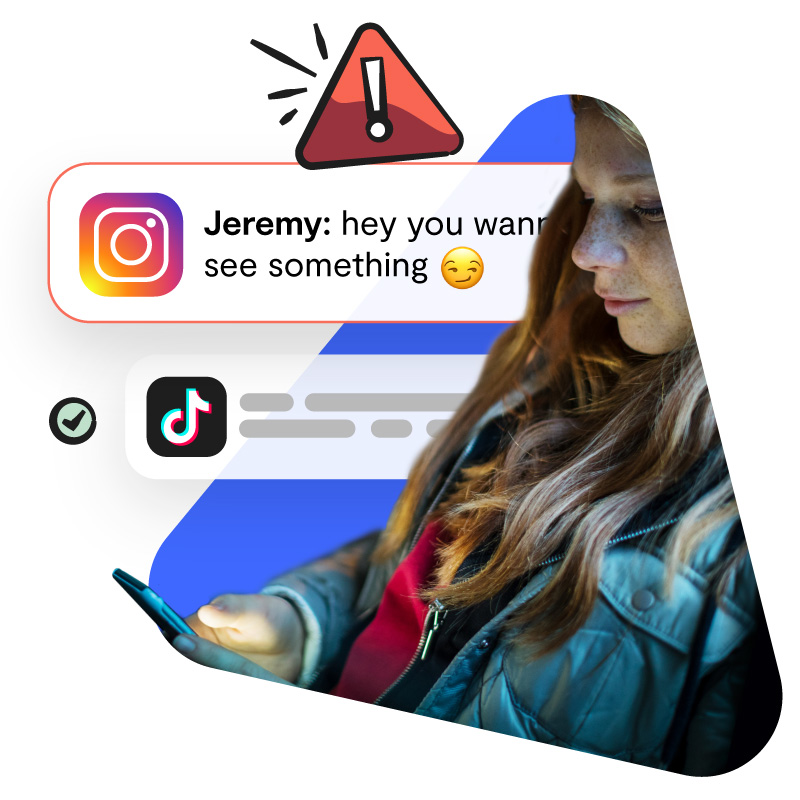
Receive alerts for potential issues
Bark alerts you to potential dangers so you can check in with your child and make sure everything is okay.
Get expert advice and tips

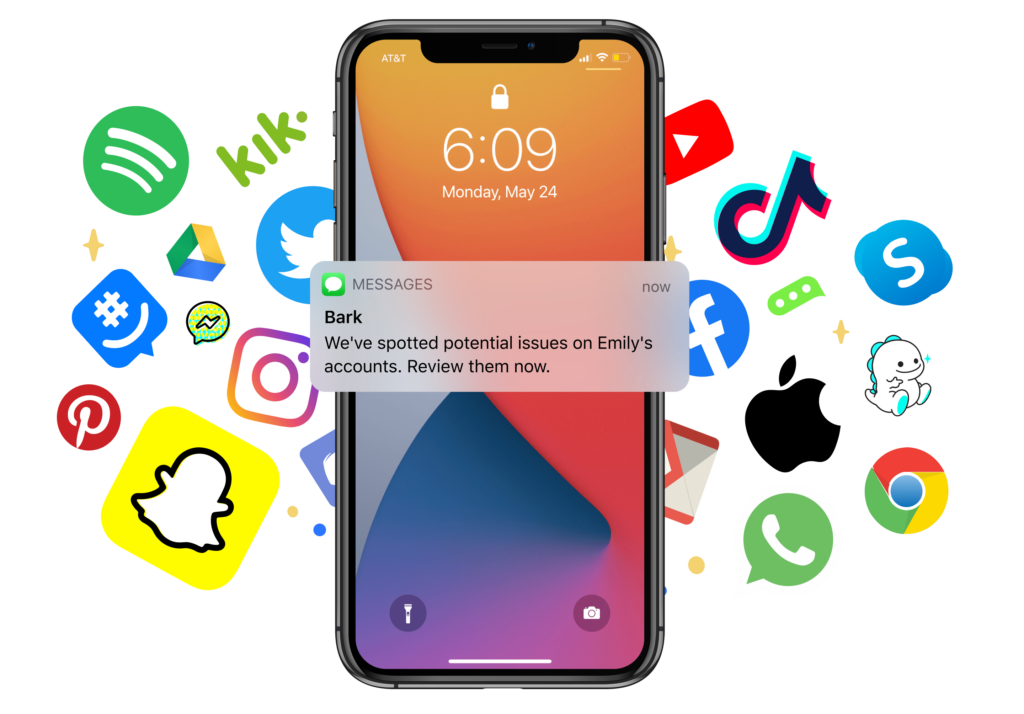
What Bark Monitors
Bark scans texts, emails, and 30+ of the most popular apps and social media platforms for issues like bullying, online predators, suicidal ideation, sexual content, and more.
Over 19,000 5 star reviews
-
Bark is like the Swiss Army knife of my parenting tool box
Bark is like the Swiss Army knife of my parenting tool box. I find a new benefit of having it constantly. It’s the most helpful tool I have in keeping my teenagers safe and helping me stay in the know with their crazy world of technology.
Cassia M.
-
A huge weight lifted
It was like a huge weight was lifted off my shoulders when stumbling across the Bark app.
 Jenna U.
Mom of 3 -
Greater peace of mind
With Bark alerts, I now have peace of mind that my kids’ devices are safe and I don’t have to look at everything.
 Brett K.
Dad of 3 -
Insight and conversation starters
Best of all, the conversations we have regarding Bark alerts give me insight into my child’s world and his relationships.
 Dave C.
Dad of 4
How Bark works
FAQs
Pricing depends on your child's device. A single subscription covers every child and device in your family, with no limit on accounts, devices, or kids.
iOS (iPhone/iPad) — $20/month or $148/year Includes the Bark Sync, a smart charger that scans your child's iPhone or iPad for potential dangers every time it plugs in. This is our solution to Apple's strict privacy restrictions that prevent third-party apps from directly monitoring iOS devices.
Android — $14/month or $99/year
With either plan, you can:
- Monitor and receive alerts for your child's social media, texts, email, and web activity
- Manage screen time and block specific websites and apps
- Track your child's location with live GPS, location alerts, and check-ins
The Bark app is compatible with iPhones, iPads, Android phones, Android tablets, laptops, computers, Chromebooks, and Amazon Fire tablets. Check out our full list of everything Bark can monitor on each device.
Once you connect your child's devices and accounts, Bark runs quietly in the background — no daily effort needed. Here's the basic flow:
1. Bark monitors your child's online activity
Bark scans texts, social media, emails, web searches, and saved photos and videos across your child's devices. Rather than flagging every message, it uses advanced AI and natural language processing to understand context — so it knows the difference between a kid venting about homework and a kid who's genuinely struggling.
2. You get an alert when something needs your attention
If Bark detects a potential issue — like signs of bullying, predatory behavior, suicidal ideation, or explicit content — it sends you an alert right away, along with context and guidance on how to address it.
3. You stay in control of the rest
Beyond monitoring, you can manage screen time schedules, block websites and apps by category, and track your child's location with live GPS and check-ins — all from the Bark parent app. For a deeper look, visit our How Bark Works page.
The easiest way to get started is to visit our sign-up page or download the Bark parent app (iOS, Android) — from there, you'll be guided through setup step by step.
Not sure which product is right for your family? Learn more about the Bark App, Bark Phone, Bark Watch, Bark Sync, and Bark Home.
The Bark app is currently available in the United States (including U.S. territories), South Africa, and Australia. We’re continually working to bring Bark to more families around the world.
Yes! Download the Bark parent app here to review alerts, add children, connect accounts, update notification settings, and more.
You'll also need to install the Bark Kids app on your child's iPhone or iPad — it's what enables Bark to block apps and sites and track your child's location.
For deeper monitoring of texts, photos, videos, and more on your child's iOS device, you'll want the Bark Sync — a smart charger that scans your child's device every time it plugs in. It's the easiest way to get the most out of Bark on iOS. Learn more about Bark for iOS here.
Yes! Download the Bark parent app here to review alerts, add children, connect accounts, update notification settings, and more.
You'll also need to install the Bark Kids app on your child's Android device — it's what enables Bark to monitor content, manage screen time, block websites, and track your child's location. Learn more about Bark for Android here.
Add one of your child's devices or social media accounts to be monitored. Then — thanks to our comprehensive AI, we'll start sending you alerts about potentially harmful activities on those devices and accounts.
You can also customize how sensitive you would like the alerts to be. Don't care about profanity but want all alerts about drugs? No problem.
With Bark, you can manage your children’s screen time from your own phone via the Bark app or website, regardless of whether you have an iPhone and your kids have an Android (or vice versa).
In terms of web filtering, Apple's Screen Time and Google Family Link web filters only block general content. Bark, on the other hand, breaks down a wide range of categories and exceptions to enable a more customized and refined level of protection.
No, you do not need to jailbreak your child's iOS device or root your child’s Android phone in order for Bark to work. As a third-party service, we strive to provide a program that keeps phones working properly and that does not void warranties or terms of service.
No, but how you get set up with Bark depends on your child's device.
Android — Simply install the Bark Kids app on your child's device and you're good to go. Learn more about Bark for Android here.
iOS (iPhone/iPad) — The Bark Sync is a smart charger that scans your child's device every time it plugs in, handling iOS monitoring without any additional setup. Learn more about Bark for iOS here.

Ready to get started?
See if Bark is right for your family with our no-strings-attached, 7-day free trial.
