
Parental controls made easier
Real solutions to help keep your kids safer online, every day.















Parental controls without the overwhelm.
Somewhere between the group chat and the app store, things got complicated. Bark helps you calm the chaos.
Bark’s advanced AI catches what you’d miss
Our technology scans texts, photos, and apps for red flags before they become real problems.
Set it up your way, for every age and stage
Every kid is different, and so are their needs. Adjust features, filters, screen time, and alerts as kids grow.
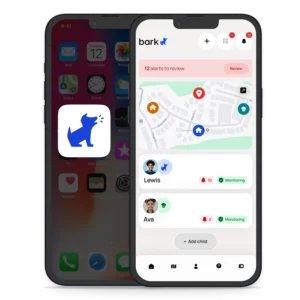
Know where they are while they’re out and about
Bark’s location tracking helps you keep up with your family no matter where they roam. Set location alerts and see every kid’s location.
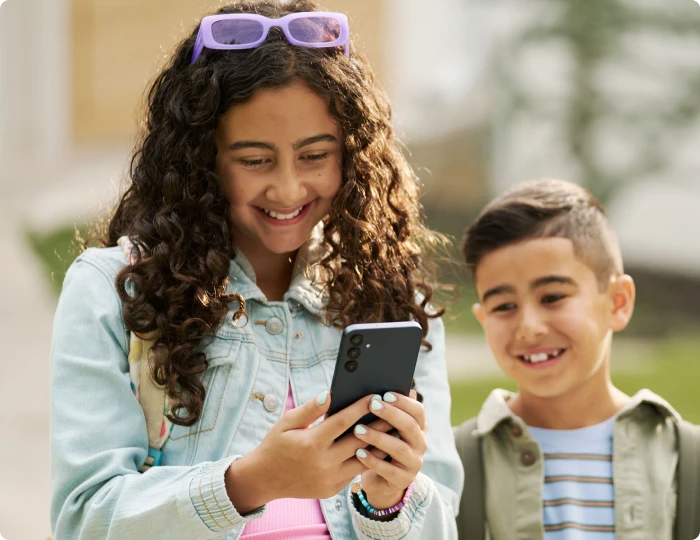
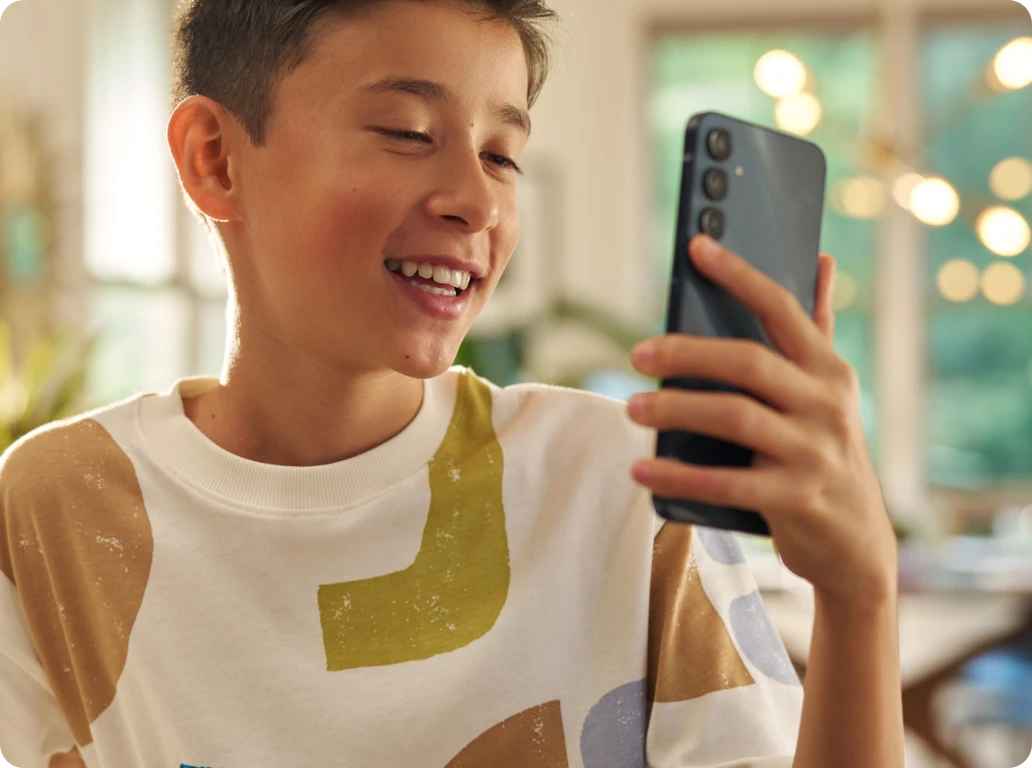
The Bark Phone
A safer smartphone for kids with Bark’s monitoring built in.
From $39/mo + device
“I’ve tried many popular kids’ phones and this one is the best.”

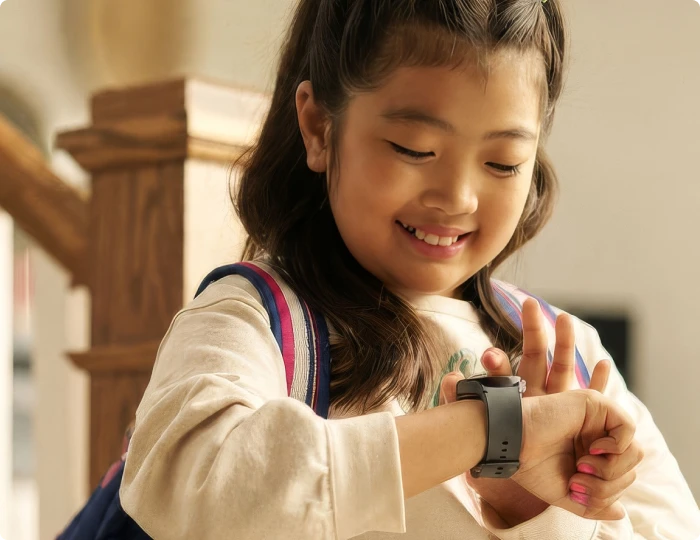
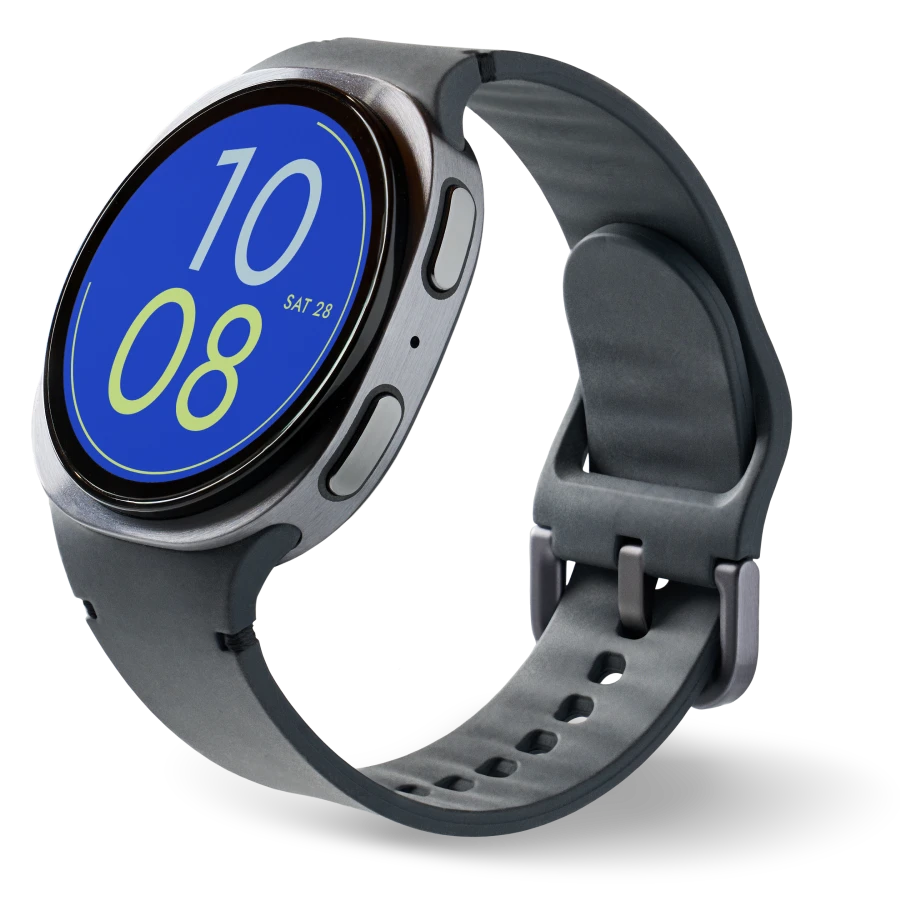
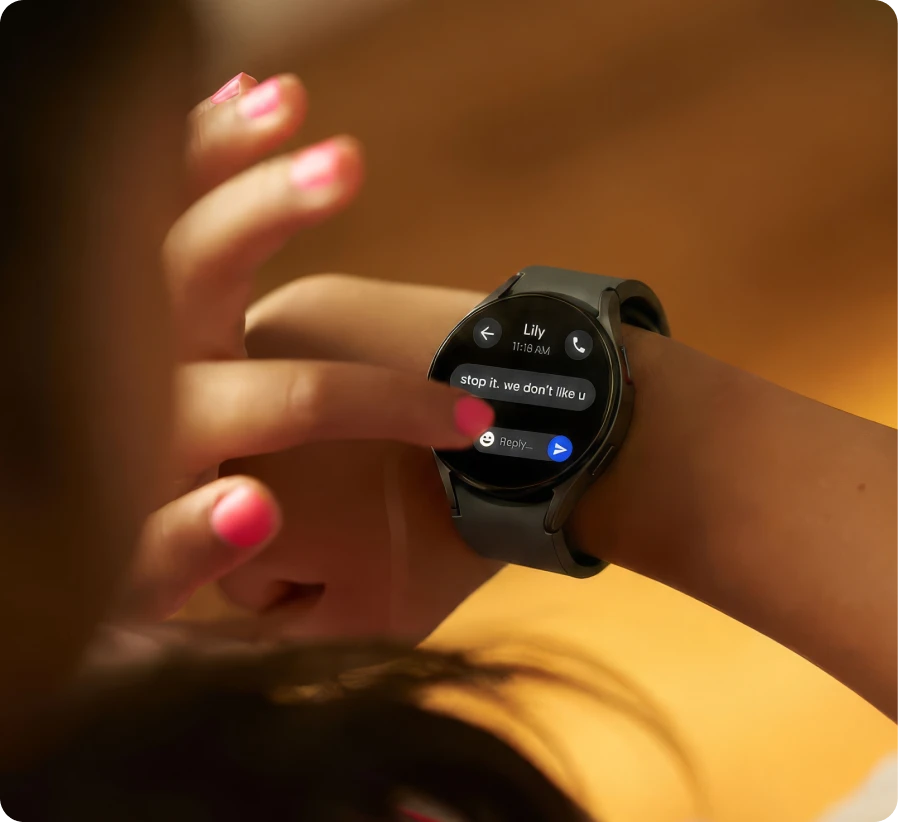
The Bark Watch
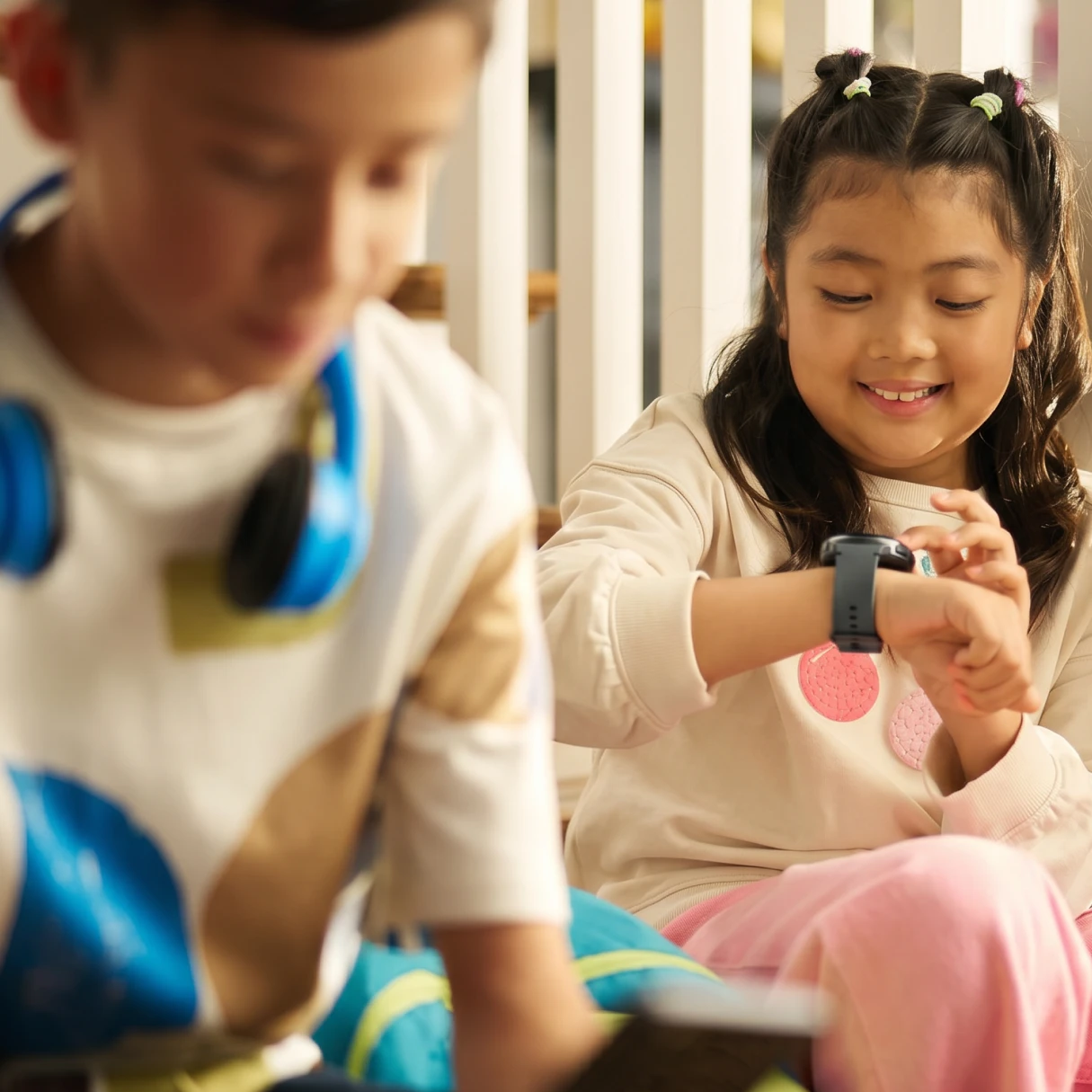
Simpler connection and controls for younger kids. No social media, browsers, or games.
$15/mo + device
“I like that Bark Watch doesn’t have games, social media, or web browsers. Rather, the emphasis is on communication with trusted contacts.”
Tricia N.
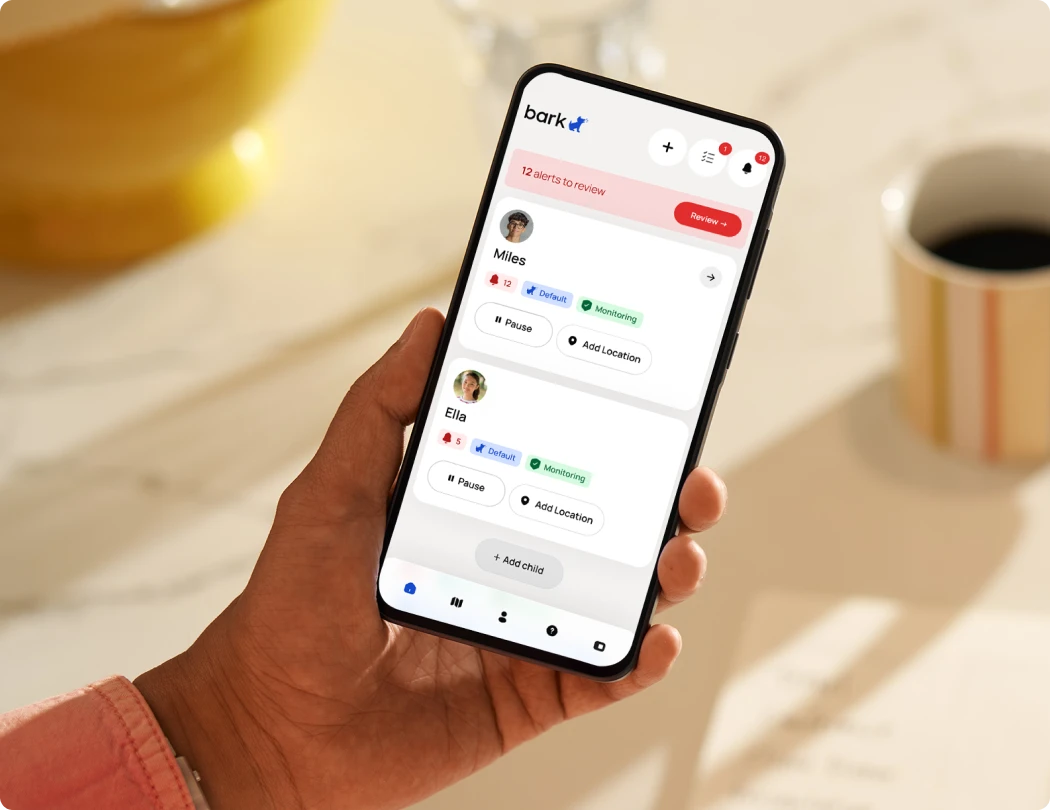
The Bark App
Add Bark’s monitoring and parental controls to iPhones, Androids, tablets & more.
From $14/mo
“Love the alerts & recommendations from Bark. Surprisingly it’s initiated some great convos with my kids.”
Stacey C.
Which Bark product is right for your family?
 |
 |
 |
|
|---|---|---|---|
| Bark Watch | Bark Phone | Bark App | |
| GPS location tracking | |||
| AI content monitoring & alerts | |||
| Contact approvals | |||
| Screen time schedules | |||
| Block apps & websites | |||
| No social media or games | |||
| Tamper-proof controls | |||
| Pause or disable the internet | |||
| Device price | $10/mo for 24 months | $10/mo for 24 months | — |
| Bark Plan | $15/mo | From $39/mo | From $14/mo |
- GPS location tracking
- AI content monitoring & alerts
- Contact approvals
- Screen time schedules
- Block apps & websites
- No social media or games
- Tamper-proof controls
- Pause or disable the internet
- GPS location tracking
- AI content monitoring & alerts
- Contact approvals
- Screen time schedules
- Block apps & websites
- No social media or games
- Tamper-proof controls
- Pause or disable the internet
- GPS location tracking
- AI content monitoring & alerts
- Contact approvals
- Screen time schedules
- Block apps & websites
- No social media or games
- Tamper-proof controls
- Pause or disable the internet
Still not sure what’s best?
Answer a few quick questions and we’ll point you to the Bark product that fits your family.
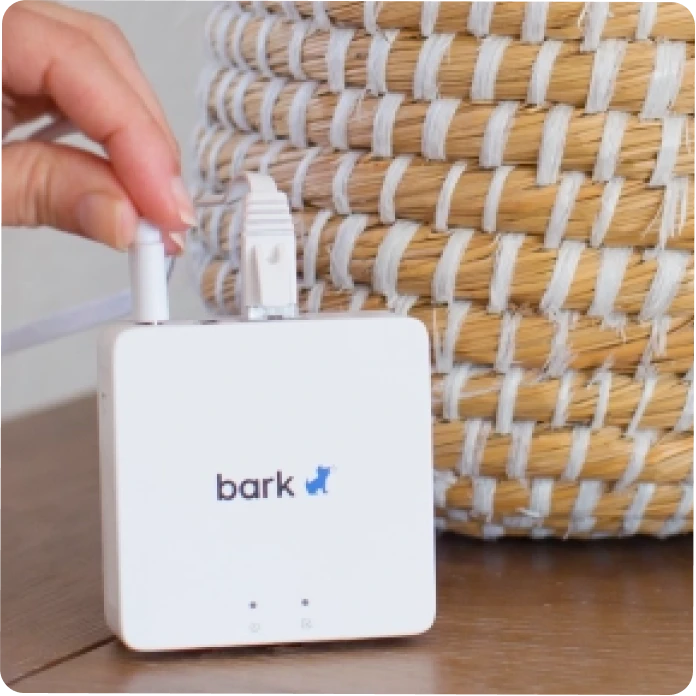
Features built for families
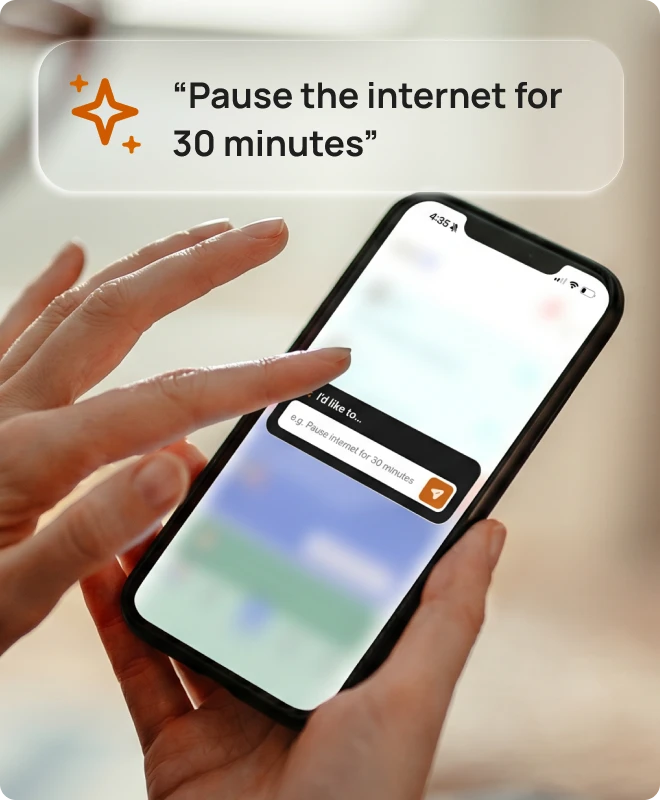
Change parental controls easily with one tap
Manage everything from your parent dashboard with the Bark Assistant.

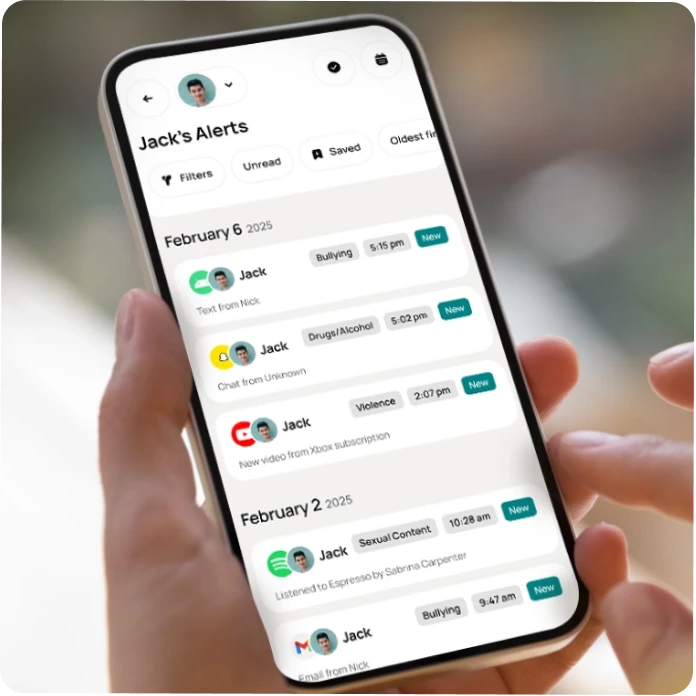
Monitor texts, social media, search, and more
Bark scans texts, 30+ social media apps, browsers, and emails to help keep kids protected.

Worry less when they’re out and about
See where they are on the road, at the store, or out with friends.

AI-powered safety alerts in over 29 categories
Bark’s AI understands context, not just keywords — across texts, images, and audio.
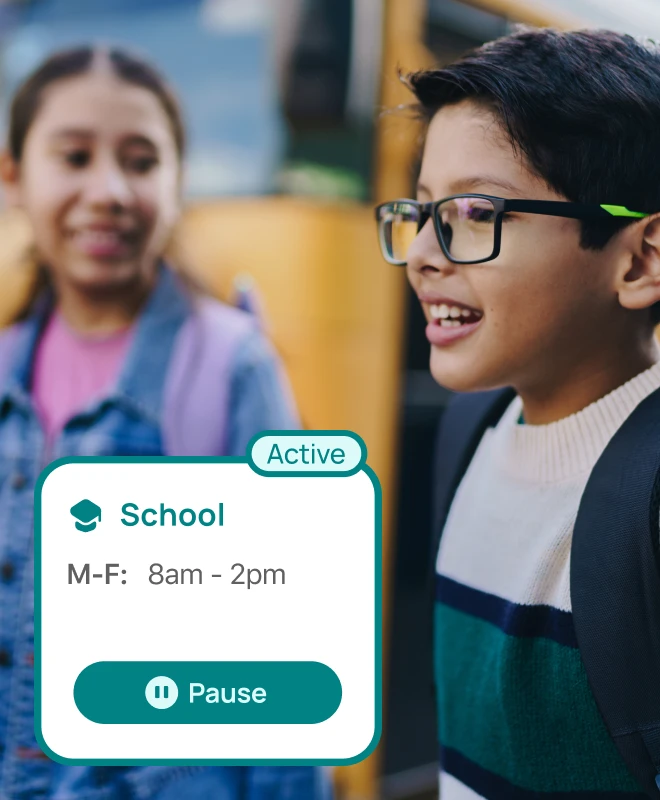
Screen time schedules that fit your family
Create custom screen time schedules, or pause the internet altogether.
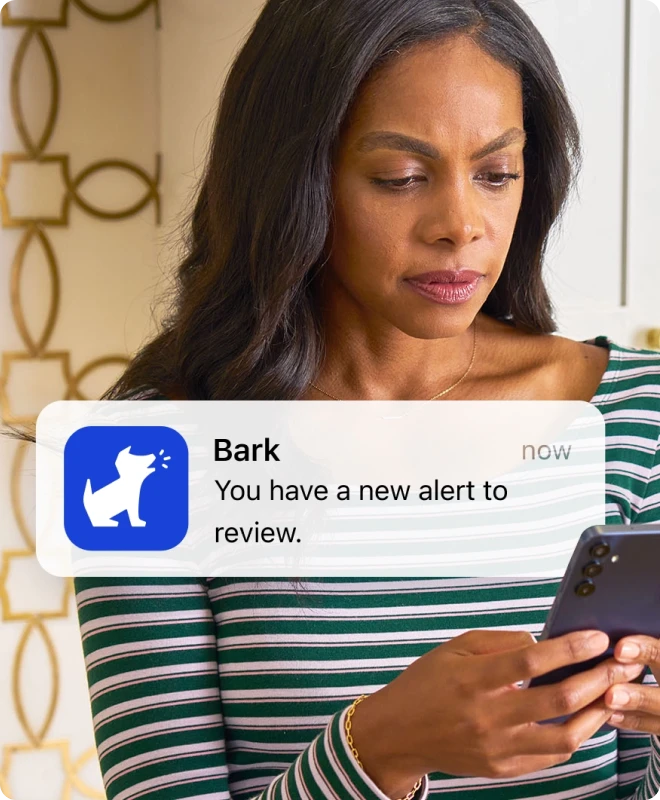
Personalized insights & expert recommendations
Get personalized activity reports and expert guidance with every alert.
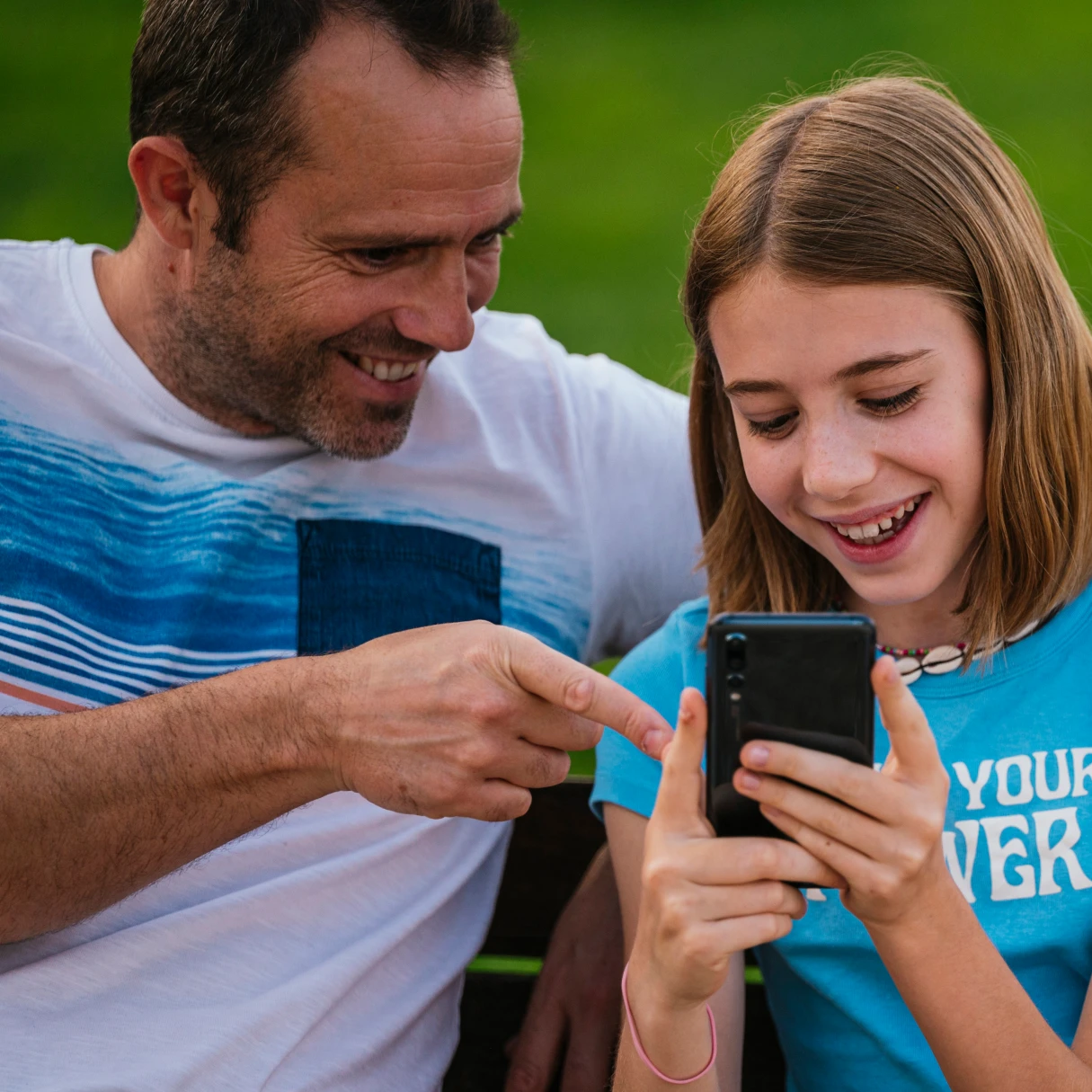


Join 7 million+ families protected by Bark
In partnership with families and schools, Bark helps protect over 7.3 million children.
"My kid gets the fun of having their own smartphone, and I get the peace of mind knowing they’re safe."
"Honestly, Bark catches ALL THE THINGS!!!"
"Bark potentially saved my daughter’s life. If you’re contemplating... don’t hesitate."
"I love the Bark Phone. It’s a life changer."
"Best out there, hands down. Things it captured would have gone undetected elsewhere."
"The monitoring is fantastic. Best thing we have found."
"Kids maintain some privacy and I get notified about the things we feel are concerning."
"So far we love our Bark Watch for our daughter."
"I love the controls and monitoring. I have no regrets getting the phone."
"Absolutely without a doubt worth it!!"
"7 days with this phone and it has done wonders already. I highly recommend it."
"By far one of the BEST options I could have asked for."
FAQs
How much does the Bark Watch cost?
The Bark Watch is paid for monthly over 24 months. This monthly cost covers the device only. A Bark service plan is required to activate your Bark Watch.
Device payment:
- $10/month for 24 months. You can pay it off early — just contact us!
Your $15/month service plan is separate from your device payment and includes:
- Cell service and parental controls
- A Bark Premium subscription for the entire family, covering unlimited kids and devices, including phones and tablets you already own
How much does the Bark app cost?
Pricing depends on your child’s device. A single subscription covers every child and device in your family, with no limit on accounts, devices, or kids.
iOS (iPhone/iPad) — $20/month or $148/year Includes the Bark Sync, a smart charger that scans your child’s iPhone or iPad for potential dangers every time it plugs in. This is our solution to Apple’s strict privacy restrictions that prevent third-party apps from directly monitoring iOS devices.
Android — $14/month or $99/year
With either plan, you can:
- Monitor and receive alerts for your child’s social media, texts, email, and web activity
- Manage screen time and block specific websites and apps
- Track your child’s location with live GPS, location alerts, and check-ins
How much does the Bark Phone cost?
The Bark Phone and Bark Phone Pro are paid for monthly over 24 months. This monthly cost covers the device only. A Bark wireless plan is required for activating your Bark Phone.
- Bark Phone: $10/month for 24 months (device payment)
- Bark Phone Pro: $25/month for 24 months (device payment)
There is no activation fee with either phone.
Your wireless plan cost is separate from your device payment and includes:
- A Bark Premium subscription for the entire family
- Built-in parental controls
- Unlimited talk & text
- Mobile data (if you choose a data plan)
Starter plan:
- $29/month for unlimited talk, text, and no internet, app store, or games
Advanced plans:
- $39/month for unlimited talk, text, and Wi-Fi only (no data)
- $49/month for unlimited talk, text, and 4GB data
- $59/month for unlimited talk, text, and 8GB data
- $79/month for unlimited talk, text, and data1
1 After exceeding 35GB/month of data use, data speeds will be reduced for the remainder of the monthly billing cycle. After exceeding 50GB/month of data usage, data speeds may be reduced further and/or data connection may be turned off for the remainder of the monthly billing cycle.
How does content monitoring work?
Add one of your child’s devices or social media accounts to be monitored. Then — thanks to our comprehensive AI, we’ll start sending you alerts about potentially harmful activities on those devices and accounts.
You can also customize how sensitive you would like the alerts to be. Don’t care about profanity but want all alerts about drugs? No problem.
What devices does Bark cover?
The Bark app is compatible with iPhones, iPads, Android phones, Android tablets, laptops, computers, Chromebooks, and Amazon Fire tablets. Check out our full list of everything Bark can monitor on each device.
Does Bark have an iOS app?
Yes! Download the Bark parent app here to review alerts, add children, connect accounts, update notification settings, and more.
You’ll also need to install the Bark Kids app on your child’s iPhone or iPad — it’s what enables Bark to block apps and sites and track your child’s location.
For deeper monitoring of texts, photos, videos, and more on your child’s iOS device, you’ll want the Bark Sync — a smart charger that scans your child’s device every time it plugs in. It’s the easiest way to get the most out of Bark on iOS. Learn more about Bark for iOS here.
What can I do with Bark’s parental controls for iOS?
Bark’s parental controls for iOS devices give you the power to monitor your child’s online activities in a groundbreaking way.
Our content monitoring uses advanced AI to scan messages, posts, comments, replies, web searches, and so much more to find potential dangers. If something concerning is found, you’ll get a timely alert so you can check in and make sure everything is okay. Learn more about what Bark monitors on iOS devices here.
In addition to monitoring, Bark also lets you manage screen time, block websites & apps, and track location 24/7.
These key features of our iPhone parental monitoring app work together to build a powerful digital safety net to help you protect your child online and in real life.
Does Bark have an Android app?
Yes! Download the Bark parent app here to review alerts, add children, connect accounts, update notification settings, and more.
You’ll also need to install the Bark Kids app on your child’s Android device — it’s what enables Bark to monitor content, manage screen time, block websites, and track your child’s location. Learn more about Bark for Android here.
What can Bark’s parental controls for Android devices do?
Bark’s parental controls for Androids give you the power to monitor your child’s online activities in a groundbreaking way.
Our content monitoring uses advanced AI to scan messages, posts, comments, replies, web searches, and so much more to find potential dangers. If something concerning is found, you’ll get a timely alert so you can check in and make sure everything is okay. Learn more about what Bark monitors on Android devices here.
In addition to monitoring, Bark also lets you manage screen time, block websites & apps, and track location 24/7.
These key features work together to build a powerful digital safety net to help you protect your child online and in real life.
Is the Bark Phone available outside the U.S.?
Right now, the Bark Phone for kids is only available for families located in the U.S.
Tell us what country you’d like to bring the Bark Phone to next.
How is a Bark Phone different from a phone with the Bark app?
Because Bark’s software is built directly into the phone, it automatically monitors texts, emails, social media, and apps. Bark also can’t be deleted from the Bark Phone, which helps ensure the settings you put into this cell phone for kids will stay.
The Bark Phone also offers exclusive features that the app doesn’t, including:
- Contact approvals
- App install approvals
- Remote alarms
- Daily screen time limits
- Completely tamper-proof settings
Is the Bark app available outside the U.S.?
The Bark app is currently available in the United States (including U.S. territories), South Africa, and Australia. We’re continually working to bring Bark to more families around the world.
What languages do you support?
Our algorithms are currently trained in English, Spanish, and Afrikaans, and we’re looking to add more languages in the near future.
Is my child’s data secure?
Absolutely. At Bark, security is paramount. Our website uses SSL encryption and all analyzed data is stored within an encrypted database. You can rest easy knowing your children’s data is secure.
What is the Bark Assistant?
The Bark Assistant is a faster, simpler way to manage your child’s Bark account. Instead of navigating through menus or searching for specific settings, you can type questions or requests in plain language, and the Bark Assistant handles them for you!
Whether you need insights about your child’s activity or want to make quick changes to their settings, the Bark Assistant gives you one place to ask, understand, and take action.
What can the Bark Assistant help me with?
The Bark Assistant can help you in two main ways:
Get insights: Ask detailed questions about your child’s activity, such as:
- "Who are my child’s top contacts this week?"
- "What apps are getting the most screen time?"
- "What issue should I be most focused on as a parent right now?"
- "Show me my child’s current location."
- “Who is my child texting with the most this week?”
Take action: Make changes to your child’s account instantly with requests like:
- "Pause phone for 30 minutes."
- "Block YouTube tonight."
- "Turn on bedtime at 9 pm."
- "Help me tighten content filtering for a 5th grader."
- "Disable the camera during school."
- "Disable streaming apps during bedtime."