
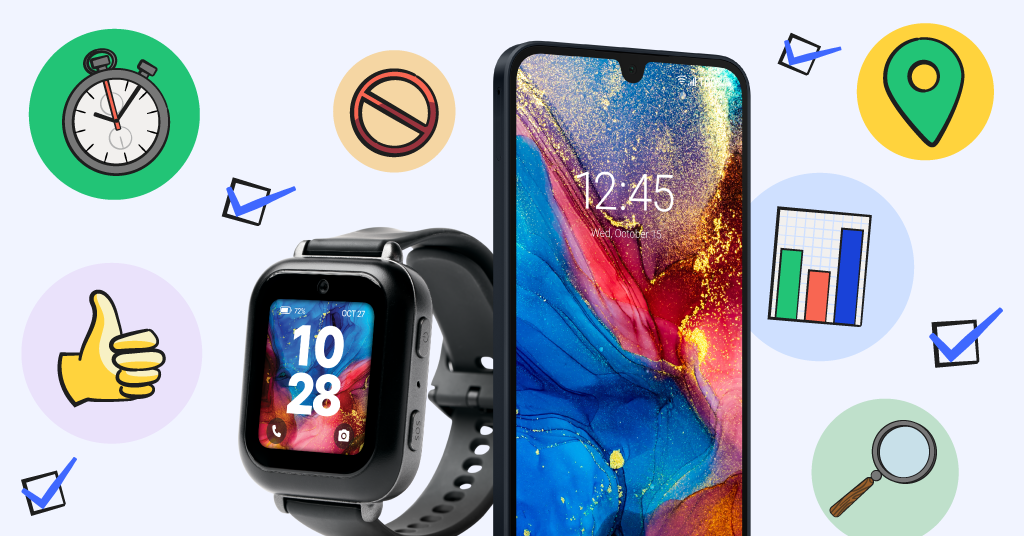
If there’s one thing Bark that Bark values, it’s the voice of real parents who want to raise digitally healthy kids. So when we design our products, we don’t do it in a vacuum — we make sure to listen to what parents like you truly need in safer tech.
That’s why, even since the release of the Bark Phone and Bark Watch, we’ve consistently improved both through updates based on feedback from parents. Here’s just a snapshot of all the great suggestions you gave us that our incredible engineering team brought to life.
Our Most Important Bark Phone Updates
Content monitoring
Content monitoring has always been Bark’s foundation, and we know there are tons of apps out there that parents need more access to in order to keep their kids safer. Many people don’t know that it takes a lot of behind-the-scenes work to monitor and send alerts for an app, but time and time again, our talented engineers find a way. Here are just a few of the apps Bark has added to its ever-growing list of monitored apps:
- Google Meet notes
- Spotify messages
- Chat GPT
- Band app
- Snapchat AI
- Roblox
The Starter Plan
When the Bark Phone was first released, our data plans all included the option for the Bark Phone to have internet and app access. Parents had the choice to allow or block either or both of these to fit their child’s needs. But we quickly realized how many parents wanted something even simpler — just texting, calling, and GPS location tracking. So we added the Starter plan, a phone that has the most basic features. And the best part? Parents can upgrade their plan anytime to use advanced features without even getting a new device.
Screen time controls
Something we’ve learned at Bark is that every family’s screen time habits are as unique and specific as a family’s holiday traditions. It’s never the same family to family, which is why we do our best to make our screen time controls as customizable and granular as possible. Here are just a few features we’ve added:
- Screen time overrides: Perfect for when the schedule changes just for a day and you need a temporary adjustment to one of your usually-consistent screen time rules.
- Automatic call ending for routine changes: No more late-night calls with friends when they’re supposed to be getting sleep for school the next day. Now phone calls will automatically end when your screen time routine kicks in.
- Lock Bark Phone while driving: This one’s for the parents of teen drivers, giving you peace of mind that there’s no chance for screen time while driving.
- Scheduled silent mode: During some parts of the day, kids just don’t need distractions from notifications. Parents can now choose times of day when silent mode automatically turns on.
Location tracking features
Physical safety is just as important as digital safety, which is why we take special care to make sure our location features are as top-notch as possible. Some of these updates have fine-tuned the tracking, and other updates are more about giving you insights into your child’s activities. Today, parents can see their child’s specific activity (walking, driving, biking), summaries of past trips, and their location if they ever have to dial 911.
More granular settings
We improved just about every area of the Bark Phone — contacts, texting, apps, you name it. Here’s just a brief list of all the things we’ve added to give parents even more peace of mind.
- Parents can allow or block the ability to delete text messages.
- Parents can prevent texts and calls from all contacts except emergency contacts.
- Parents can disable voicemail.
- Parents can disable the ability for kids to make contact requests.
- Parents can allow or block airplane mode.
- Parents can lock their account by adding a PIN code to prevent kids from making changes to the controls you set.
Features for the kids
Most of our updates are ones that get parents excited, but we have some that help kids out, too.
- Two-minute screen time warnings: Now, kids will be notified if they’re reaching the end of the screen time limit, as opposed to it shutting off with no warning.
- Screen time insights on your child’s Bark Kids Android app: The Bark Kids app on Android now allows kids to see an overview of their screen time usage, including their total time allowed for apps and how much time they have remaining for the day.
- Whoopee cushion: Want to really make your kid laugh? Toggle on the whoopee cushion option in your dashboard and have your child shake their Bark Phone. Warning: remarkably realistic fart noises should be expected.
Bark Watch Update Highlights
Step counter
The Bark Watch was designed for parents who needed something super simple for their kids. Nothing distracting —just texting, calling, and GPS location tracking. But soon after launch, we realized there were some features that just make sense even for the simplest of watches. So we added a step counter to give kids a fun way to track their activity. After 10,000 steps, their watch will congratulate them with a celebratory animation!
Watch bands
When the Bark Watch was first released, we had a special, limited selection of watch bands: the color black. Now, kids get to more freely express themselves with an array of colors, army green, pomegranate, ocean blue, and colorful stripes. And the best part? You don’t just have to pick one at checkout. You can visit our Bark Store and get any color, any time.
Ready to Get a Bark Phone or Bark Watch For Your Child?
Don’t have a Bark Phone or Bark Watch yet? Get yours today to experience all these features, plus so much more, for yourself! You can also check out our Bark app for iOS and Android for stand-alone devices or the Bark Home for in-home web filtering.
Read more

Bark helps families manage and protect their children’s digital lives.

