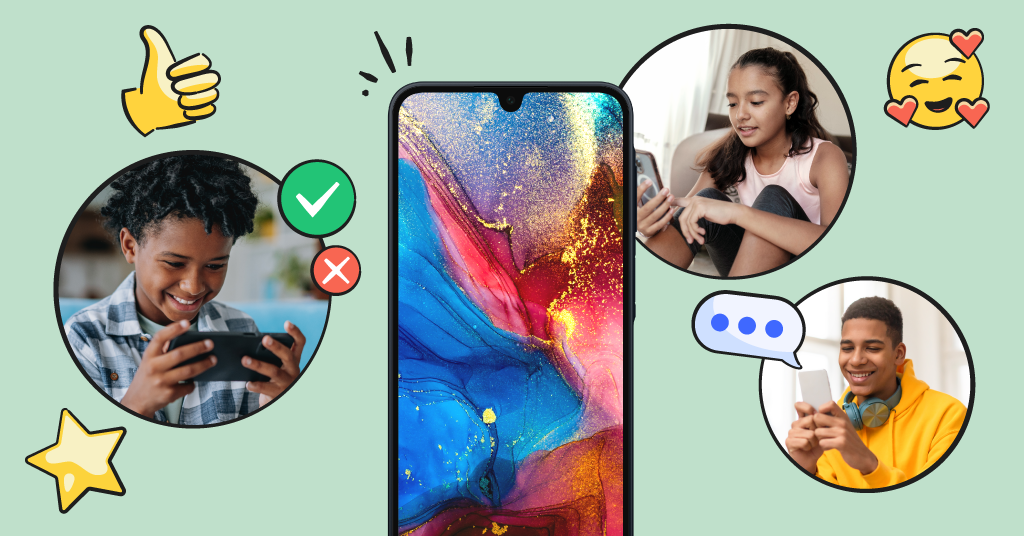
Buying a phone for a kid feels like a one-time decision, but it never really is. The phone that made sense for your 8-year-old with only talk, text, maybe a few games, is nowhere near enough for your 15-year-old, who needs to coordinate rides, join the group chat, and eventually navigate social media responsibly. Most parents solve this by buying a new device every couple of years, hoping the parental controls catch up.
The Bark Phone was built to skip that whole cycle. Instead of a new phone for every stage, it's one phone, one number, and one set of parental controls that simply flex as your child grows. What changes isn't the device in your kid's pocket, it's the plan behind it.
Here are Bark’s available plans:
- Starter: Talk and text only, no internet, no app store. $29/month
- Wi-Fi only: Adds Wi-Fi access for approved apps. $39/month
- 4GB data: Adds cellular data for use outside the home. $49/month
- 8GB data: More data for active users. $59/month
- Unlimited: Full smartphone access with monitoring still in place. $79/month
Here's how those plans (and the features behind them) can meet your kid exactly where they are.
The First Time With a Phone: The Starter Plan
Every kid has to start somewhere, and for a lot of families, that first phone is really just about staying in touch. Maybe your child is walking to school alone for the first time, or splitting time between two households, or just needs a way to text you when practice runs late. They don't need the internet. They need a way to call and text people you trust.
That's exactly what the Bark Phone's Starter plan is for. It's unlimited talk and text with no internet, no app store, and no social media or games to worry about. It's the digital equivalent of training wheels: full communication, zero exposure.
But even texting can become a risky space for young kids without boundaries. On the Starter plan, you can approve contacts and decide whether they can only text family, or if they can also text a couple of friends. You’ll also still get the benefits of Bark’s powerful content monitoring, and receive alerts if there’s any concerning content sent or received in text messages.
The In-Between Phase: Freedom With Guardrails
At some point, "just calls and texts" starts to feel too small. Your kid wants to check the weather, use a school app, message friends on something other than SMS, or download a game their friends are all playing. This is usually where families feel torn — are they ready for the internet, or is that a door you can't unopen?
With Bark, it doesn't have to be all or nothing. Once you move to a plan with Wi-Fi or data access, you can turn on the app store while keeping app approval switched on, meaning every single download request comes to you first. Your kid gets to explore, but only within apps you've said yes to. Want them to have a messaging app and a couple of games, but nothing else? Done. Changed your mind next month? Also done.
This stage is really about giving them a way to start exploring, just within limits you've set. You're not handing over an open internet connection, you're just opening specific, approved doors one at a time. It's a good moment to talk with your kid about why certain apps are okay for now, and others aren't yet, so the conversation feels like teamwork rather than a locked gate.
The Teen Phase: Independence, Still Supervised
Eventually, usually somewhere in the teen years, your kid needs more genuine independence, such as the ability to browse, download apps on their own, and use data outside the house without texting you for permission every time. This is often the hardest stage for parents to sit with, because it can feel like letting go.
The good news: with Bark, letting go of some control doesn't mean losing all of it. Older teens can be given the freedom to make their own decisions with apps and browsing, but that doesn’t mean they don’t still need help navigating the online world. Bark’s monitoring will still be there, working in the background as always, flagging concerns like cyberbullying, predatory behavior, or signs of depression before they spiral. And the older they get, you may not feel the need to get alerts for everything, so you can always adjust the sensitivity of alerts in your dashboard to only get alerted for what’s most important.
And if your teen still needs some structure, such as getting off devices at bedtime so they actually get some sleep, screen time schedules can quietly keep that boundary in place, even when almost everything else has opened up.
This is the phase where Bark shifts from gatekeeper to safety net. Your teen gets to feel trusted, and you still get the alerts that matter.
How to Know When It's Time to Upgrade
There's no magic age or birthday that signals readiness. It's usually a handful of small signs adding up. Maybe your kid keeps asking to look something up online, or their friends have moved on to a group chat app that requires data outside of Wi-Fi, or they need a specific app for their first job. None of these on their own means it’s time for unlimited everything, but together, they're a good cue to look at the next step.
A few questions worth asking yourself before you upgrade:
- Is my kid asking for access because of a real need, or because "everyone else has it"?
- Have they shown they can follow the rules on their current setup?
- Would more data or app access solve an actual problem, like coordinating rides or homework?
If the answer leans yes, it's probably time to move up a plan. If you're not sure, that's fine too. You can always talk to your kid about trying something new on a trial basis, and if it seems they can’t handle the upgrade, then you can go back to what the original setup was.
What Stays the Same When You Upgrade
Here's the part parents love most: none of this requires a new phone. Same device, same phone number, same familiar interface your kid has already gotten used to. Upgrading a plan is just that — a plan change, made in a few taps from the parent app. No trip to the store, no transferring contacts, no re-explaining the rules of a brand-new device.
FAQ
Do I have to upgrade to the next tier eventually?
No. Some families keep their kid on the Starter or Wi-Fi-only plan well into the teen years if that's what works for their household. There's no required timeline, because we know that every family moves at a different pace, and we believe parents should be the ones to decide that.
Can I downgrade if I need to pull back freedoms?
Yes. If your teen isn't handling a new level of access well, you can dial things back at any time, without buying a different phone.
Do I have to wait for the next pay period to change my plan?
No. You can change your plan anytime, right from the Settings tab in the parent dashboard.
Does the monitoring change between plans?
No. All the plans have the same premium monitoring. The only thing that changes is how much internet and data access your child has, not whether Bark is watching for red flags.
Will my kid know if I change a setting?
Bark doesn't require secrecy to work. Many families are upfront with their kids about what's being monitored and why, which tends to build more trust than sneaking around ever does.
Ready to Try the Bark Phone For Yourself?
Every kid grows at their own pace, and their phone should be able to keep up without a full replacement every time they hit a new stage. That's the whole idea behind the Bark Phone — one device that adjusts as your child does, with parental controls and monitoring built in from day one. If you're ready to give your kid a phone that can actually grow with them, check out Bark Phone plans and find the starting point that fits your family right now.
Read more

Bark helps families manage and protect their children’s digital lives.