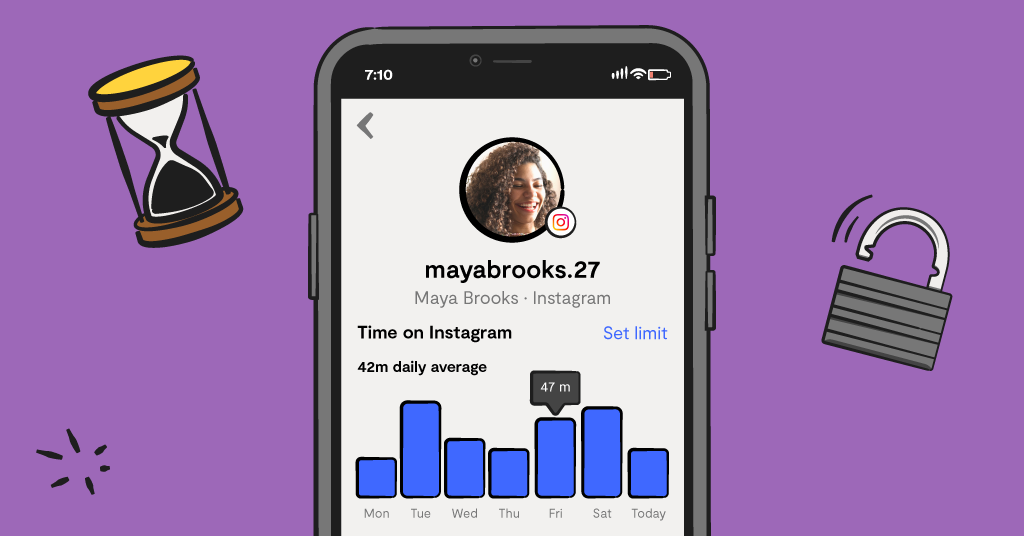
So you finally said yes to Instagram. You probably did what most parents do and Googled, “how to set up parental controls on Instagram.” And often what comes up is a word salad of things like “teen accounts,” “supervision,” “family center.” Helpful-sounding, but not actually clear on what any of it does.
If you’re confused, you’re not alone. Instagram’s controls have been renamed, restructured, and quietly updated many times over the years. You’re not just looking at a simple settings menu, it’s a whole ecosystem of features and account types that depend on your child’s age and even your own access to Instagram.
We’re going to give parents a breakdown of the controls Instagram offers, and what they actually do for families. We hope this gives parents a better understanding of the platform and whether these parental controls are enough for your child.
What Parental Controls Does Instagram Offer?
Instagram offers essentially two forms of parental controls: Teen accounts and Supervision. Both serve different purposes, have different setup requirements, and come with different features. At a high level, Teen accounts are default settings applied to all accounts under age 18. Supervision is under the umbrella of Instagram’s Family Center feature, which is an opt-in system that gives parents more visibility into their child’s activity on the platform.
What Are Instagram Teen Accounts?
First, let’s start with Teen accounts. Teen accounts are the default experience automatically applied to any new user who signs up as under 18. Think of them as built-in guardrails that come pre-installed: sensitive content filters are on, DMs are restricted to people already connected with your teen, a 60-minute daily screen time reminder kicks in, and sleep mode mutes all notifications between 10 p.m. and 8 a.m.
For kids under 16, those defaults can't be changed without a parent's approval, which is actually a meaningful protection that many platforms overlook in their parental controls.
Here are some specifics parents need to know.
Instagram can’t verify age. If your 13-year-old signed up two years ago using a fake birthday, they're not in a Teen Account. They're just a regular account. The protections only exist for kids who actually signed up as minors, and plenty didn't.
Teen accounts are meant to be protective, not transparent. If you only rely on a Teen account for your child’s Instagram, you won’t have any visibility into what they’re actually doing.
What Is Instagram's Supervision?
Supervision is a separate tool, and unlike Teen Accounts, it doesn't set itself up automatically. A parent has to actively initiate it, and the child has to accept the invitation. Both people need Instagram accounts for it to work.
Once connected, parents can see their child's follower and following lists, the accounts they've recently interacted with, and daily or weekly screen time totals. Parents of under-16s can also approve or block specific accounts directly from their own profile.
Now, for some of the limitations that parents need to know:
Supervision shows you patterns, not actual content. Parents can’t see message content, liked posts, DM history, or what your teen is actually looking at.
Teens can disconnect their account from Supervision anytime they want. Unlike Teen accounts that have settings on by default and require parental permission to change or turn off, Supervision gives teens the ability to opt out.
Parents are required to have an Instagram account. If you don’t have an Instagram account, this feature is unavailable, and there’s currently no workaround.
How They're Different — and How They Work Together
Here's the simplest way to think about it: Teen Accounts are protective defaults. Supervision is parent's visibility into patterns. They're designed to complement each other, not replace each other.
Here's something most parents don't realize: if you want to change any of your child's Teen Account settings, you have to go through Supervision to do it. For example, teens can't use Instagram's livestream feature unless a parent grants permission — and that permission only lives inside Supervision. The two tools are more intertwined than Instagram makes obvious.
With both a Teen account and Supervision set up, parents can have a decently comprehensive setup for their child’s Instagram safety. But there’s still a significant gap: neither one shows you what's actually being said. No alerts if something in a conversation looks dangerous. No way to know if a stranger is slowly building trust with your kid, or if your teen is reaching out to someone about something that worries you.
Want to set up these controls for your child’s Instagram account? Check out Bark’s step-by-step tech guide to Instagram parental controls.
A Smarter Approach: Layer Protection With Bark
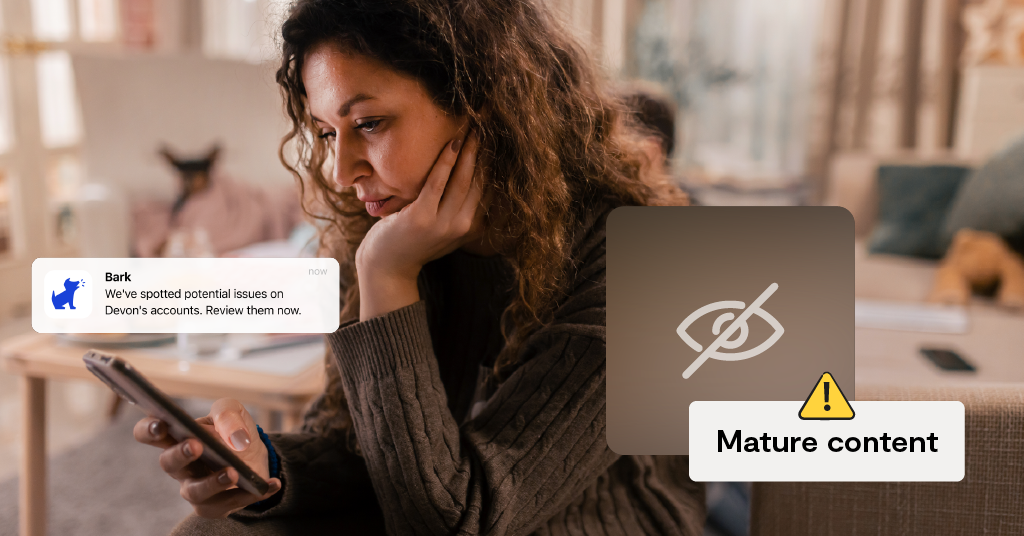
The most effective strategy isn't choosing between Instagram's tools and something else — it's using both. Teen Account defaults plus Supervision setup gives you guardrails and basic visibility. Adding Bark’s content monitoring on top of that allows you to be notified if your child encounters something potentially harmful on the platform. Bark can monitor Instagram on Androids and the Bark Phone, and only alerts parents when it matters most — parents aren’t stuck reading a daily transcript of everything.
Bark offers an entire suite of parental control products to fit any family’s digital safety needs, including the Bark Phone, Bark app, Bark Watch, and Bark Home. Bark is designed to meet your child wherever they are, no matter what age or stage, and grow with them as their needs change. Learn more about Bark’s products and find out which one is best for your family.
Read more


Bark helps families manage and protect their children’s digital lives.