At first glance, YouTube Kids can feel like a safer yes compared to regular YouTube or other streaming apps. You’re not alone if you’ve assumed the bright colors, familiar cartoon icons, and the promise of a separate, kid-friendly version of YouTube meant that the filtering was already taken care of.
And to be fair, YouTube Kids has more controls and parental settings than regular YouTube. But it isn't foolproof. Parents are still finding strange, scary, and flat-out inappropriate videos tucked between the Bluey clips and slime tutorials. Here’s why YouTube Kids can give parents a false sense of security, how questionable content still slips through, and what you can do to help your child have a safer viewing experience.
Is YouTube Kids Safe? Why It Feels Safer Than It Is
YouTube Kids was designed to give younger children a more contained space to watch videos, with content sorted by age group and options for parents to block channels or turn off search. Those tools are genuinely helpful. The problem is that the word "Kids" does a lot of heavy lifting, and it's easy to assume the app is a hand-picked library where every video has been checked by a real person.
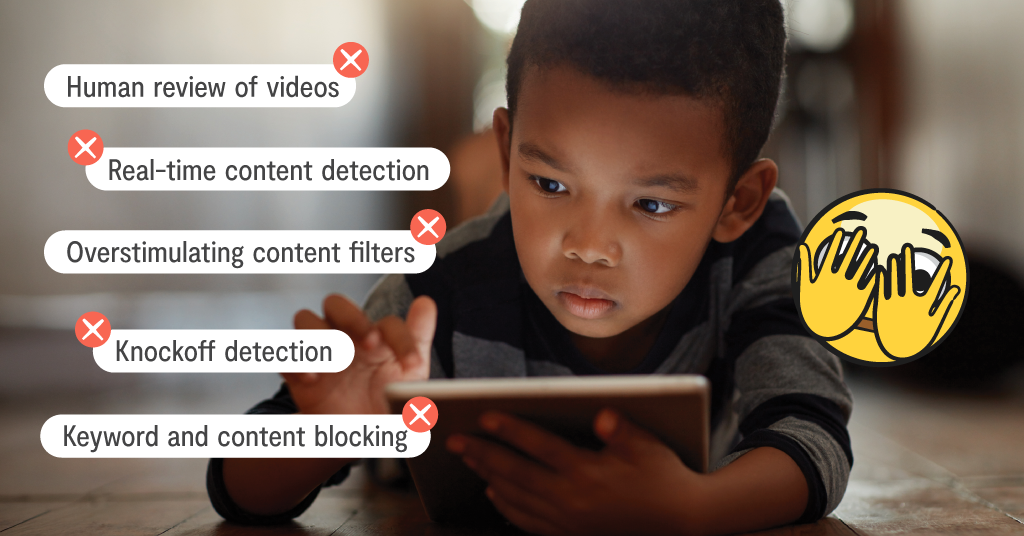
In reality, YouTube Kids relies heavily on automated filters, and with the sheer volume of videos uploaded every day, some things are bound to get past them. That's why so many parents feel caught off guard. They did the "right" thing by choosing the kid version, so it's only natural to relax and let it play while they make dinner or answer a few emails.
How Inappropriate Content Slips Through
Some of the most concerning videos on YouTube Kids don't look concerning at first glance. Creators know which characters, colors, and keywords kids search for, so they borrow them. A thumbnail might show a familiar cartoon character or a cheerful nursery rhyme, while the video itself veers into violence, crude humor, scary imagery, or themes far too mature for a young viewer. Some are knockoffs that start out totally normal, then take a turn halfway through that filters often miss.
Researchers have looked at this exact problem. One study of toddler-targeted videos on YouTube found that a child clicking through recommendations, starting from a search as innocent as Peppa Pig, had a 3.5% chance of landing on an inappropriate video within ten clicks. That may sound small, but kids rarely stop at ten. Over weeks of daily viewing, those odds add up.
The Algorithm Is Built to Keep Kids Watching
Even when the content itself is harmless, the way YouTube Kids serves it up can be a slippery slope. Autoplay and personalized recommendations mean the next video is always queued and ready to go, and young kids simply don't have the impulse control to decide they've had enough.
This is how a quick 10-minute break turns into an hour-long rabbit hole. Many popular kids' videos are fast-paced, loud, and packed with nonstop novelty, which can make it harder for kids to switch gears afterward. If you've noticed meltdowns when the tablet gets taken away, or your child barely responding when you call their name, you're not alone. Turning off autoplay and using the app's built-in timer can make a real difference.
What Parents Are Seeing Firsthand
In our Facebook group, Parenting in a Tech World, YouTube Kids comes up again and again. Parents have shared stories of beloved characters showing up in disturbing situations, videos with language they'd never allow at home, and clips that left their kids too scared to sleep alone. Many of them say the same thing: they had no idea until their child mentioned it, or until they happened to walk past the screen at just the right moment.
These stories aren't meant to scare anyone off the app entirely. They're a reminder that you're not overreacting if something feels off, and that plenty of other parents are navigating the same thing. Sometimes it helps just to know you're not the only one who's had to take the iPad away mid-video.
How to Make YouTube Kids a Safer Experience
YouTube Kids can still have a place in your family's routine. It just works best as something you supervise, not a babysitter you trust completely. Here are a few ways to stay involved:
- Keep viewing in shared spaces like the living room or kitchen, not alone in bedrooms where it's easy for a video to go unnoticed (and for one more episode to turn into ten).
- Use the app's built-in settings. Pick the right age level, consider the "Approved content only" mode for younger kids, turn off search, and block any channel that rubs you the wrong way.
- Watch together every now and then. Co-viewing gives you a feel for what your child loves and what the algorithm is actually serving up.
- Talk about weird content before it happens. Let your child know that sometimes videos get strange or scary, and they won't be in trouble for telling you.
That last one matters more than it might seem. Kids who are worried about losing their tablet may keep quiet about what they saw, so keeping these conversations calm and judgment-free makes it far more likely they'll come to you.
How Bark Can Help
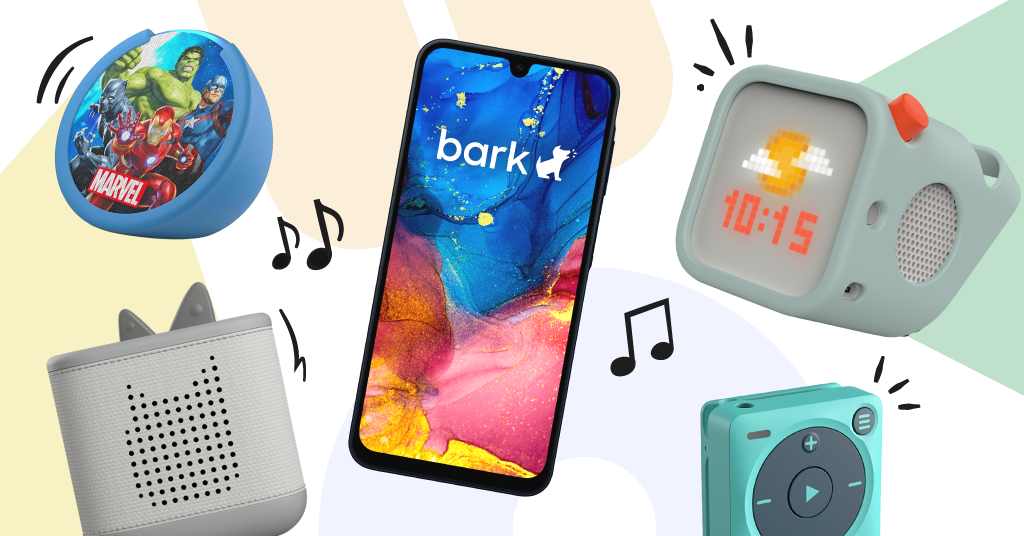
Even the most attentive parent can't watch every second of screen time, and that's where Bark comes in. With Bark's screen time scheduling, you decide when devices are usable, so YouTube Kids isn't an all-day option. Bark Home lets you manage your home internet accessi by device, making it easier to stick to screen-free times like dinner and bedtime. And when your child is ready for their first phone, the Bark Phone comes with built-in parental controls that help you stay in the loop as they grow. Learn more about Bark’s entire suite of parental control products today.
Read more
Bark helps families manage and protect their children’s digital lives.