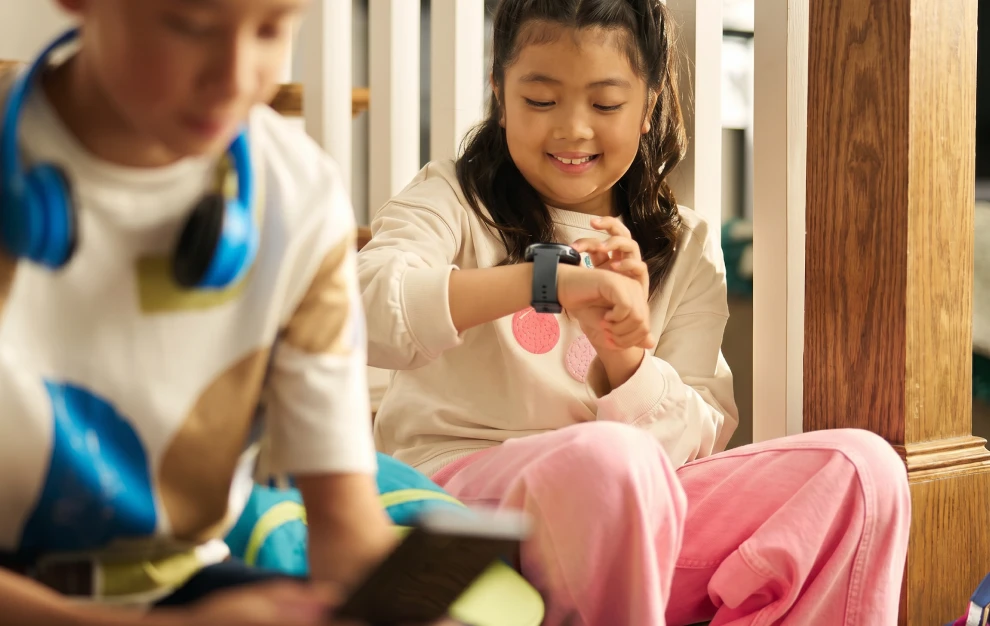
Your preschooler may still need help zipping up their jacket, but finding their favorite show on a tablet? Somehow, they’ve got that covered. Knowing where to tap, though, doesn’t mean they understand everything that can happen next.
An unfamiliar video, a tempting pop-up, or a request to turn on the camera can leave them with a decision they aren’t ready to make. That’s where early conversations about online safety come in. A few simple words, practiced during everyday moments, can help your child learn when to pause and ask for help.
Why Online Safety Conversations Should Start in Preschool
It’s easy to think online safety can wait until your child has a device of their own, but a borrowed tablet or a video on the family TV can bring the online world into their day long before their first day of kindergarten. A 2025 study by the Children’s Hospital of Chicago confirms that screens are finding their way into the hands of kids younger than ever, with 59% of kids using screens by age 3 and 84% of kids age 2 to 4 watching YouTube regularly.
A child’s ability to navigate a screen doesn’t mean they can judge what’s safe yet. A colorful ad may look like part of a game, and a recommended video may seem like another episode of a favorite show. In a University of Michigan study, researchers reviewed 135 apps marketed to or played by children ages 5 and under and found that 95% included at least one form of advertising, with 30% prompting in-app purchases.
Starting now gives your child chances to practice asking for help while you’re right there beside them. A simple “Let’s look at that together” lets you explain what a button or ad actually does. It also gives you a chance to show that questions and mistakes are safe to talk about, building trust before your child explores more independently.
Start With the Screens They Already Use
Talking about online safety with preschoolers works best when it connects to something they recognize. Start during an activity you already share, like choosing a YouTube video or calling a grandparent. You might say, “This tablet can show us videos and help us talk to people. I’ll help you choose what to watch and who to talk to.” You don’t need to cover every risk at once. Pick one idea that fits the moment, then build on it another day.
Make Asking First an Everyday Habit
A preschooler doesn’t need to decide whether a new app, message, or button is trustworthy. An adult can handle that decision. Explain to your child that they need to come to you before opening anything new, and then explain what “new” looks like on their screen. It could be another game, a box that appears over a video, or a message from someone. If anyone contacts them, even someone they recognize, have them bring the device to you before responding. Keeping the rule consistent means they don’t have to decide which messages are safe on their own.
Help Them Make Sense of What They See
Even a video that starts with a familiar cartoon can include an ad or lead to something your child wasn’t expecting. Watching together gives you a chance to notice those moments and explain what’s happening. The American Academy of Pediatrics encourages parents to talk with toddlers and preschoolers about what they see in media, including advertising.
When an ad interrupts a game, point out that it’s trying to sell something and that your child doesn’t need to tap it. If a video shows someone doing something risky, explain that seeing it online doesn’t make it safe to try. Keep your explanation short and connected to what’s on the screen.
Give Them a Plan for Something Upsetting
While rules and boundaries can go a long way, it’s also wise to offer a next step if something inappropriate, scary, or confusing comes up on your child’s device. It can be as simple as: “If something scares you or you don’t understand it, put the tablet down and come get me.” Make sure they know this applies even if they tapped something they weren’t supposed to. If they do come to you, start with, “I’m glad you told me. You’re not in trouble for asking for help.” Responding calmly helps make it easier for them to speak up again.
Back Up the Conversation With Adult Boundaries
Clear, consistent boundaries help little ones know what to expect each time they pick up a device. Choose age-appropriate content, use devices together in shared spaces, and check privacy and parental control settings. Where available, disable autoplay, turn off chat, and require adult approval for downloads and purchases.
Tell other caregivers which rules you’re practicing so your child hears the same message at Grandma’s house or with a babysitter. Keep the reminders brief: “Before we start, who can you ask if you need help?” The goal is a familiar routine you can practice together.
How Bark Can Help
Bark’s screen time and website-blocking tools can help parents set schedules and limit access to apps and sites on supported devices. Those controls can support the boundaries you’re teaching while you stay involved in what your preschooler watches and plays. Explore Bark’s suite of tools and devices to find the right setup for your family.
Read more

Bark helps families manage and protect their children’s digital lives.