“Can I walk to Maya’s house by myself?” It’s three blocks away. Your kid knows the route. Still, your brain has already supplied six reasons to say no, including the fact that this is the same child who needed help finding the shoes currently on their feet.
It’s natural to feel proud of their growing confidence and nervous about letting go. The good news? Your kid’s desire for freedom and your need to know they’re safe can work together. With clear expectations, a little practice, and the right tech to stay connected, you can help them build the judgment to handle more independence.
Why Small Freedoms Matter
Small freedoms give kids practice making decisions, following through, and handling problems without immediately turning to you. Those experiences can help them build confidence in their own abilities. A review of 36 studies found that children whose parents supported their growing autonomy tended to feel more capable and have better psychological well-being.
Of course, those benefits don’t erase your worries. What if someone approaches them? What if they need help but can’t reach you? Hearing that another parent already lets their child bike everywhere alone can make the decision feel even more complicated. You don’t have to follow another family’s timeline or choose between freedom and safety. Start with what your child can handle, then put support in place.
How Tech Fits Into Those First Steps Toward Independence
Early independence usually starts with everyday requests: walking to a friend’s house, biking around the neighborhood, staying home during a quick errand, or getting to school without you. Each requires different preparation. A child who follows a familiar walking route confidently may still feel nervous home alone. Before saying yes, consider the surroundings, your child’s judgment, and whether they know what to do if plans change.
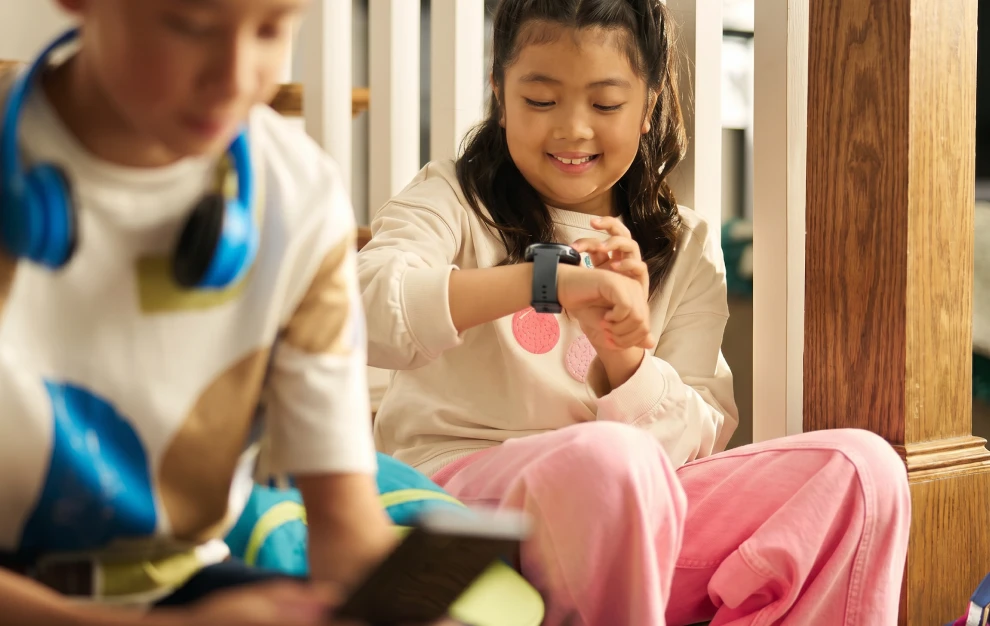
Once your child is ready, a communication device can make the transition easier. They can tell you they’ve arrived, ask permission to stay longer, or call if practice ends early. That doesn’t necessarily require a smartphone. If your child mainly needs to reach a few trusted people, a kid-friendly smartwatch can cover those basics without introducing social media, web browsing, and app downloads.
The Bark Watch, for example, offers calling and texting with parent-approved contacts, plus location tracking. With no games, social media, or web browser, it helps kids stay connected while keeping their attention on what they’re out doing. If your child’s needs are already stretching beyond those basics, our guide to moving from a watch to a phone can help you decide whether it’s time for the next step.
Setting Up Tech to Support Independence
Before that first outing, sit down together and make sure your child knows how to use their device and what you expect. A little setup now can save you both a lot of “Why didn’t you answer?” later.
- Build their contact list together. Add you and another trusted adult who has agreed to be backup. Practice calling and texting, including what to do if you don’t answer.
- Make check-ins specific. “Text me when you get there” is easier to follow than “Keep me updated.” Agree on a return time and make clear that going somewhere else requires permission.
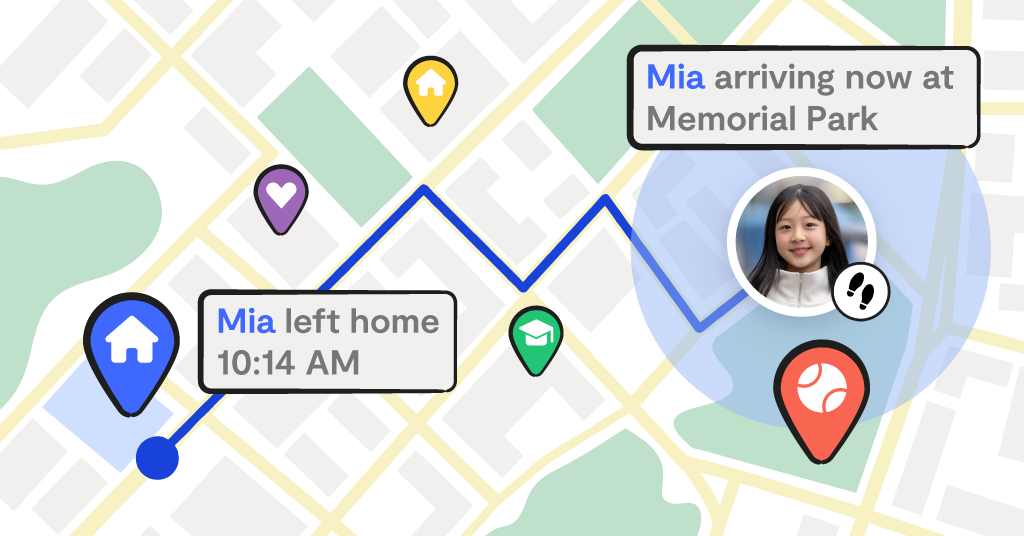
- Explain location sharing. Show your child what you can see and why you’re using it. On devices that support them, location alerts can confirm arrivals without requiring repeated messages.
- Practice the unexpected. Ask, “What would you do if your battery died?” or “What if someone offered you a ride?” Give them time to answer, then work through the plan together.
Keep those plans concrete. Identify a staffed business or trusted adult they could turn to if lost. Make sure they know your phone number. Explain that they need your permission before accepting a ride or changing destinations, even with someone they recognize.
Bark’s location-sharing tools can help take some of the mental load out of these new routines. Parents can save familiar places and receive arrival or departure alerts on supported devices.
Knowing When to Expand Freedom One Step at a Time
After a few successful outings, your kid may start asking for more: a longer bike ride, another app, or a phone. Look at how they’re handling the freedom they already have. Are they checking in consistently? Coming home when agreed? Taking care of their device and telling you when something goes wrong? If they want a phone, can they explain a specific need their watch doesn’t meet?
These are useful conversation starters, not a requirement to be perfect. A missed check-in might mean you need to practice the routine again. Consistent follow-through might mean it’s time to try the next step. Expand one thing at a time so expectations stay clear. A longer outing doesn’t have to come with more apps, and a first phone doesn’t have to include unrestricted browsing.
As you introduce access, Bark’s screen-time tools can help you set schedules, while content monitoring can alert you to potential concerns on supported devices and services. Explain those protections to your child and use alerts as a starting point for conversations.
Give Them Room to Grow With Backup in Place
That first “Made it!” text is a milestone for both of you. Your child gets to feel capable, and you get to see the preparation paying off. The right support can help you say yes to more of those moments as they’re ready. Whether you’re considering a Bark Watch, exploring the Bark Phone, or adding protection to an existing device with the Bark app’s seven-day free trial, there are options for each stage. Take our product quiz or explore Bark’s full product suite to find what fits your family.
Read more

Bark helps families manage and protect their children’s digital lives.