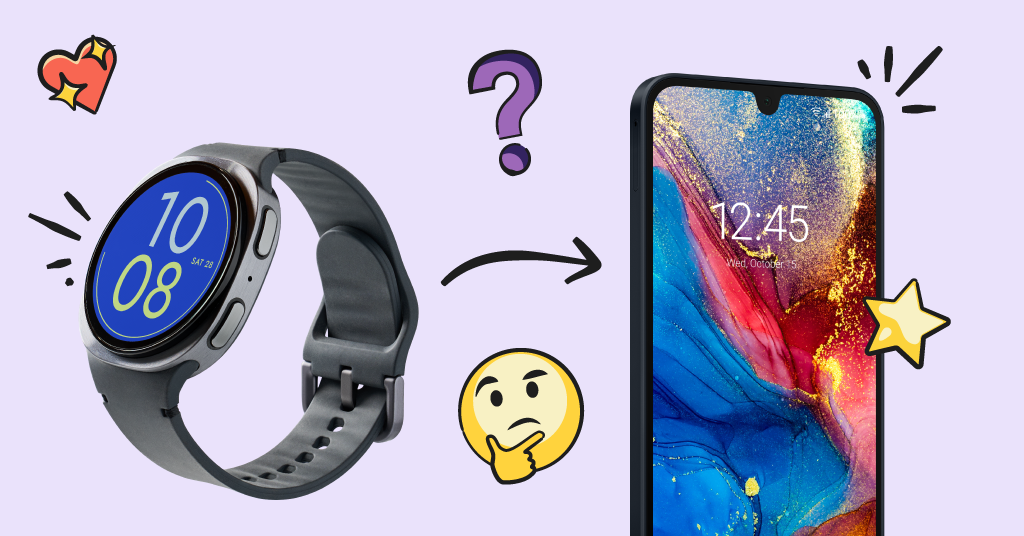
There's a specific moment many parents dread: the day their kid says, "Everyone else has a phone." And somehow, it always seems to come too soon after finally allowing them to have a smart watch. But eventually, that smart watch will start to feel like it can’t keep up with your child.
The good news? There's no universal age when this has to happen, and there's no single "right" moment that works for every family. What matters is knowing what to look for, understanding what a phone actually gives your kid that a watch doesn't, and having a plan for how to make the jump without handing over the digital keys to the kingdom all at once. This post breaks down exactly that.
Smart Watch vs Smartphone for Kids: What Actually Changes
The first thing that’s helpful to know is what’s actually different between a smartphone and smart watch, because the jump is bigger than most parents realize.
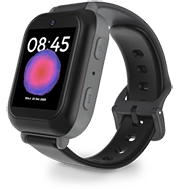
A kid-friendly smart watch is built for kids who need to be reachable, not connected. Most smart watches (like the Bark Watch) handle calls and texts with a small, approved contact list, plus location sharing so parents always know where their kid is. There's no app store, no social media, no open internet browsing. It's a tool for logistics: “Can you pick me up at 4? I'm at Maya's house.”
A smartphone is where the door opens to be truly connected. Now there are possibilities for group chats, downloading apps, browsing the web, and eventually social media. It's not just a communication upgrade, it's an independence upgrade. That's exactly why this transition deserves more thought than "well, they're twelve now."
Signs Your Kid Is Ready for a Smartphone
So how do you know they're ready to graduate? A few signs tend to show up together, not in isolation:
- They've earned trust with the watch. They've followed the rules around who they can contact, when it's used, and where it goes (not "lost" three times this semester).
- Their world is getting bigger. More time at friends' houses, walking to activities solo, or starting a school where a watch's limited contact list doesn't cut it anymore.
- They're asking for specific things a watch can't do. Group chats with the whole soccer team. A photo app. The ability to actually text a picture instead of describing it.
- They can hold a conversation about consequences. If you ask "what would you do if a stranger messaged you?" and they have a real answer, that says a lot.
None of these alone means "give them a smartphone tomorrow." But when a parent starts seeing two or three of these at once, it's usually a sign the watch has done its job, and it's time to talk about next steps.
Easing the Transition (Without Handing Over Everything at Once)
Here's the part that trips up a lot of parents: they treat the watch-to-phone jump as an on/off switch. One day, limited watch. Next day, full smartphone with unrestricted everything. That's a lot of change to absorb at once, for both of you.
A gentler approach is to start with a kid-friendly smartphone — one that has guardrails built-in, not a regular smartphone with parental controls added as an afterthought. This includes things like restricted contacts, limited app access, and the ability to decide if social media is allowed. Start small, then permissions can expand gradually as they prove they can handle it.
Hint: This is exactly what the Starter plan is for on the Bark Phone. This plan is as limited as a smartphone can get — no access to the app store or web browsers. It’s designed to be the perfect stepping stone between the Bark Watch and a more unrestricted smartphone.
It's also worth pairing this with clear expectations before the device is even in their hands. Setting up screen time limits can help make sure the phone isn't glued to their palm at dinner or 11 p.m. on a school night, and putting that structure in place early is a lot easier than trying to back-track and add it later.
Quick Answers: Watch-to-Phone FAQ
What age should kids get a phone?
It varies widely by family and circumstances, but many parents make the switch to a smartphone somewhere between 5th and 8th grade, often tied to a life change like starting a new school or gaining more independence through extracurriculars, sports, friends, etc.
Is a smart watch enough for a 10-year-old?
For a lot of 10-year-olds, yes. If their world is still mostly home, school, and a few activities, a watch can cover the basics of staying in touch without the added complexity of a full phone.
What's the safest first phone for a kid?
A device built specifically for kids, with parental controls built in from the start, is generally a safer starting point than handing over a standard smartphone and adding restrictions after the fact.
Should I let my kid have social media once they get a phone?
Not necessarily, and often not right away. Many parents start with texting and calling only, then introduce specific apps one at a time as trust builds.
Ready to Make the Move?
Wherever your kid lands on this spectrum, still watch-ready or clearly asking for more, Bark designed a smart watch and smartphone specifically to meet kids' needs at each stage. The Bark Watch offers the connection and location-sharing younger kids need without the risks of an open smartphone, and the Bark Phone is built to help ease that next transition with real parental controls in place from day one. Or, if you’re looking for more reliable parental controls on a stand-alone device your child already has, the Bark app offers premium content monitoring and controls. Explore our suite of products to find the right fit for where your kid is right now, and where they're headed next.
Read more

Bark helps families manage and protect their children’s digital lives.